







Question: Independent Challenge 2 As you continue developing the Web site for the Murfreesboro Regional Soccer League, create to anchors. You also incorporate features to make
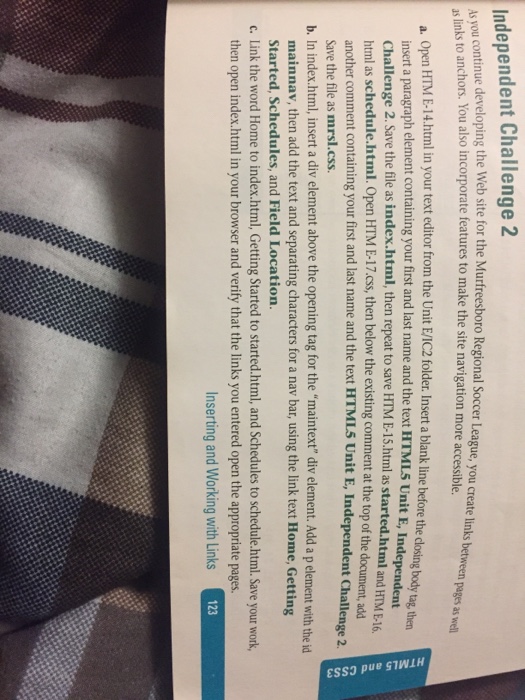
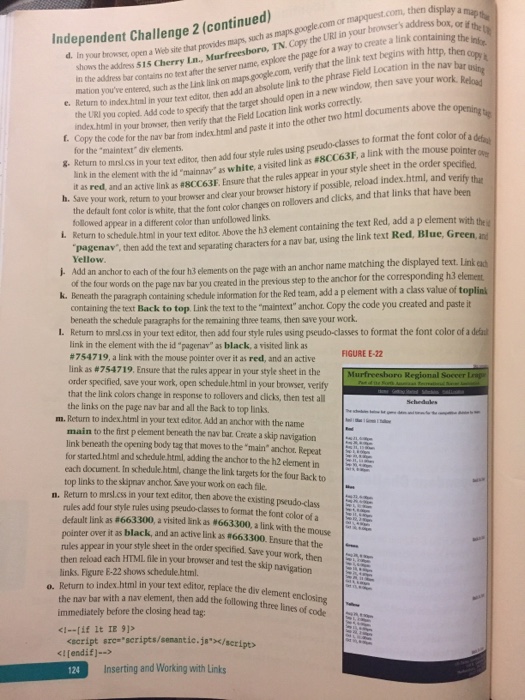
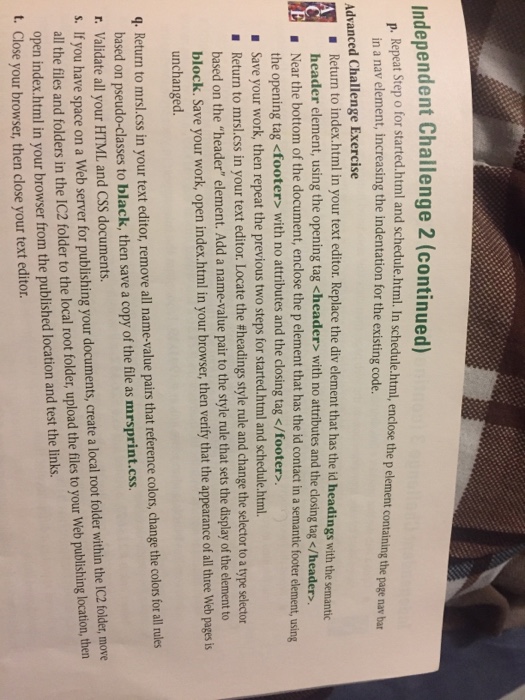
Independent Challenge 2 As you continue developing the Web site for the Murfreesboro Regional Soccer League, create to anchors. You also incorporate features to make the site navigation more accessible links between pages as wem a. open HTM E14html in your text editor from the Unit EMIC2 folder Insert a blank line before closing body then the insert a paragraph element containing your first and last name and the text HTML5 Unit E, Independent Challenge 2. Save the file as index.html, then repeat to save html as started.html and HME16 html as schedule.html. open HTM 17 css, then below the existing comment at the top of the document, add another comment containing your first and last name and the text HTML5 Unit E, Independent Challenge 2. Save the mrsl.css. b. In index.html, insert a div element above the opening tag for the "maintext" div element. Add apelement with the id mainnav, then add the text and separating characters for a nav bar, using the link text Home,Getting Started, Schedules, and Field Location. c. Link the word Home to index.html, Getting Started to started.html, and Schedules to schedule.html. Save your work, then open index.html in your browser and verify that the links you entered open the appropriate pages. nserting and Working with Links
Step by Step Solution
There are 3 Steps involved in it

Get step-by-step solutions from verified subject matter experts
 Study Help