







Question: Instructions - - - DO NOT HARDCODE ANYTHING 1 Create a Pivot Table Using All Data in the Sales Transactions tab. Once created, please name
Instructions DO NOT HARDCODE ANYTHING
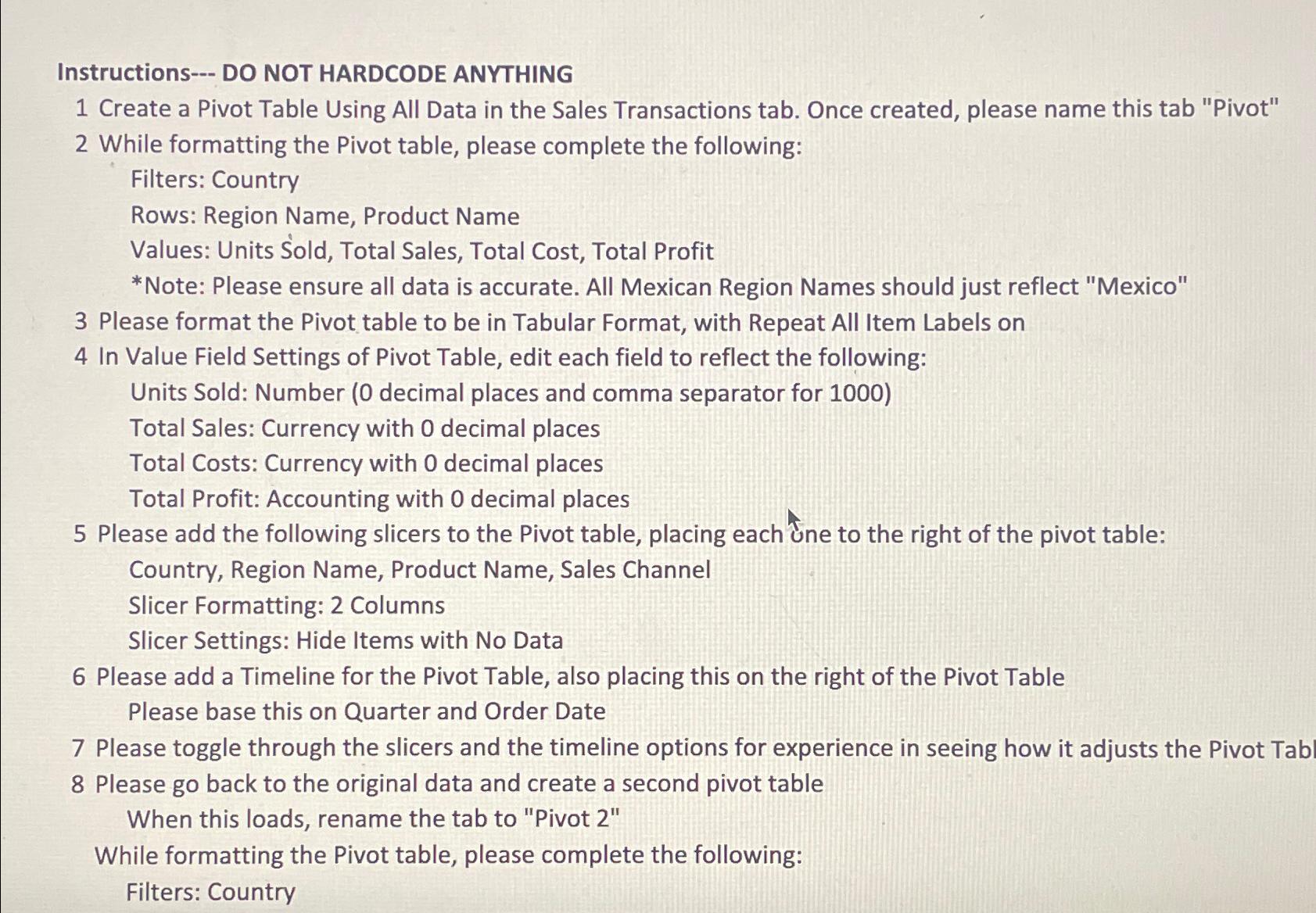
Create a Pivot Table Using All Data in the Sales Transactions tab. Once created, please name this tab "Pivot"
While formatting the Pivot table, please complete the following:
Filters: Country
Rows: Region Name, Product Name
Values: Units Sold, Total Sales, Total Cost, Total Profit
Note: Please ensure all data is accurate. All Mexican Region Names should just reflect "Mexico"
Please format the Pivot table to be in Tabular Format, with Repeat All Item Labels on
In Value Field Settings of Pivot Table, edit each field to reflect the following:
Units Sold: Number decimal places and comma separator for
Total Sales: Currency with decimal places
Total Costs: Currency with decimal places
Total Profit: Accounting with decimal places
Please add the following slicers to the Pivot table, placing each une to the right of the pivot table:
Country, Region Name, Product Name, Sales Channel
Slicer Formatting: Columns
Slicer Settings: Hide Items with No Data
Please add a Timeline for the Pivot Table, also placing this on the right of the Pivot Table
Please base this on Quarter and Order Date
Please toggle through the slicers and the timeline options for experience in seeing how it adjusts the Pivot Tab
Please go back to the original data and create a second pivot table
When this loads, rename the tab to "Pivot
While formatting the Pivot table, please complete the following:
Filters: Country
Step by Step Solution
There are 3 Steps involved in it
1 Expert Approved Answer
Step: 1 Unlock

Question Has Been Solved by an Expert!
Get step-by-step solutions from verified subject matter experts
Step: 2 Unlock
Step: 3 Unlock
 Study Help