







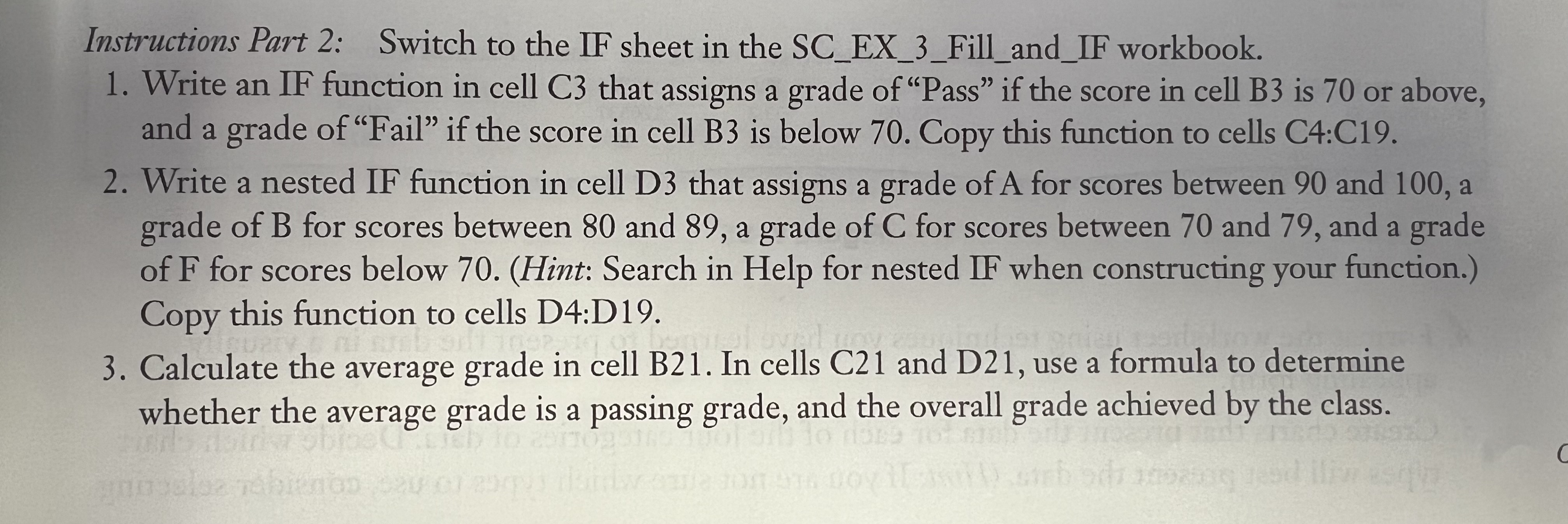
Question: Instructions Part 2 : Switch to the IF sheet in the SC _ EX _ 3 _ Fill _ and _ IF workbook. Write an
Instructions Part : Switch to the IF sheet in the SCEXFillandIF workbook.
Write an IF function in cell C that assigns a grade of "Pass" if the score in cell B is or above,
and a grade of "Fail" if the score in cell B is below Copy this function to cells C:C
Write a nested IF function in cell D that assigns a grade of A for scores between and a
grade of B for scores between and a grade of for scores between and and a grade
of for scores below Hint: Search in Help for nested IF when constructing your function.
Copy this function to cells D:D
Calculate the average grade in cell B In cells C and D use a formula to determine
whether the average grade is a passing grade, and the overall grade achieved by the class.
Step by Step Solution
There are 3 Steps involved in it
1 Expert Approved Answer
Step: 1 Unlock

Question Has Been Solved by an Expert!
Get step-by-step solutions from verified subject matter experts
Step: 2 Unlock
Step: 3 Unlock
 Study Help