







Question: IP address configuration - Assign any valid IP address from your subnets ( Ipv 4 and Ipv 6 ) within. each LAN to the hosts
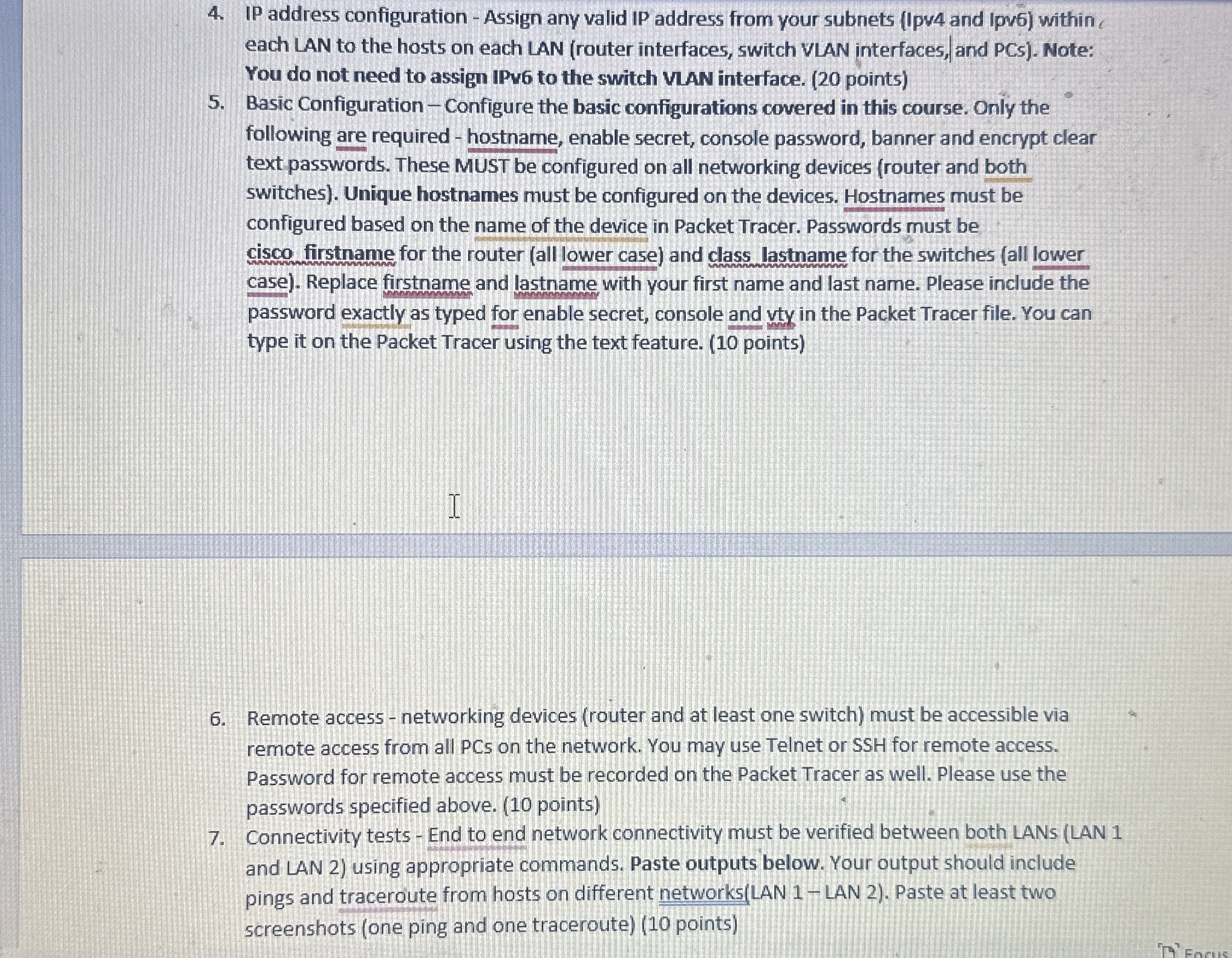
IP address configuration Assign any valid IP address from your subnets Ipv and Ipv within. each LAN to the hosts on each LAN router interfaces, switch VLAN interfaces, and PCs Note: You do not need to assign IPv to the switch VLAN interface.
Basic Configuration Configure the basic configurations covered in this course. Only the following are required hostname, enable secret, console password, banner and encrypt clear text passwords. These MUST be configured on all networking devices router and both switches Unique hostnames must be configured on the devices. Hostnames must be configured based on the name of the device in Packet Tracer. Passwords must be cisco firstname for the router all lower case and class lastname for the switches all lower case Replace firstname and lastname with your first name and last name. Please include the password exactly as typed for enable secret, console and vty in the Packet Tracer file. You can type it on the Packet Tracer using the text feature.
Remote access networking devices router and at least one switch must be accessible via remote access from all PCs on the network. You may use Telnet or SSH for remote access. Password for remote access must be recorded on the Packet Tracer as well. Please use the passwords specified above. points
Connectivity tests End to end network connectivity must be verified between both LANs LAN and LAN using appropriate commands. Paste outputs below. Your output should include pings and traceroute from hosts on different networksLAN LAN Paste at least two screenshots one ping and one traceroute
Step by Step Solution
There are 3 Steps involved in it
1 Expert Approved Answer
Step: 1 Unlock

Question Has Been Solved by an Expert!
Get step-by-step solutions from verified subject matter experts
Step: 2 Unlock
Step: 3 Unlock
 Study Help