







Question: (JAVA JAVAFX) How do I get a normal javafx (.java) file to open up when the button is clicked? FXMLController.java FILE package questionopenjavafile; import java.net.URL;
(JAVA JAVAFX) How do I get a normal javafx (.java) file to open up when the button is clicked?
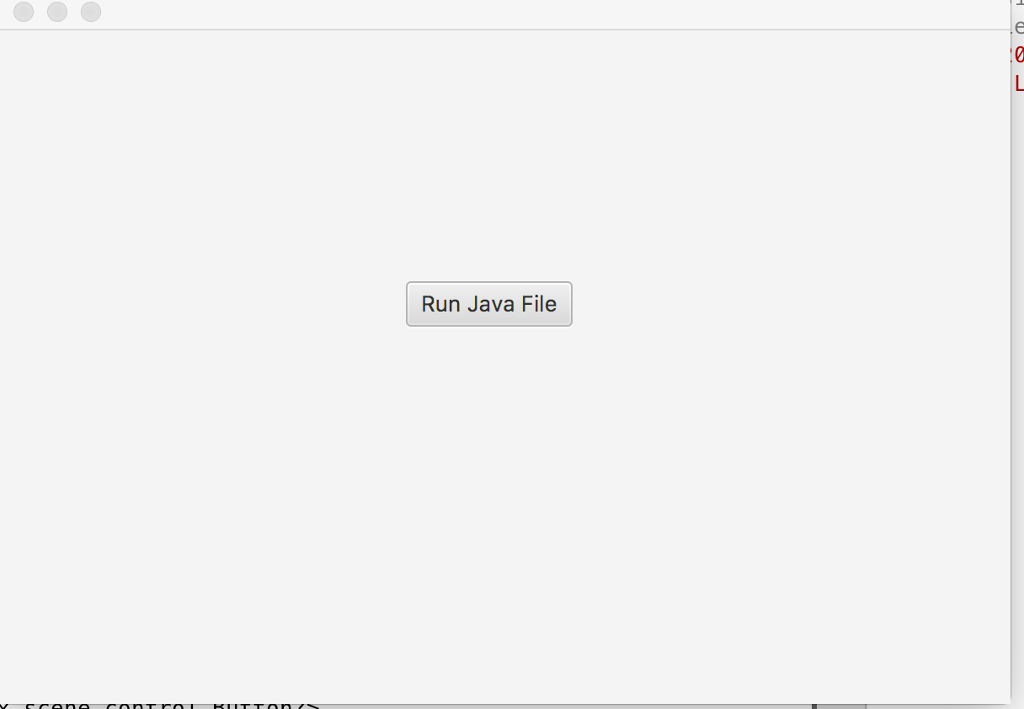
FXMLController.java FILE package questionopenjavafile;
import java.net.URL; import java.util.ResourceBundle; import javafx.fxml.Initializable;
/** * FXML Controller class * * @author AndrewCook */ public class FXMLController implements Initializable {
/** * Initializes the controller class. */ @Override public void initialize(URL url, ResourceBundle rb) { // TODO } }
runFile.java FILE package questionopenjavafile;
/* * To change this license header, choose License Headers in Project Properties. * To change this template file, choose Tools | Templates * and open the template in the editor. */
import javafx.application.Application; import static javafx.application.Application.launch; import javafx.fxml.FXMLLoader; import javafx.scene.Parent; import javafx.scene.Scene; import javafx.stage.Stage;
public class runFile extends Application { @Override public void start(Stage stage) throws Exception { Parent root = FXMLLoader.load(getClass().getResource("FXML.fxml")); Scene scene = new Scene(root); stage.setScene(scene); stage.show(); }
/** * @param args the command line arguments */ public static void main(String[] args) { launch(args); } }
FXML.fxml FILE
Run Java File
Step by Step Solution
There are 3 Steps involved in it

Get step-by-step solutions from verified subject matter experts
 Study Help