







Question: JavaFX language Your program will fill up a window with 1000 circles with different colors and different sizes. 1) Declare and initialize two int variables
JavaFX language
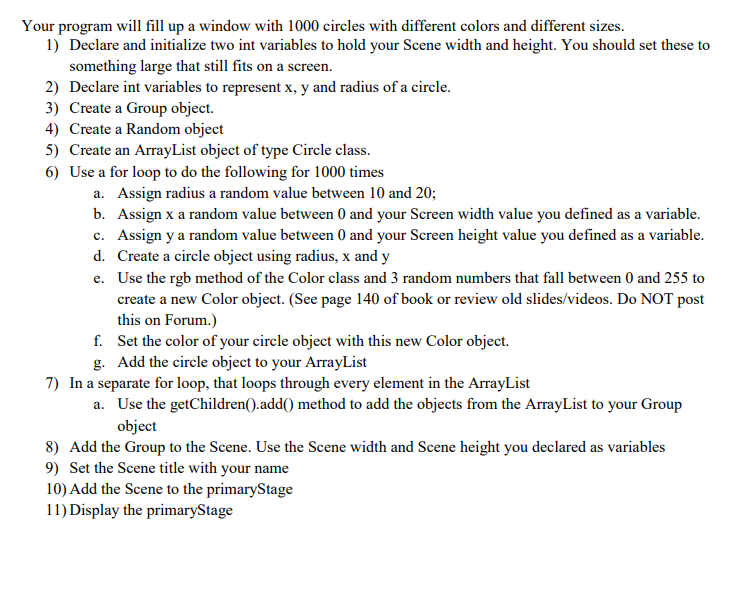
Your program will fill up a window with 1000 circles with different colors and different sizes. 1) Declare and initialize two int variables to hold your Scene width and height. You should set these to something large that still fits on a screen. 2) Declare int variables to represent x, y and radius of a circle 3) Create a Group object. 4) Create a Random object 5) Create an ArrayList object of type Circle class. 6) Use a for loop to do the following for 1000 times a. b. c. d. e. Assign radius a random value between 10 and 20; Assign x a random value between 0 and your Screen width value you defined as a variable Assign y a random value between 0 and your Screen height value you defined as a variable Create a circle object using radius, x and y Use the rgb method of the Color class and 3 random numbers that fall between 0 and 255 to create a new Color object. (See page 140 of book or review old slides/videos. Do NOT post this on Forum.) f. Set the color of your circle object with this new Color object. Add the circle object to your ArrayList 7) In a separate for loop, that loops through every element in the ArrayList a. Use the getChildren().add0 method to add the objects from the ArrayList to your Group object 8) Add the Group to the Scene. Use the Scene width and Scene height you declared as variables 9) Set the Scene title with your name 10) Add the Scene to the primaryStage 11) Display the primaryStage Your program will fill up a window with 1000 circles with different colors and different sizes. 1) Declare and initialize two int variables to hold your Scene width and height. You should set these to something large that still fits on a screen. 2) Declare int variables to represent x, y and radius of a circle 3) Create a Group object. 4) Create a Random object 5) Create an ArrayList object of type Circle class. 6) Use a for loop to do the following for 1000 times a. b. c. d. e. Assign radius a random value between 10 and 20; Assign x a random value between 0 and your Screen width value you defined as a variable Assign y a random value between 0 and your Screen height value you defined as a variable Create a circle object using radius, x and y Use the rgb method of the Color class and 3 random numbers that fall between 0 and 255 to create a new Color object. (See page 140 of book or review old slides/videos. Do NOT post this on Forum.) f. Set the color of your circle object with this new Color object. Add the circle object to your ArrayList 7) In a separate for loop, that loops through every element in the ArrayList a. Use the getChildren().add0 method to add the objects from the ArrayList to your Group object 8) Add the Group to the Scene. Use the Scene width and Scene height you declared as variables 9) Set the Scene title with your name 10) Add the Scene to the primaryStage 11) Display the primaryStage
Step by Step Solution
There are 3 Steps involved in it

Get step-by-step solutions from verified subject matter experts
 Study Help