







Question: JavaScript DOM Manipulation and JavaScript Events Change the background color of the page to light-blue ( #99ecff ) when clicked on the text that says
JavaScript DOM Manipulation and JavaScript Events
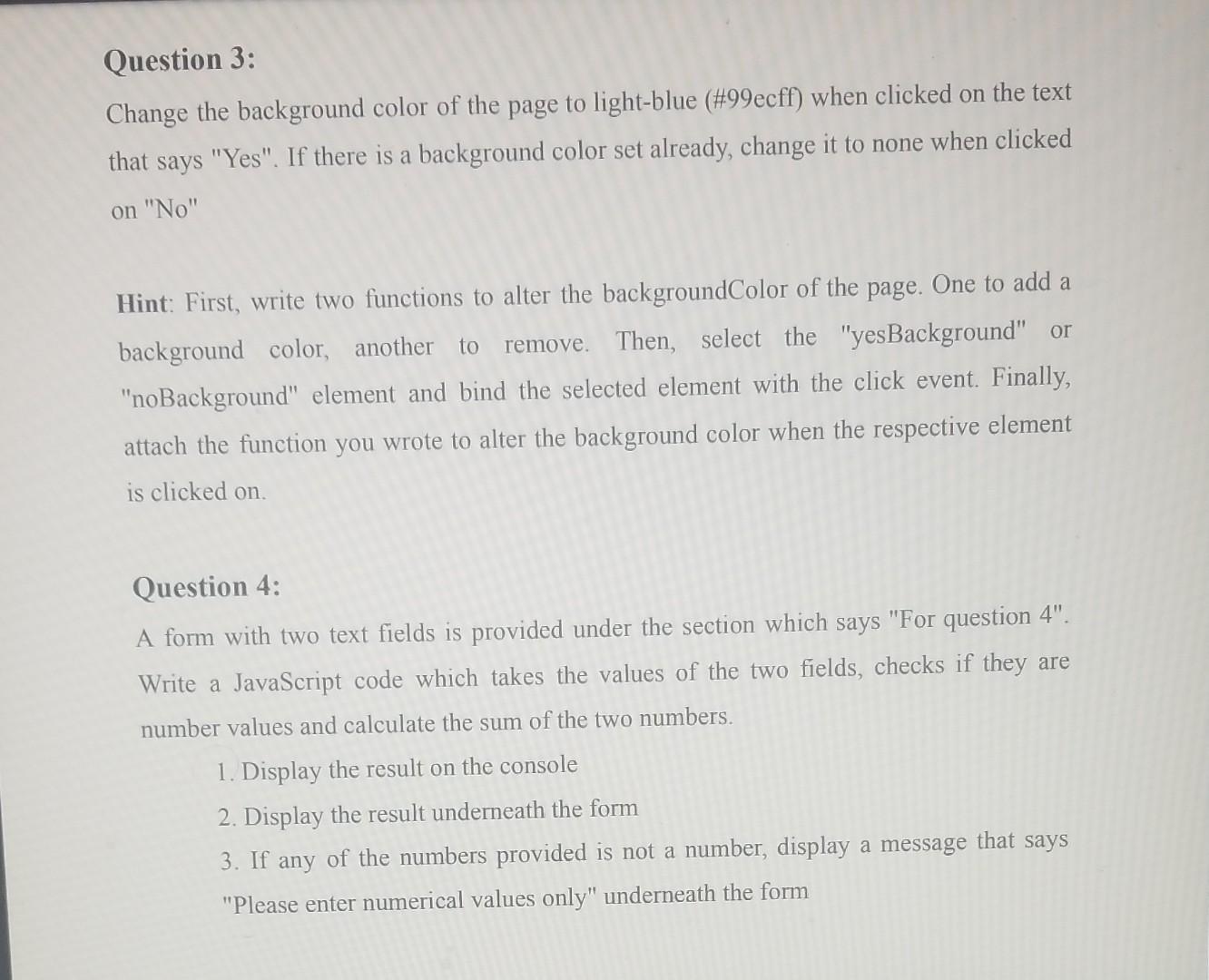
Change the background color of the page to light-blue ( #99ecff ) when clicked on the text that says "Yes". If there is a background color set already, change it to none when clicked on "No" Hint: First, write two functions to alter the backgroundColor of the page. One to add a background color, another to remove. Then, select the "yesBackground" or "noBackground" element and bind the selected element with the click event. Finally, attach the function you wrote to alter the background color when the respective element is clicked on. Question 4: A form with two text fields is provided under the section which says "For question 4". Write a JavaScript code which takes the values of the two fields, checks if they are number values and calculate the sum of the two numbers. 1. Display the result on the console 2. Display the result underneath the form 3. If any of the numbers provided is not a number, display a message that says "Please enter numerical values only" underneath the form
Step by Step Solution
There are 3 Steps involved in it

Get step-by-step solutions from verified subject matter experts
 Study Help