







Question: Javascript Please 5) Growing Image: Start with the image, any one you want with the height or width of somewhere near 60 pixels. Each time
Javascript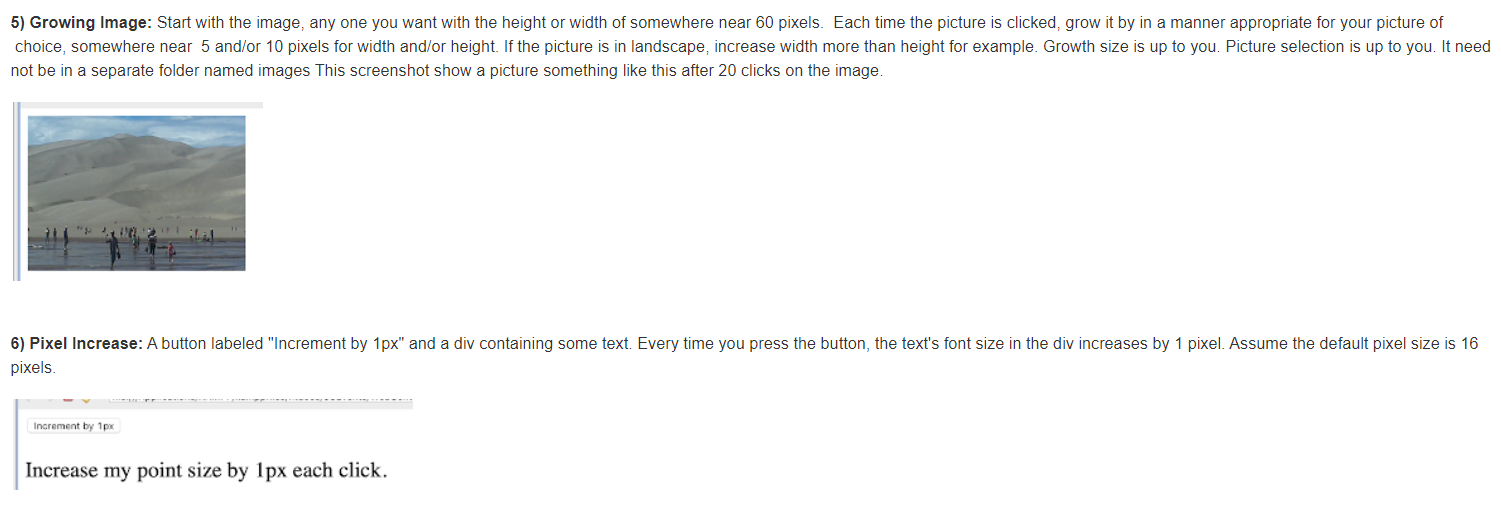 Please
5) Growing Image: Start with the image, any one you want with the height or width of somewhere near 60 pixels. Each time the picture is clicked, grow it by in a manner appropriate for your picture of choice, somewhere near 5 and/or 10 pixels for width and/or height. If the picture is in landscape, increase width more than height for example. Growth size is up to you. Picture selection is up to you. It need not be in a separate folder named images This screenshot show a picture something like this after 20 clicks on the image. 6) Pixel Increase: A button labeled "Increment by 1px" and a div containing some text. Every time you press the button, the text's font size in the div increases by 1 pixel. Assume the default pixel size is 16 pixels. Increment by 1px Increase my point size by 1px each click
Step by Step Solution
There are 3 Steps involved in it

Get step-by-step solutions from verified subject matter experts
 Study Help