







Question: need help with HTML, CSS, and JavaScript. [Please read the specs properly] 3) Add to Array: Allow input of strings into an input field. For
![need help with HTML, CSS, and JavaScript. [Please read the specs properly]](https://dsd5zvtm8ll6.cloudfront.net/si.experts.images/questions/2024/09/66f3a725a361c_06966f3a7254738a.jpg)
 need help with HTML, CSS, and JavaScript. [Please read the specs properly]
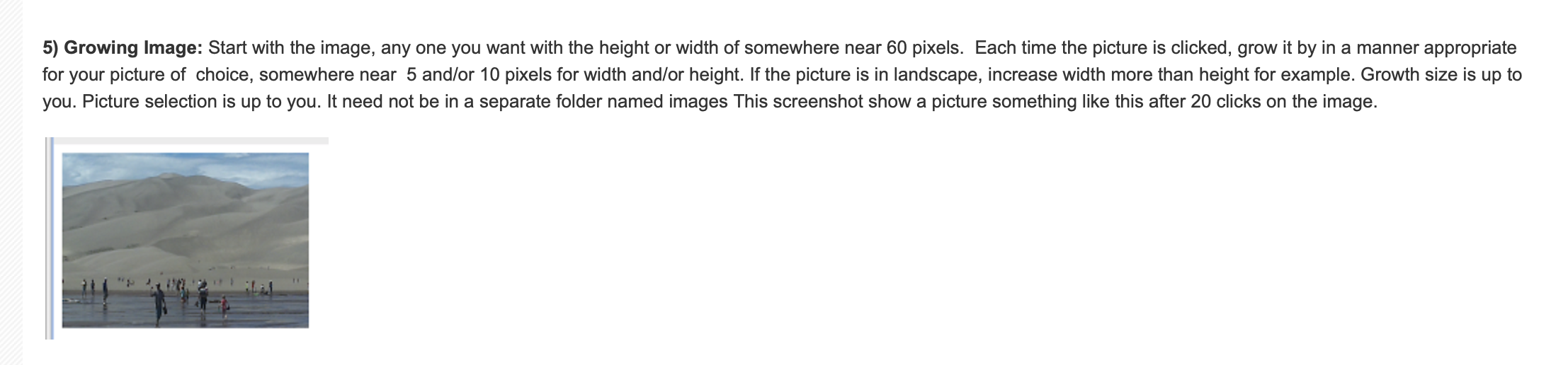
3) Add to Array: Allow input of strings into an input field. For each new name entered, add to an array. A div should show all names for each update in the format shown (this is not a list). This screenshot shows the page after entering three names. Notice that that input field is reset back to "" for each change in the input field (press enter). Enter a name: The array of names: 1: One 2: Two 3. Three 5) Growing Image: Start with the image, any one you want with the height or width of somewhere near 60 pixels. Each time the picture is clicked, grow it by in a manner appropriate for your picture of choice, somewhere near 5 and/or 10 pixels for width and/or height. If the picture is in landscape, increase width more than height for example. Growth size is up to you. Picture selection is up to you. It need not be in a separate folder named images This screenshot show a picture something like this after 20 clicks on the image. 2
Step by Step Solution
There are 3 Steps involved in it

Get step-by-step solutions from verified subject matter experts
 Study Help