







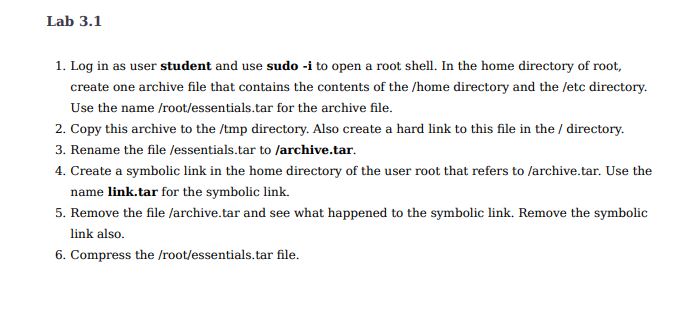
Question: Lab 3 . 1 1 . Log in as user student and use sudo - i to open a root shell. In the home directory
Lab
Log in as user student and use sudo i to open a root shell. In the home directory of root,
create one archive file that contains the contents of the home directory and the etc directory.
Use the namerootessentialstar for the archive file.
Copy this archive to the tmp directory. Also create a hard link to this file in the directory.
Rename the file essentialstar to archivetar.
Create a symbolic link in the home directory of the user root that refers to archivetar. Use the
name link.tar for the symbolic link.
Remove the file archivetar and see what happened to the symbolic link. Remove the symbolic
link also.
Compress the rootessentialstar file.
Step by Step Solution
There are 3 Steps involved in it
1 Expert Approved Answer
Step: 1 Unlock

Question Has Been Solved by an Expert!
Get step-by-step solutions from verified subject matter experts
Step: 2 Unlock
Step: 3 Unlock
 Study Help