







Question: Lab 3 : part 6 : Signed & Unsigned Comparator Add a signal called US ( Unsigned / Signed ) . When the signal
Lab: part : Signed & Unsigned Comparator
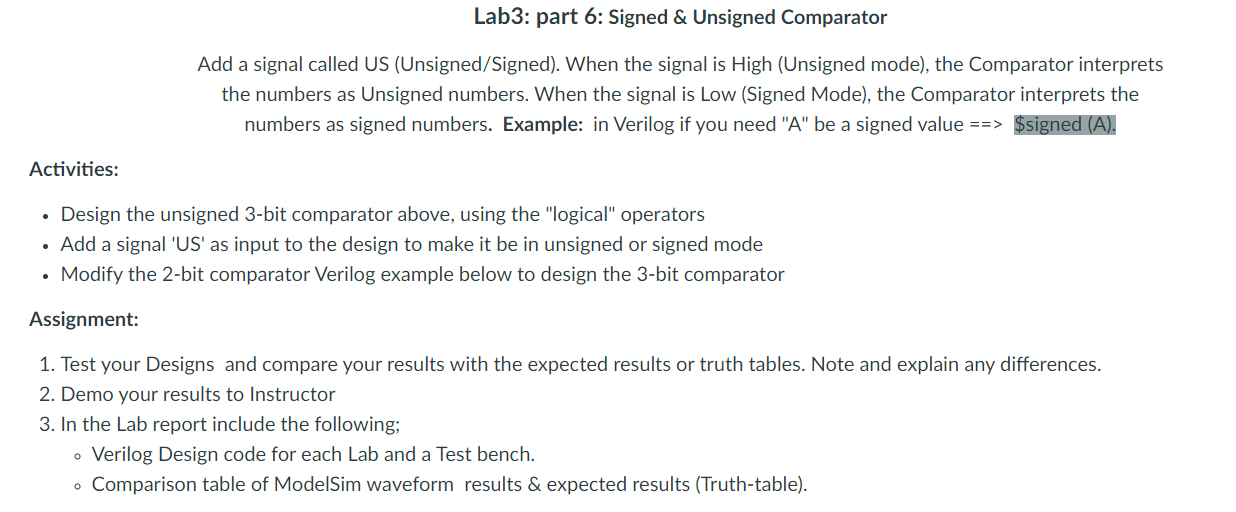
Add a signal called US UnsignedSigned When the signal is High Unsigned mode the Comparator interprets the numbers as Unsigned numbers. When the signal is Low Signed Mode the Comparator interprets the numbers as signed numbers. Example: in Verilog if you need A be a signed value $signed A
Activities:
Design the unsigned bit comparator above, using the "logical" operators
Add a signal US as input to the design to make it be in unsigned or signed mode
Modify the bit comparator Verilog example below to design the bit comparator
Assignment:
Test your Designs and compare your results with the expected results or truth tables. Note and explain any differences.
Demo your results to Instructor
In the Lab report include the following;
Verilog Design code for each Lab and a Test bench.
Comparison table of ModelSim waveform results & expected results Truthtable
Step by Step Solution
There are 3 Steps involved in it
1 Expert Approved Answer
Step: 1 Unlock

Question Has Been Solved by an Expert!
Get step-by-step solutions from verified subject matter experts
Step: 2 Unlock
Step: 3 Unlock
 Study Help