







Question: Linux Please include the code Filter 3 1. Make sure that your working directory is your home directory 2. Create directories priv1, priv2, pub1 and
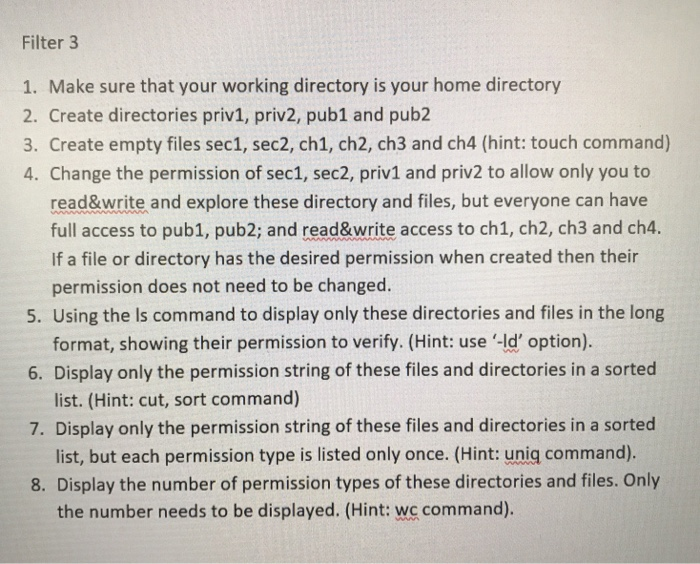
Filter 3 1. Make sure that your working directory is your home directory 2. Create directories priv1, priv2, pub1 and pub2 3. Create empty files sec1, sec2, ch1, ch2, ch3 and ch4 (hint: touch command) 4. Change the permission of sec1, sec2, priv1 and priv2 to allow only you to read&write and explore these directory and files, but everyone can have If a file or directory has the desired permission when created then their 5. Using the Is command to display only these directories and files in the long 6. Display only the permission string of these files and directories in a sorted full access to pub1, pub2; and read&write access to ch1, ch2, ch3 and ch4. permission does not need to be changed. format, showing their permission to verify. (Hint: use '-ld' option). list. (Hint: cut, sort command) 7. Display only the permission string of these files and directories in a sorted list, but each permission type is listed only once. (Hint: uniq command). 8. Display the number of permission types of these directories and files. Only the number needs to be displayed. (Hint: wc command)
Step by Step Solution
There are 3 Steps involved in it

Get step-by-step solutions from verified subject matter experts
 Study Help