







Question: make flowchart for following code For sorting by alphabetiacl order: The program asks the user to input a valid Directory. Using an If-else statement the
make flowchart for following code
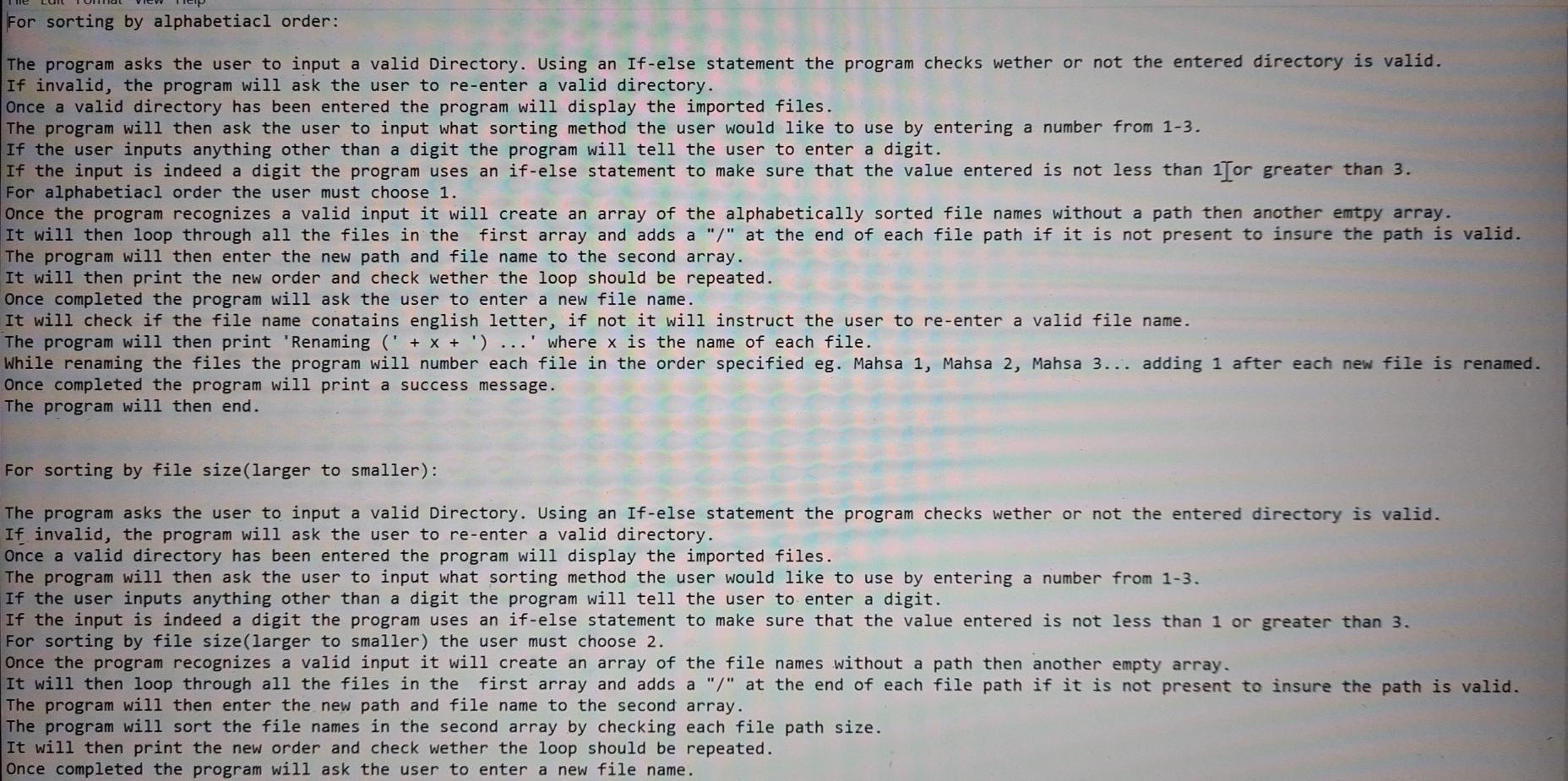
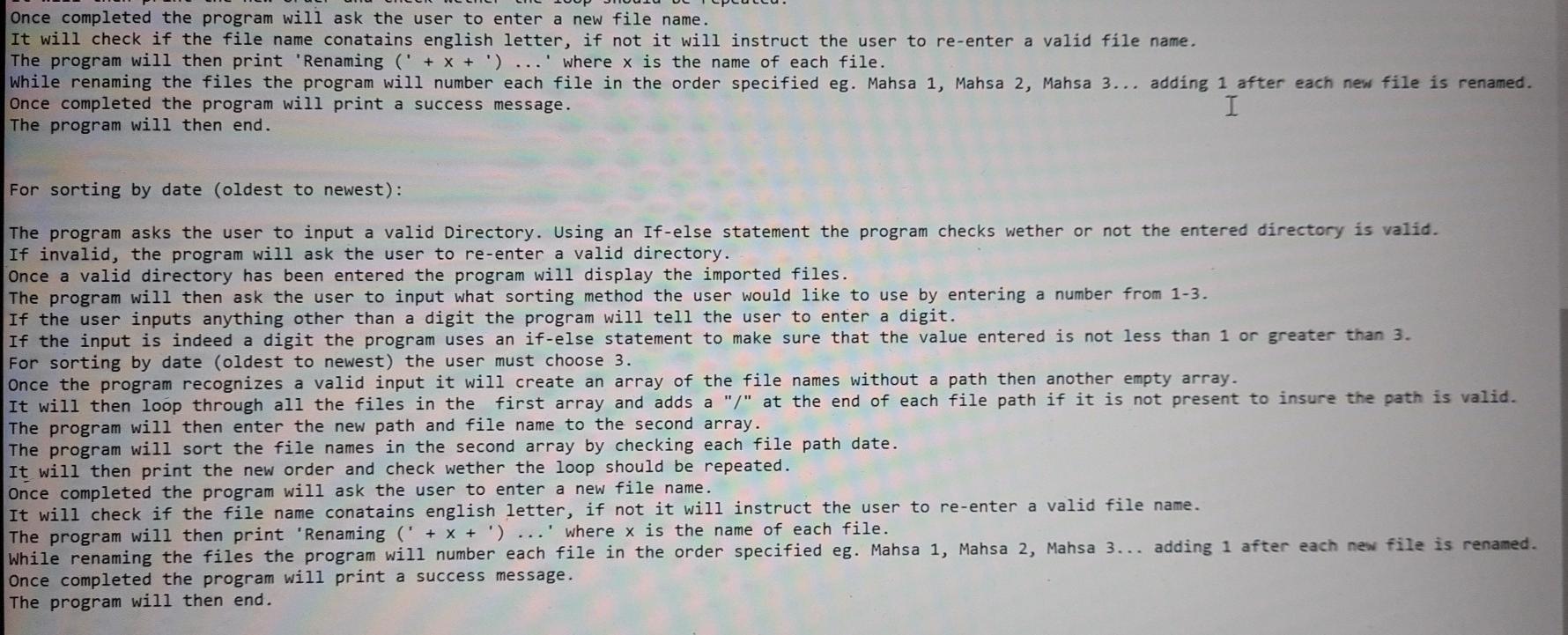
For sorting by alphabetiacl order: The program asks the user to input a valid Directory. Using an If-else statement the program checks wether or not the entered directory is valid. If invalid, the program will ask the user to re-enter a valid directory. Once a valid directory has been entered the program will display the imported files. The program will then ask the user to input what sorting method the user would like to use by entering a number from 1-3. If the user inputs anything other than a digit the program will tell the user to enter a digit. If the input is indeed a digit the program uses an if-else statement to make sure that the value entered is not less than 1Tor greater than 3. For alphabetiacl order the user must choose 1. Once the program recognizes a valid input it will create an array of the alphabetically sorted file names without a path then another emtpy array. It will then loop through all the files in the first array and adds a "/" at the end of each file path if it is not present to insure the path is valid. The program will then enter the new path and file name to the second array. It will then print the new order and check wether the loop should be repeated. Once completed the program will ask the user to enter a new file name. It will check if the file name conatains english letter, if not it will instruct the user to re-enter a valid file name. The program will then print 'Renaming (' + x + ') ...' where x is the name of each file. While renaming the files the program will number each file in the order specified eg. Mahsa 1, Mahsa 2, Mahsa 3... adding 1 after each new file is renamed. Once completed the program will print a success message. The program will then end. For sorting by file size(larger to smaller): The program asks the user to input a valid Directory. Using an If-else statement the program checks wether or not the entered directory is valid. If invalid, the program will ask the user to re-enter a valid directory. Once a valid directory has been entered the program will display the imported files. The program will then ask the user to input what sorting method the user would like to use by entering a number from 1-3. If the user inputs anything other than a digit the program will tell the user to enter a digit. If the input is indeed a digit the program uses an if-else statement to make sure that the value entered is not less than 1 or greater than 3. For sorting by file size(larger to smaller) the user must choose 2. Once the program recognizes a valid input it will create an array of the file names without a path then another empty array. It will then loop through all the files in the first array and adds a "/" at the end of each file path if it is not present to insure the path is valid. The program will then enter the new path and file name to the second array. The program will sort the file names in the second array by checking each file path size. It will then print the new order and check wether the loop should be repeated. Once completed the program will ask the user to enter a new file name. Once completed the program will ask the user to enter a new file name. It will check if the file name conatains english letter, if not it will instruct the user to re-enter a valid file name. The program will then print 'Renaming ( + x + ') ...' where x is the name of each file. While renaming the files the program will number each file in the order specified eg. Mahsa 1, Mahsa 2, Mahsa 3... adding 1 after each new file is renamed. Once completed the program will print a success message. I The program will then end. For sorting by date (oldest to newest): The program asks the user to input a valid Directory. Using an If-else statement the program checks wether or not the entered directory is valid. If invalid, the program will ask the user to re-enter a valid directory. Once a valid directory has been entered the program will display the imported files. The program will then ask the user to input what sorting method the user would like to use by entering a number from 1-3. If the user inputs anything other than a digit the program will tell the user to enter a digit. If the input is indeed a digit the program uses an if-else statement to make sure that the value entered is not less than 1 or greater than 3. For sorting by date (oldest to newest) the user must choose 3. Once the program recognizes a valid input it will create an array of the file names without a path then another empty array. It will then loop through all the files in the first array and adds a "/" at the end of each file path if it is not present to insure the path is valid. The program will then enter the new path and file name to the second array. The program will sort the file names in the second array by checking each file path date. It will then print the new order and check wether the loop should be repeated. Once completed the program will ask the user to enter a new file name. It will check if the file name conatains english letter, if not it will instruct the user to re-enter a valid file name. The program will then print 'Renaming (' + x + ') ...' where x is the name of each file. While renaming the files the program will number each file in the order specified eg. Mahsa 1, Mahsa 2, Mahsa 3... adding 1 after each new file is renamed. Once completed the program will print a success message. The program will then end
Step by Step Solution
There are 3 Steps involved in it

Get step-by-step solutions from verified subject matter experts
 Study Help