Question: make sure your file nas two reports and seven queries. 1) Reports: 1. Show all fields of all records, grouped by Ship Mode and then
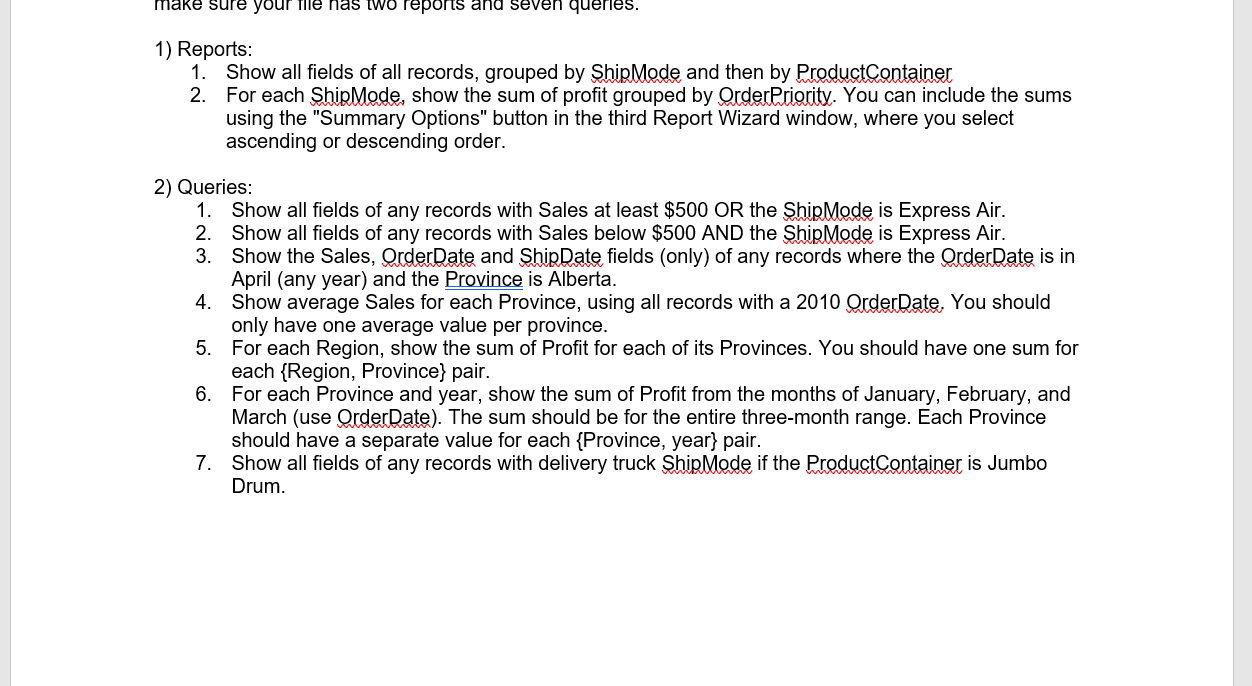
make sure your file nas two reports and seven queries. 1) Reports: 1. Show all fields of all records, grouped by Ship Mode and then by ProductContainer 2. For each ShipMode, show the sum of profit grouped by Order Priority. You can include the sums using the "Summary Options" button in the third Report Wizard window, where you select ascending or descending order. 2) Queries: 1. Show all fields of any records with Sales at least $500 OR the ShipMode is Express Air. 2. Show all fields of any records with Sales below $500 AND the ShipMode is Express Air. 3. Show the Sales, Order Date and ShipDate fields (only) of any records where the Order Date is in April (any year) and the Province is Alberta. 4. Show average Sales for each Province, using all records with a 2010 Order Date. You should only have one average value per province. 5. For each Region, show the sum of Profit for each of its Provinces. You should have one sum for each Region, Province} pair. 6. For each Province and year, show the sum of Profit from the months of January, February, and March (use Order Date). The sum should be for the entire three-month range. Each Province should have a separate value for each {Province, year} pair. Show all fields of any record with delivery truck Ship Mode if Product Container is Jumbo Drum. make sure your file nas two reports and seven queries. 1) Reports: 1. Show all fields of all records, grouped by Ship Mode and then by ProductContainer 2. For each ShipMode, show the sum of profit grouped by Order Priority. You can include the sums using the "Summary Options" button in the third Report Wizard window, where you select ascending or descending order. 2) Queries: 1. Show all fields of any records with Sales at least $500 OR the ShipMode is Express Air. 2. Show all fields of any records with Sales below $500 AND the ShipMode is Express Air. 3. Show the Sales, Order Date and ShipDate fields (only) of any records where the Order Date is in April (any year) and the Province is Alberta. 4. Show average Sales for each Province, using all records with a 2010 Order Date. You should only have one average value per province. 5. For each Region, show the sum of Profit for each of its Provinces. You should have one sum for each Region, Province} pair. 6. For each Province and year, show the sum of Profit from the months of January, February, and March (use Order Date). The sum should be for the entire three-month range. Each Province should have a separate value for each {Province, year} pair. Show all fields of any record with delivery truck Ship Mode if Product Container is Jumbo Drum









 Study Help