







Question: MAKE USE CASE DIAGRAM USING FOLLOWING CONSTRAINTS - Logln: Allow the Staff to log in to their account. - CreateAccount: Allow the Staff to create
MAKE USE CASE DIAGRAM USING FOLLOWING CONSTRAINTS
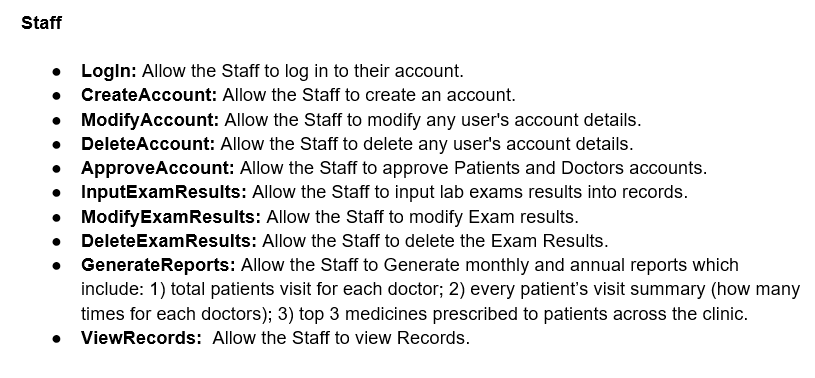
- Logln: Allow the Staff to log in to their account. - CreateAccount: Allow the Staff to create an account. - ModifyAccount: Allow the Staff to modify any user's account details. - DeleteAccount: Allow the Staff to delete any user's account details. - ApproveAccount: Allow the Staff to approve Patients and Doctors accounts. - InputExamResults: Allow the Staff to input lab exams results into records. - ModifyExamResults: Allow the Staff to modify Exam results. - DeleteExamResults: Allow the Staff to delete the Exam Results. - GenerateReports: Allow the Staff to Generate monthly and annual reports which include: 1) total patients visit for each doctor; 2) every patient's visit summary (how many times for each doctors); 3) top 3 medicines prescribed to patients across the clinic. - ViewRecords: Allow the Staff to view Records
Step by Step Solution
There are 3 Steps involved in it

Get step-by-step solutions from verified subject matter experts
 Study Help