



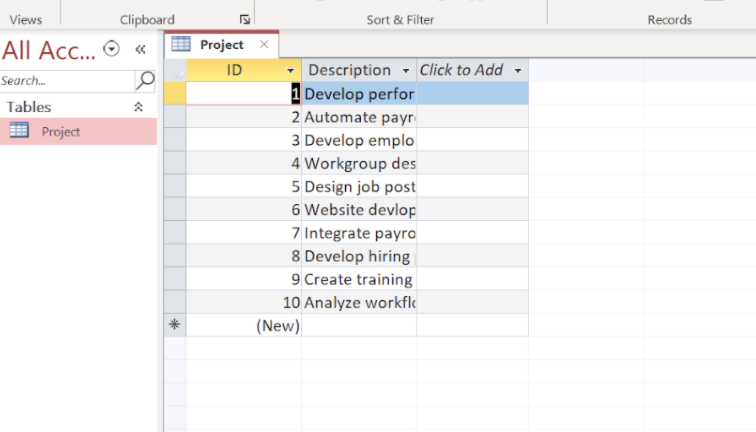
Question: many records in the Project table. Save and close the Project table. Open the Relationships window, add the Project table and the Consultant table, and
many records in the Project table. Save and close the Project table.
Open the Relationships window, add the Project table and the Consultant table, and create a one-to-many relationship between the Consultant and Project tables using the common ConsultantID field. Enforce referential integrity on the relationship.
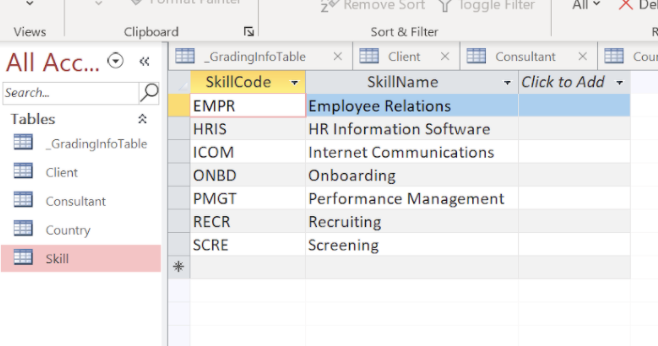
With the Relationships window still open, add the Skill table, and create a one-to-many relationship between the Skill table and Consultant table using the common SkillCode field. Enforce referential integrity on the relationship. The Relationships window should look like Figure 4. Save and close the Relationships window.
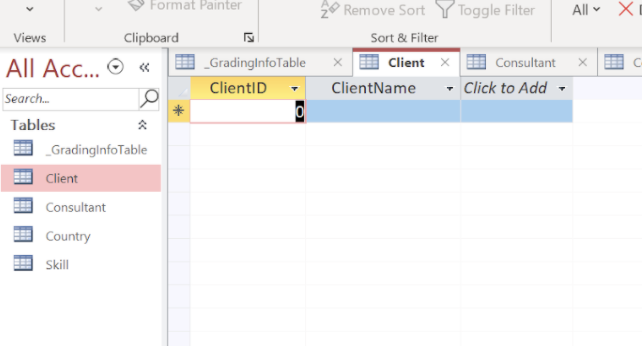
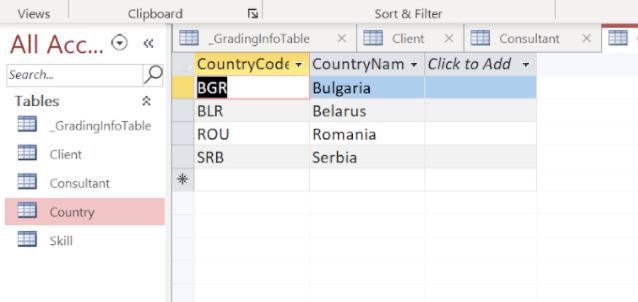
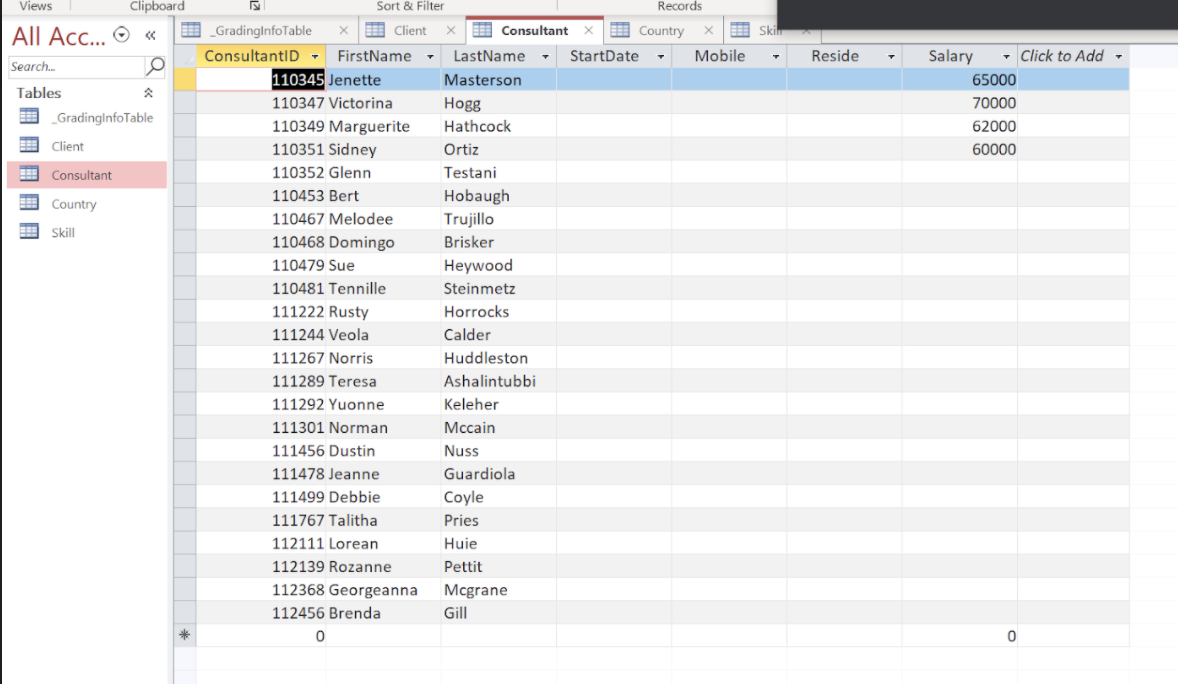
Show transcribed data
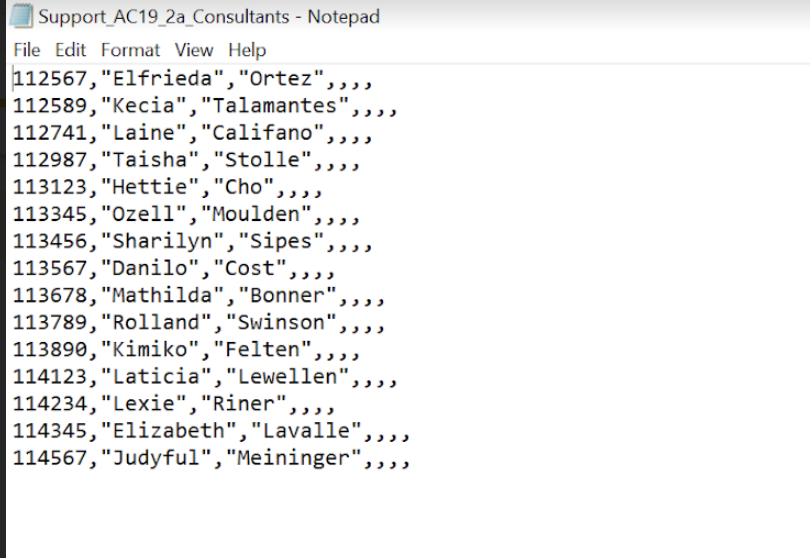
Support_AC19_2a_Consultants - Notepad File Edit Format View Help _GradinglnfoTable Client Consultant Country Skill Skill
Step by Step Solution
There are 3 Steps involved in it

Get step-by-step solutions from verified subject matter experts