







Question: Mark the steps as checked when you complete them. 1 . Open the PlacerHills - 0 9 start file and click the Enable Editing button.
Mark the steps as checked when you complete them.
Open the PlacerHills start file and click the Enable Editing button. The file will be renamed automatically to
include your name.
Review formulas for commission calculations.
a
Select cell C on the Calculator worksheet. Total commission is calculated by multiplying the selling
price by the commission rate.
b
Select cell C The IFS function checks the selling price C to determine the buyer agent share
column D
Build a onevariable data table.
a
Select cell C and create a formula to multiply the total commission by the percentage in cell D
b
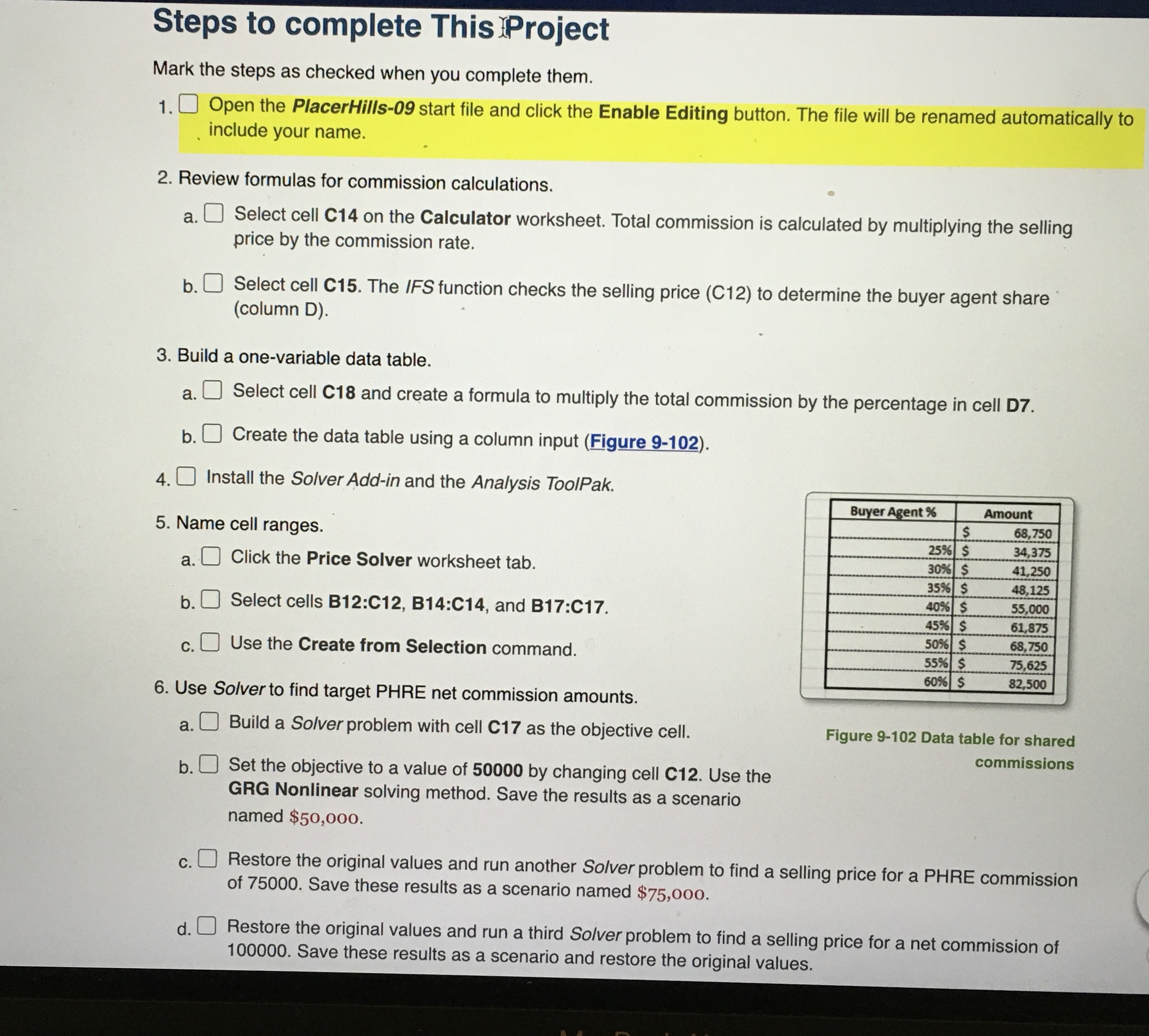
Create the data table using a column input Figure
Install the Solver Addin and the Analysis ToolPak.
Name cell ranges.
a
Click the Price Solver worksheet tab.
b
Select cells B:C B:C and B:C
c
Use the Create from Selection command.
Use Solver to find target PHRE net commission amounts.
a
Build a Solver problem with cell C as the objective cell.
b
Set the objective to a value of by changing cell C Use the
Figure Data table for shared
GRG Nonlinear solving method. Save the results as a scenario
commissions
named $
c
Restore the original values and run another Solver problem to find a selling price for a PHRE commission
of Save these results as a scenario named $
d
Restore the original values and run a third Solver problem to find a selling price for a net commission of
Save these results as a scenario and restore the original values.
Step by Step Solution
There are 3 Steps involved in it
1 Expert Approved Answer
Step: 1 Unlock

Question Has Been Solved by an Expert!
Get step-by-step solutions from verified subject matter experts
Step: 2 Unlock
Step: 3 Unlock
 Study Help