







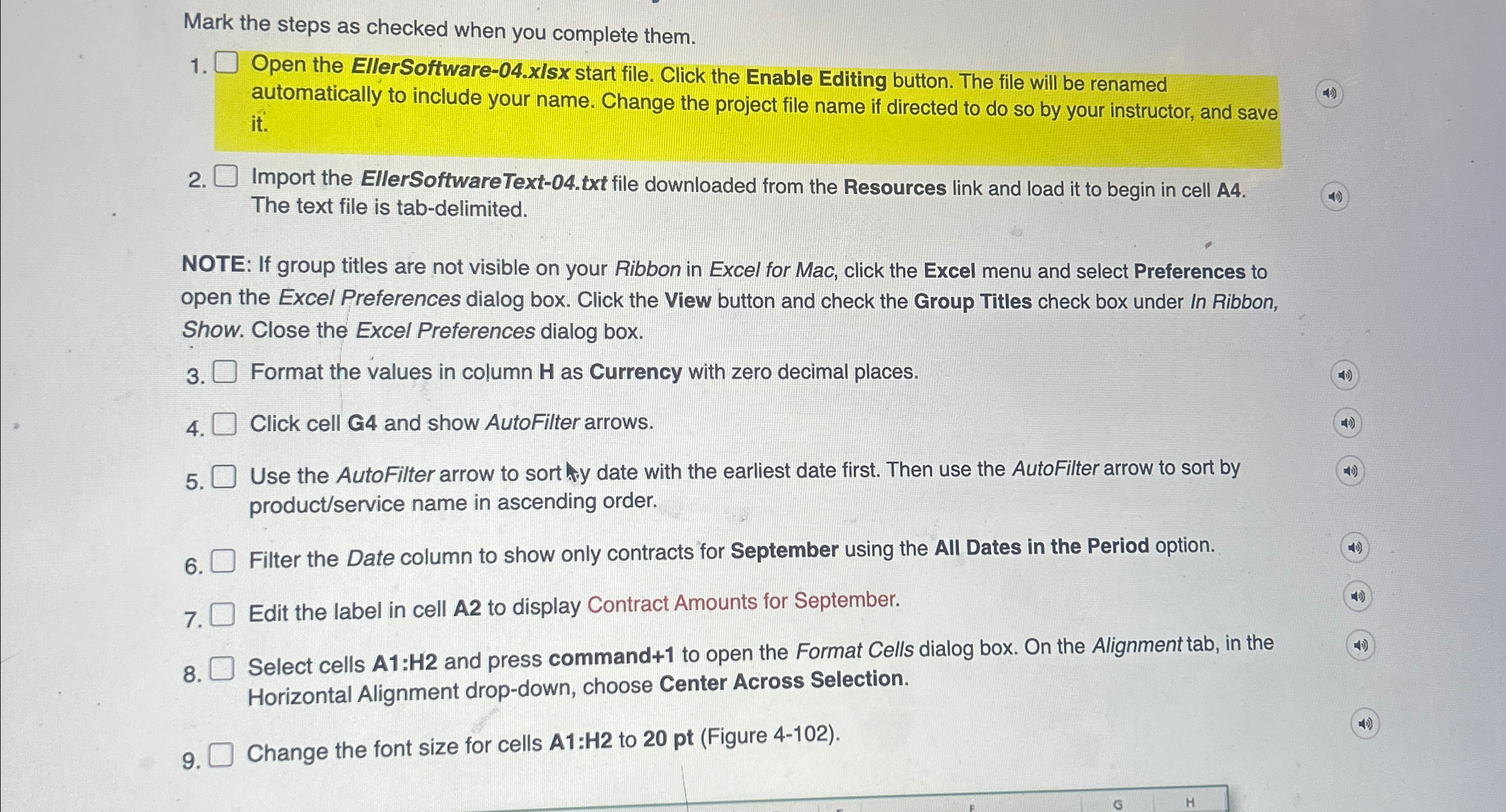
Question: Mark the steps as checked when you complete them. Open the EllerSoftware - 0 4 . xlsx start file. Click the Enable Editing button. The
Mark the steps as checked when you complete them.
Open the EllerSoftwarexlsx start file. Click the Enable Editing button. The file will be renamed
automatically to include your name. Change the project file name if directed to do so by your instructor, and save
it
Import the EllerSoftwareTexttxt file downloaded from the Resources link and load it to begin in cell A
The text file is tabdelimited.
NOTE: If group titles are not visible on your Ribbon in Excel for Mac, click the Excel menu and select Preferences to
open the Excel Preferences dialog box. Click the View button and check the Group Titles check box under In Ribbon,
Show. Close the Excel Preferences dialog box.
Format the values in column H as Currency with zero decimal places.
Click cell G and show AutoFilter arrows.
Use the AutoFilter arrow to sorthy date with the earliest date first. Then use the AutoFilter arrow to sort by
productservice name in ascending order.
Filter the Date column to show only contracts for September using the All Dates in the Period option.
Edit the label in cell A to display Contract Amounts for September.
Select cells A:H and press command to open the Format Cells dialog box. On the Alignment tab, in the
Horizontal Alignment dropdown, choose Center Across Selection.
Change the font size for cells A:H to pt Figure
Step by Step Solution
There are 3 Steps involved in it
1 Expert Approved Answer
Step: 1 Unlock

Question Has Been Solved by an Expert!
Get step-by-step solutions from verified subject matter experts
Step: 2 Unlock
Step: 3 Unlock
 Study Help