







Question: Mark the steps as checked when you complete them. Open the PlacerHills - 0 9 start file. The file will be renamed automatically to include
Mark the steps as checked when you complete them.
Open the PlacerHills start file. The file will be renamed automatically to include your name. Change the project file name if directed to do so by your instructor. Enable the content security warning.
Review formulas.
a Select cell C on the Calculator worksheet. The total commission is calculated by multiplying the selling price by the commission rate.
b Select cell C The IFS function checks the selling price C to determine the split percentage column D based on the price group.
c Select cell C The IFS function checks the selling price C to determine the administrative fee percentage column E and multiplies that percentage by the value in cell C to calculate the fee in dollars.
d Select cell C The net commission is calculated by subtracting the fees from the PHRE amount.
Build onevariable data tables.
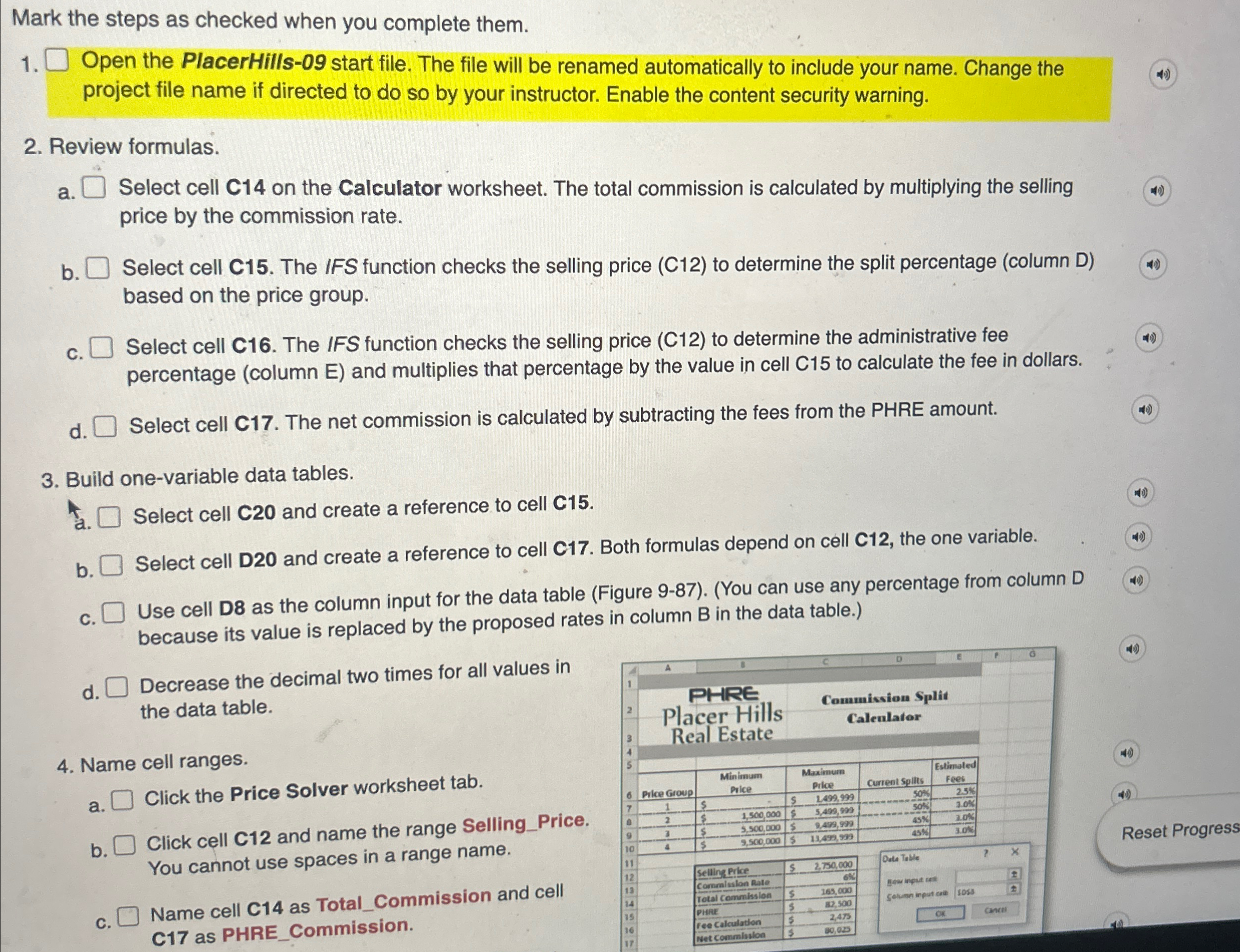
Select cell C and create a reference to cell C
b Select cell D and create a reference to cell C Both formulas depend on cell C the one variable.
Use cell D as the column input for the data table Figure You can use any percentage from column D because its value is replaced by the proposed rates in column B in the data table.
d Decrease the decimal two times for all values in the data table.
Name cell ranges.
a Click the Price Solver worksheet tab.
b Click cell C and name the range SellingPrice. You cannot use spaces in a range name.
c Name cell C as TotalCommission and cell C as PHRECommission.
Step by Step Solution
There are 3 Steps involved in it
1 Expert Approved Answer
Step: 1 Unlock

Question Has Been Solved by an Expert!
Get step-by-step solutions from verified subject matter experts
Step: 2 Unlock
Step: 3 Unlock
 Study Help