







Question: Matlab code %% #7 % % WRITE CODE BELOW: % Load the image night_skyline.jpg and turn it into a double using the % A-double(A); command,
Matlab code
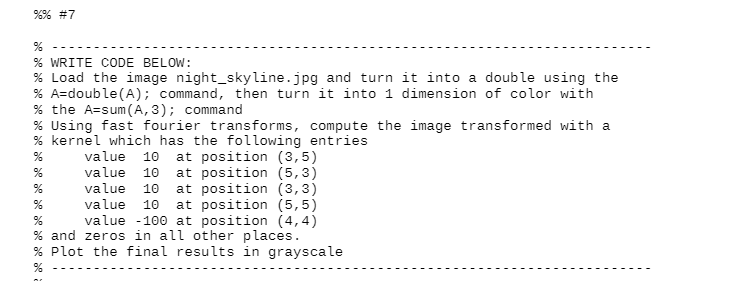
%% #7 % % WRITE CODE BELOW: % Load the image night_skyline.jpg and turn it into a double using the % A-double(A); command, then turn it into 1 dimension of color with % the Assum(A,3); command % Using fast fourier transforms, compute the image transformed with a % kernel which has the following entries value 10 at position (3,5) value 10 at position (5,3) value 10 at position (3,3) value 10 at position (5,5) value - 100 at position (4,4) % and zeros in all other places. % Plot the final results in grayscale % % % % %% #7 % % WRITE CODE BELOW: % Load the image night_skyline.jpg and turn it into a double using the % A-double(A); command, then turn it into 1 dimension of color with % the Assum(A,3); command % Using fast fourier transforms, compute the image transformed with a % kernel which has the following entries value 10 at position (3,5) value 10 at position (5,3) value 10 at position (3,3) value 10 at position (5,5) value - 100 at position (4,4) % and zeros in all other places. % Plot the final results in grayscale % % % %
Step by Step Solution
There are 3 Steps involved in it

Get step-by-step solutions from verified subject matter experts
 Study Help