







Question: MATLAB: Defining Matrices % In this activity you will learn how to define matrices, use the size ( ) command to find the size %
MATLAB: Defining Matrices
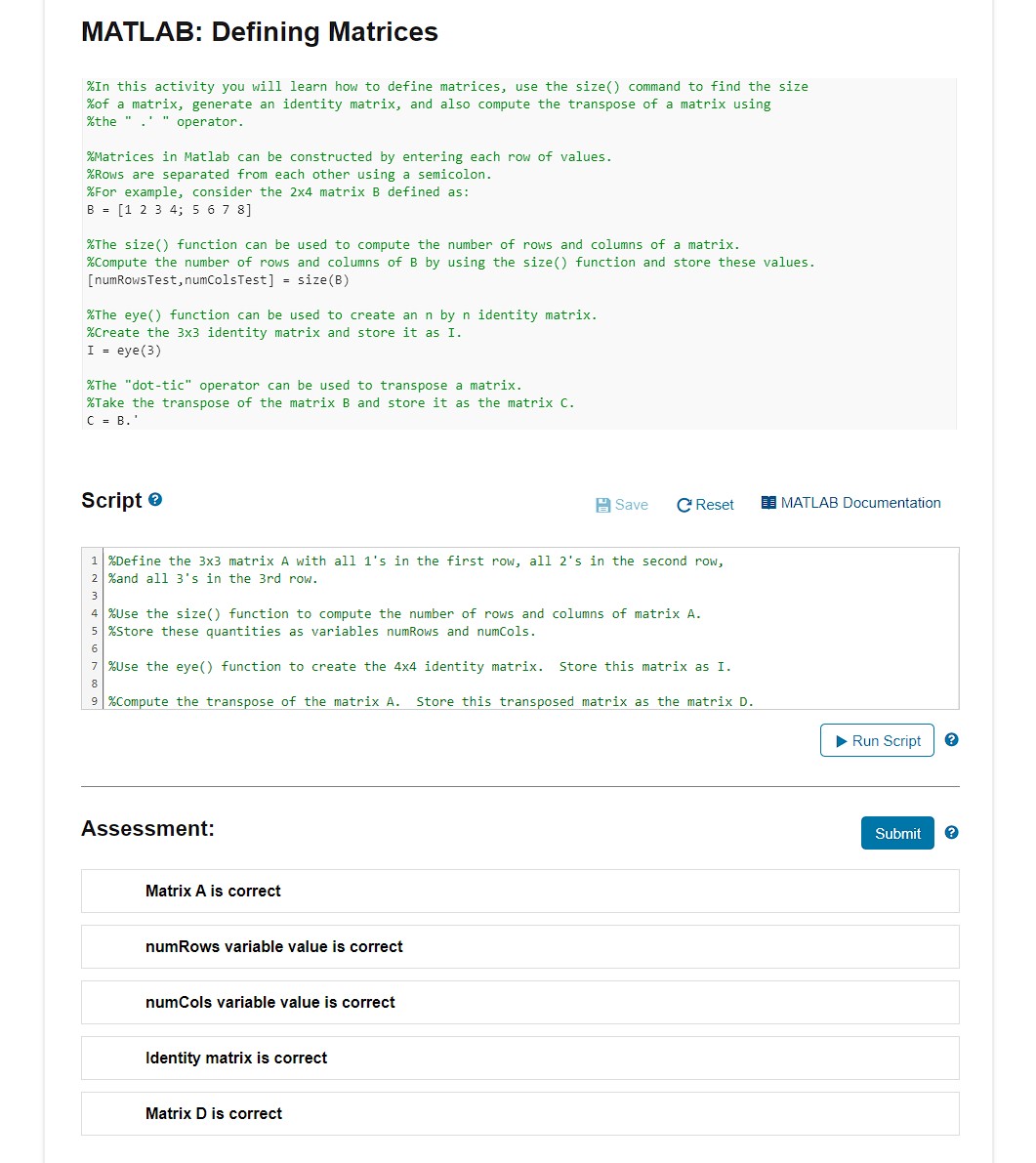
In this activity you will learn how to define matrices, use the size command to find the size
of a matrix, generate an identity matrix, and also compute the transpose of a matrix using
the operator.
Matrices in Matlab can be constructed by entering each row of values.
Rows are separated from each other using a semicolon.
For example, consider the matrix defined as:
The size function can be used to compute the number of rows and columns of a matrix.
compute the number of rows and columns of B by using the size function and store these values.
numRowsTest numcolsTestsize
The eye function can be used to create an by identity matrix.
create the identity matrix and store it as I.
eye
The "dottic" operator can be used to transpose a matrix.
Take the transpose of the matrix B and store it as the matrix C
Script
Define the matrix A with all s in the first row, all s in the second row,
and all s in the rd row.
Use the size function to compute the number of rows and columns of matrix A
store these quantities as variables numRows and numcols.
use the eye function to create the identity matrix. Store this matrix as I.
Compute the transpose of the matrix A Store this transposed matrix as the matrix D
Assessment:
Matrix A is correct
numRows variable value is correct
numCols variable value is correct
Identity matrix is correct
Matrix D is correct
Step by Step Solution
There are 3 Steps involved in it
1 Expert Approved Answer
Step: 1 Unlock

Question Has Been Solved by an Expert!
Get step-by-step solutions from verified subject matter experts
Step: 2 Unlock
Step: 3 Unlock
 Study Help