







Question: Matlab (exercise 3) 2. String array operations a. Create a string array called myInformation containing the following entries in order: i. Your full name ii.
Matlab (exercise 3)
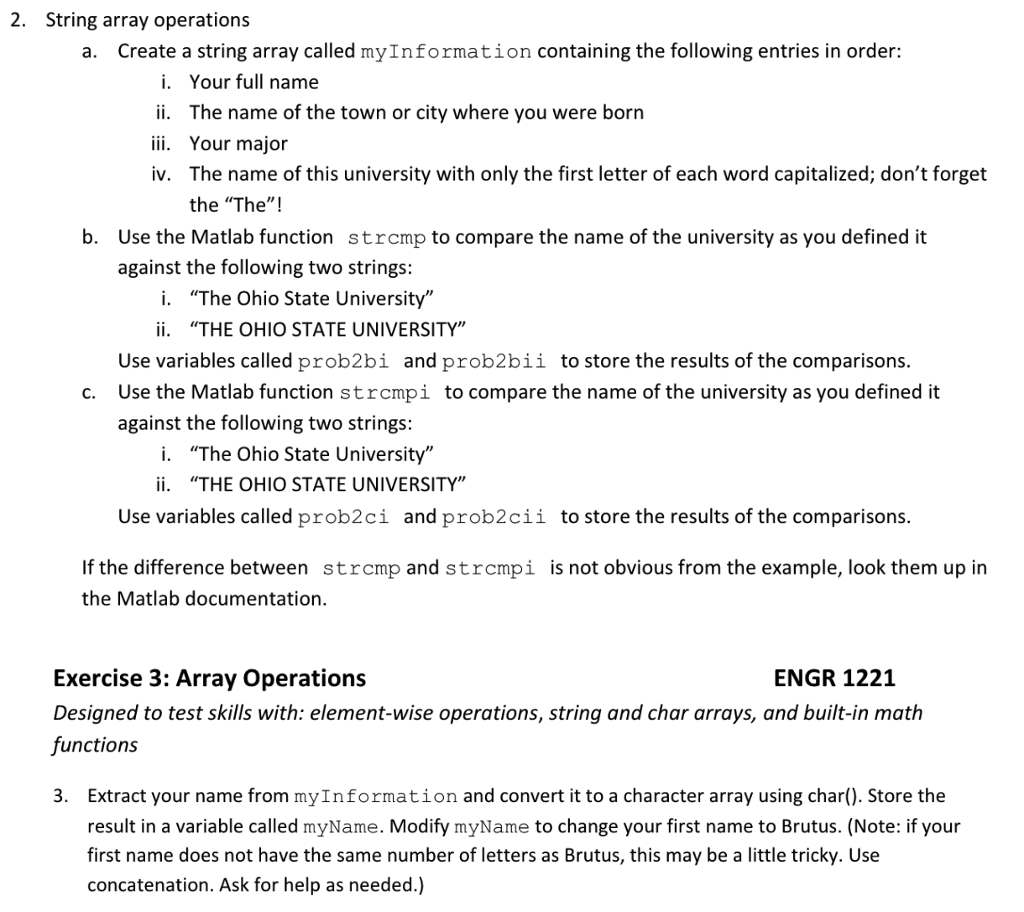
2. String array operations a. Create a string array called myInformation containing the following entries in order: i. Your full name ii. The name of the town or city where you were born ii. Your major iv. The name of this university with only the first letter of each word capitalized; don't forget the "The"! b. Use the Matlab function against the following two strings: strcmp to compare the name of the university as you defined it i. "The Ohio State University" ii. "THE OHIO STATE UNIVERSITY" Use variables called prob2bi and prob2bii Use the Matlab function strcmpi against the following two strings: to store the results of the comparisons c. to compare the name of the university as you defined it i. "The Ohio State University" ii. "THE OHIO STATE UNIVERSITY" Use variables called prob2ci and prob2cii to store the results of the comparisons If the difference between strcmp and strcmpi is not obvious from the example, look them up in the Matlab documentation ENGR 1221 Exercise 3: Array Operations Designed to test skills with: element-wise operations, string and char arrays, and built-in math functions 3. Extract your name from myInformation and convert it to a character array using char). Store the result in a variable called myName. Modify myName to change your first name to Brutus. (Note: if your first name does not have the same number of letters as Brutus, this may be a little tricky. Use concatenation. Ask for help as needed.)
Step by Step Solution
There are 3 Steps involved in it

Get step-by-step solutions from verified subject matter experts
 Study Help