







Question: MATLAB MY CODE IS BELOW %read the Excel data file names=xlsread('grades.xlsx','A:A'); scores=xlsread('grades.xlsx','B:B'); disp(names); %do the calculations minimum = min(scores(:)); maximum = max(scores(:)); meanVal = mean(scores(:));
MATLAB
MY CODE IS BELOW
%read the Excel data file
names=xlsread('grades.xlsx','A:A');
scores=xlsread('grades.xlsx','B:B');
disp(names);
%do the calculations
minimum = min(scores(:));
maximum = max(scores(:));
meanVal = mean(scores(:));
standardDeviation = std(scores(:));
medianVal = median(scores(:));
modeVal = mode(scores(:));
header = ['Mean','Median','Mode','Standard Deviation','Minimum','Maximum'];
values = [meanVal,medianVal,modeVal,standardDeviation,minimum,maximum];
%write the results to the spreadsheet file; must be called grade_stats.csv
xlswrite('grade_stats.xlsx',{header;values});
%*********************
%This line cannot be modified
X = csvread('grade_stats.csv');
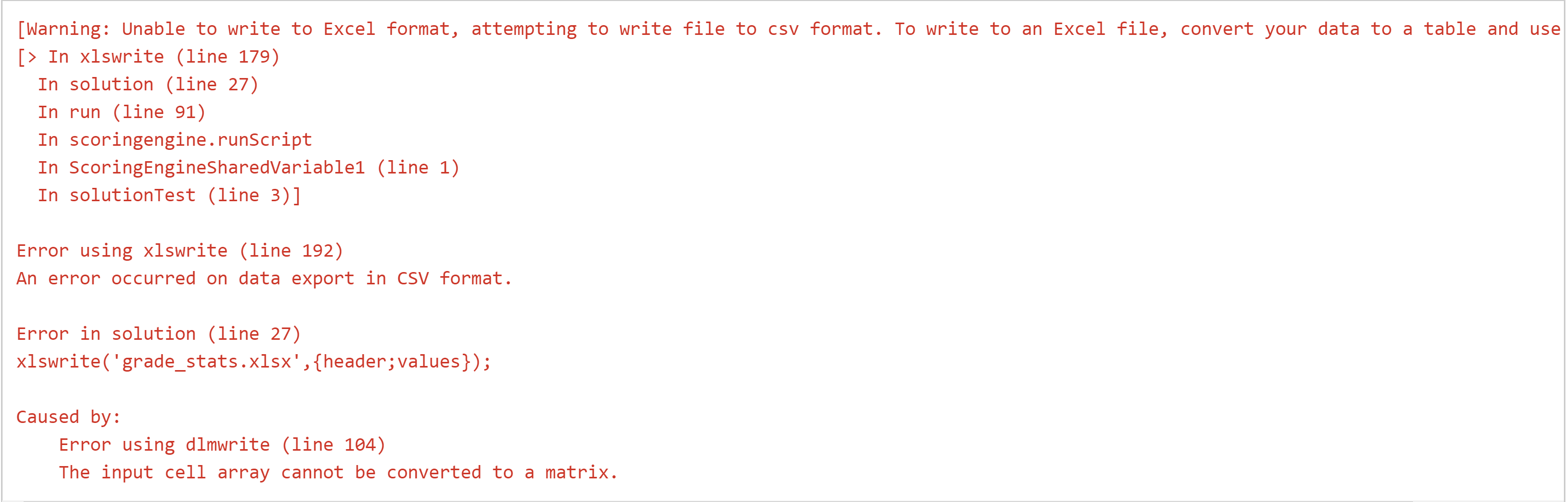
THIS IS THE ERROR IM GETTING.
the origional code given is
%*********************
%This line cannot be modified
%read the Excel data file
%do the calculations
grade_stats = [];
%write the results to the spreadsheet file; must be called grade_stats.csv
%*********************
%This line cannot be modified
X = csvread('grade_stats.csv');
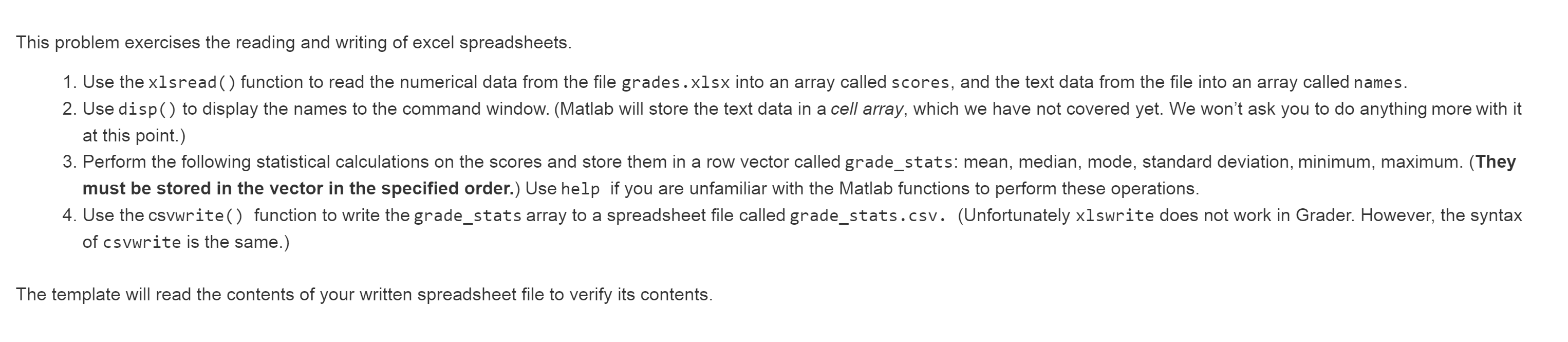
This problem exercises the reading and writing of excel spreadsheets. 1. Use the xlsread() function to read the numerical data from the file grades.xlsx into an array called scores, and the text data from the file into an array called names. 2. Use disp() to display the names to the command window. (Matlab will store the text data in a cell array, which we have not covered yet. We won't ask you to do anything more with it at this point.) 3. Perform the following statistical calculations on the scores and store them in a row vector called grade_stats: mean, median, mode, standard deviation, minimum, maximum. (They must be stored in the vector in the specified order.) Use help if you are unfamiliar with the Matlab functions to perform these operations. 4. Use the csvwrite() function to write the grade_stats array to a spreadsheet file called grade_stats.csv. (Unfortunately xlswrite does not work in Grader. However, the syntax of csvwrite is the same.) The template will read the contents of your written spreadsheet file to verify its contents. [Warning: Unable to write to Excel format, attempting to write file to csv format. To write to an Excel file, convert your data to a table and use [> In xlswrite (line 179) In solution (line 27) In run (line 91) In scoringengine.runScript In Scoring EngineSharedVariable1 (line 1) In solutionTest (line 3)] Error using xlswrite (line 192) An error occurred on data export in CSV format. Error in solution (line 27) xlswrite('grade_stats.xlsx',{header;values}); Caused by: Error using dlmwrite (line 104) The input cell array cannot be converted to a matrix
Step by Step Solution
There are 3 Steps involved in it

Get step-by-step solutions from verified subject matter experts
 Study Help