







Question: Mobile Applications Development 1 Instructions Design a simple Clock application. Use concepts learned in Module 4 . Requirements Show a live clock ( format: Wed,
Mobile Applications Development
Instructions
Design a simple Clock application. Use concepts learned in Module
Requirements
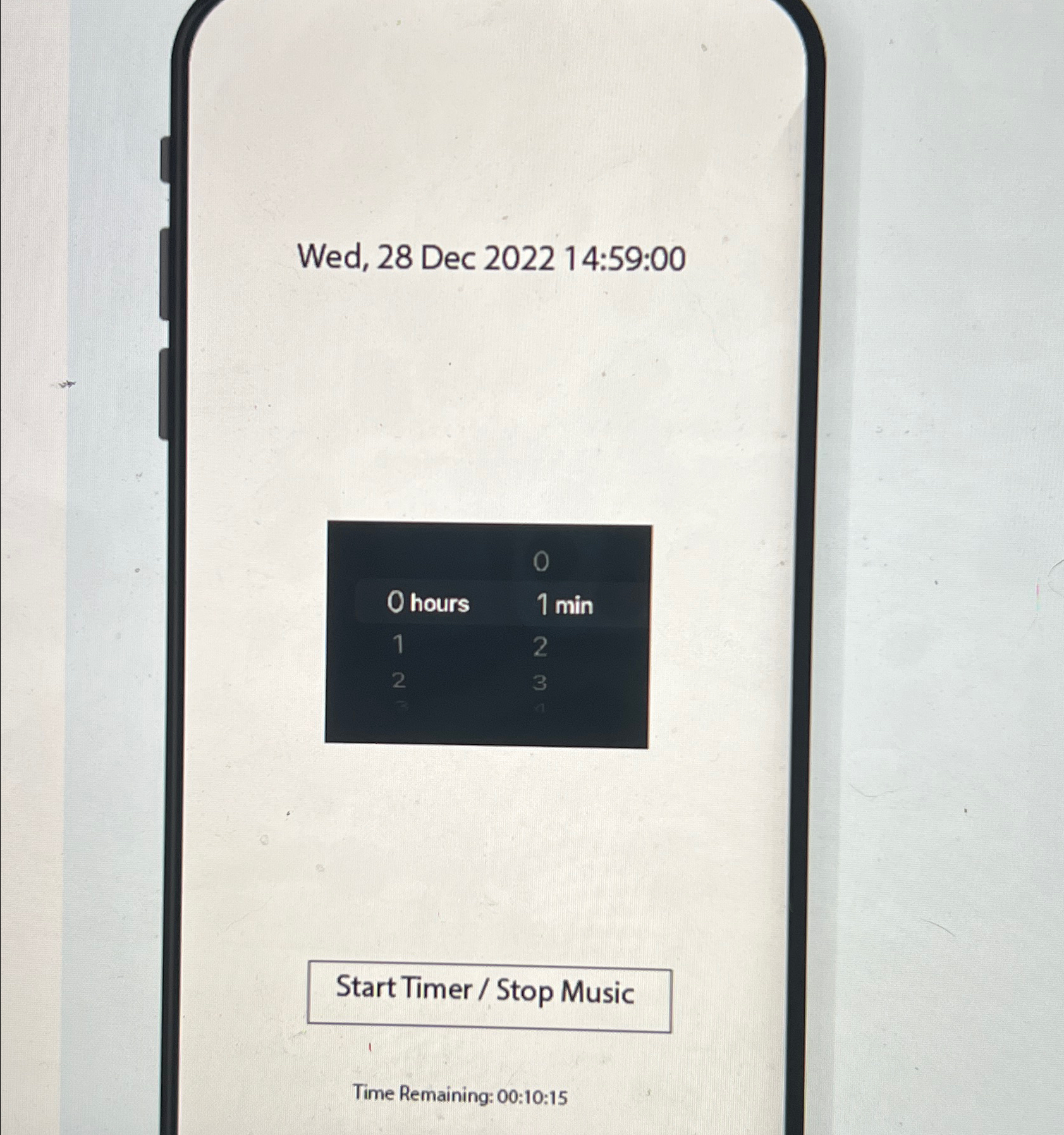
Show a live clock format: Wed, Dec :: on label Based on the time AM or PM change the background image. Note: The background image should change automatically without closing and reopening the app
Implement a countdown timer using UIDatePicker.
Allow the user to select hours, and minutes.
Start the timer on the button click. Once the timer starts, show the time remaining on labelformat: ::
Once the timer ends, play a music. Choose a music seconds that you like.
Once the timer endsmusic starts, change the button text to 'Stop Music'.
Stop the music on the button click. Change the button text to 'Start Timer' and allow users to set a new timer.
The application should run for all size classes, including iPads, and for the landscape orientation.
Step by Step Solution
There are 3 Steps involved in it
1 Expert Approved Answer
Step: 1 Unlock

Question Has Been Solved by an Expert!
Get step-by-step solutions from verified subject matter experts
Step: 2 Unlock
Step: 3 Unlock
 Study Help