







Question: Model. The default is a molecule with a purple center atom and two white atoms attached to it. You can add single, double, or triple
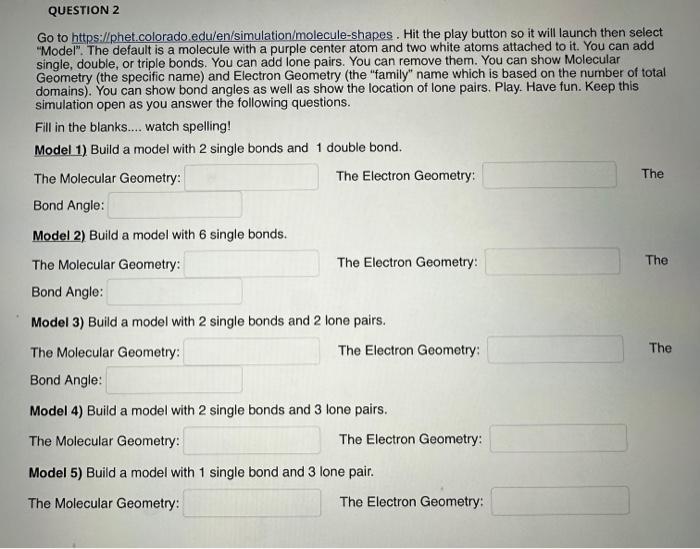
"Model". The default is a molecule with a purple center atom and two white atoms attached to it. You can add single, double, or triple bonds. You can add lone pairs. You can remove them. You can show Molecular Geometry (the specific name) and Electron Geometry (the "family" name which is based on the number of total domains). You can show bond angles as well as show the location of lone pairs. Play. Have fun. Keep this simulation open as you answer the following questions. Fill in the blanks.... watch spelling! Model 1) Build a model with 2 single bonds and 1 double bond. The Molecular Geometry: The Electron Geometry: The Bond Angle: Model 2) Build a model with 6 single bonds. The Molecular Geometry: The Electron Geometry: The Bond Angle: Model 3) Build a model with 2 single bonds and 2 lone pairs. The Molecular Geometry: The Electron Geometry: The Bond Angle: Model 4) Build a model with 2 single bonds and 3 lone pairs. The Molecular Geometry: The Electron Geometry: Model 5) Build a model with 1 single bond and 3 lone pair. The Molecular Geometry: The Electron Geometry
Step by Step Solution
There are 3 Steps involved in it

Get step-by-step solutions from verified subject matter experts
 Study Help