







Question: - Modify the code in Chapter 15's StudentList class in Figure 15.8 (page 673) so that objects from that class can be written to a
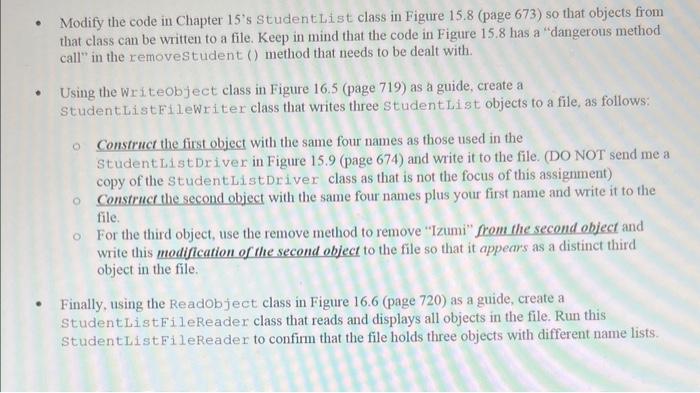
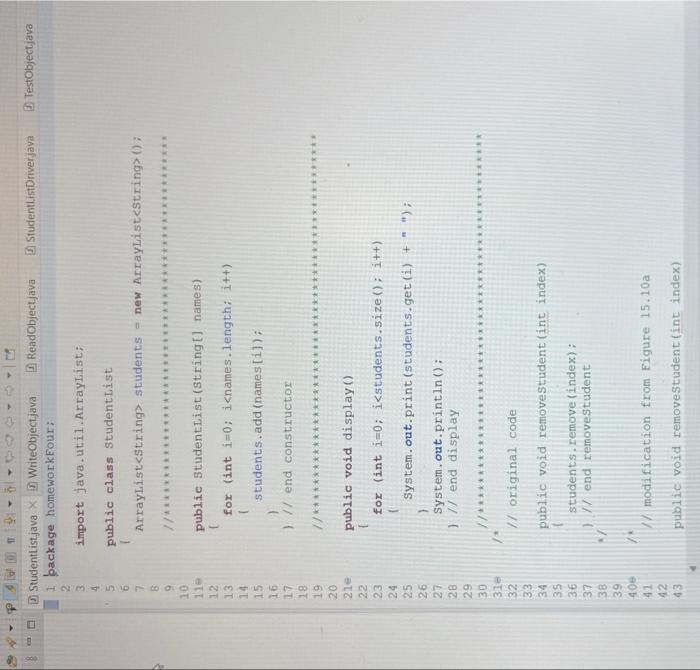
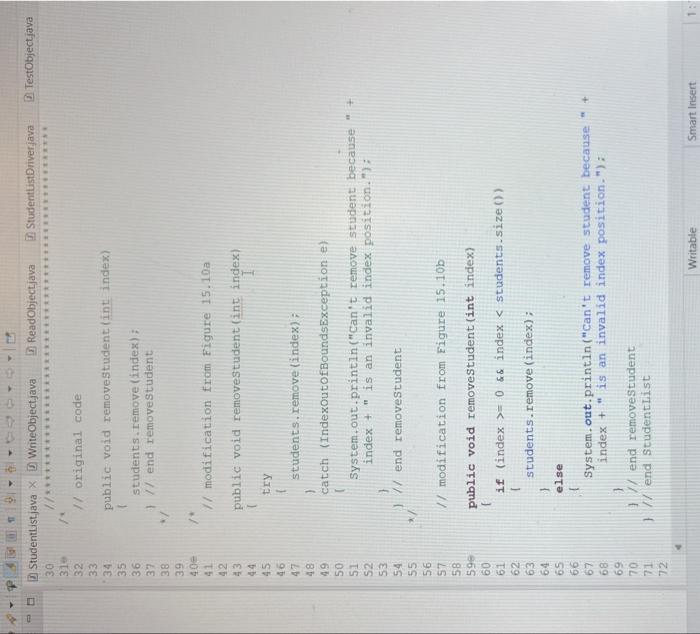
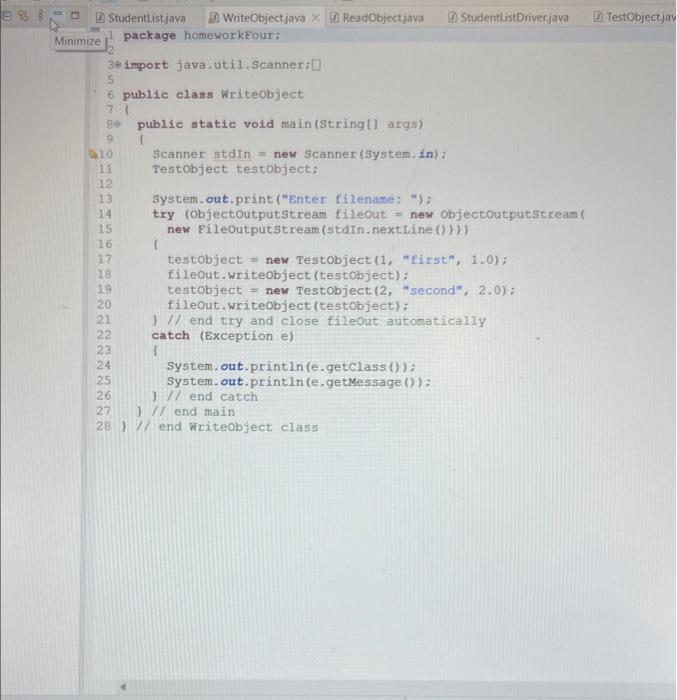
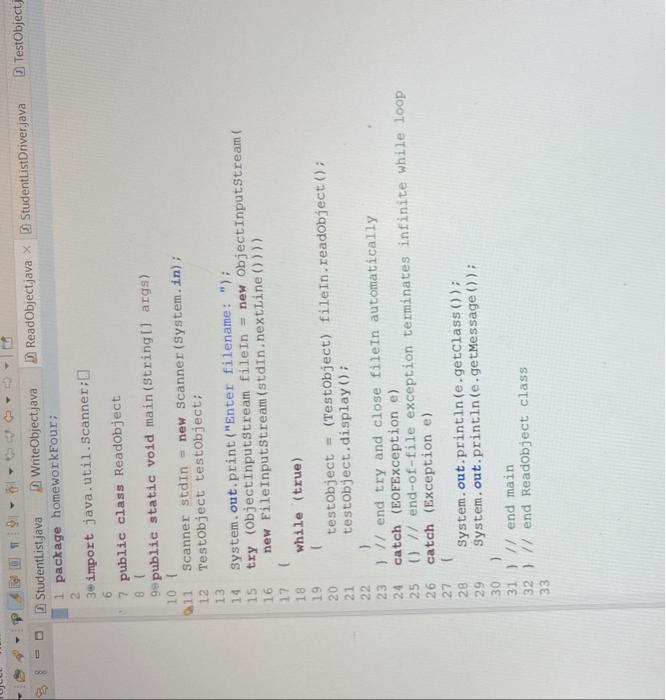
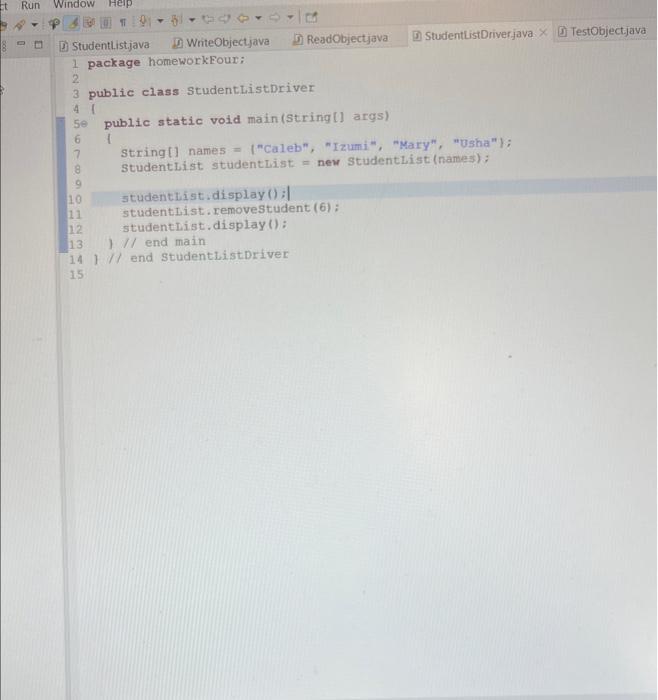
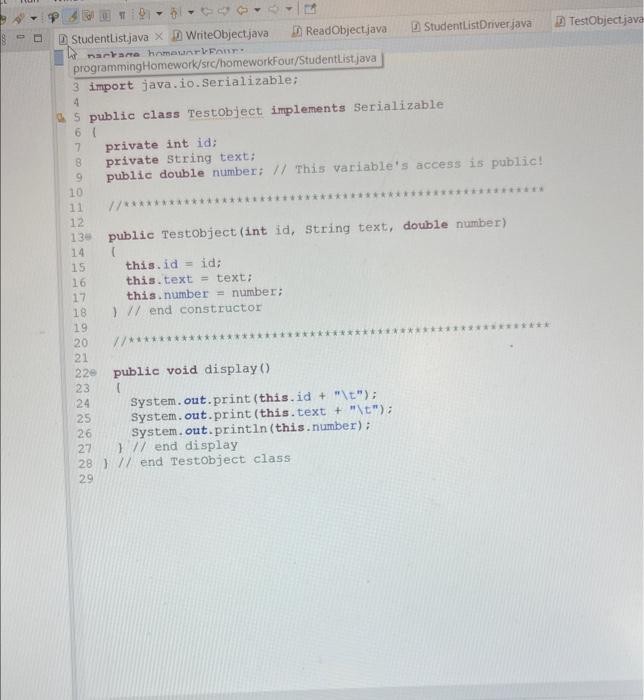
- Modify the code in Chapter 15's StudentList class in Figure 15.8 (page 673) so that objects from that class can be written to a file. Keep in mind that the code in Figure 15.8 has a "dangerous method call" in the removestudent () method that needs to be dealt with. - Using the Writeobject class in Figure 16.5 (page 719) as a guide, create a StudentListFileWriter class that writes three StudentList objects to a file, as follows: Construct the first object with the same four names as those used in the Student ListDriver in Figure 15.9 (page 674) and write it to the file. (DO NOT send me a copy of the StudentListDriver class as that is not the focus of this assignment) Construct the second object with the same four names plus your first name and write it to the file. For the third object, use the remove method to remove "Izumi" from the second object and write this modiffication of the second object to the file so that it appears as a distinct third object in the file. - Finally, using the Readobject class in Figure 16.6 (page 720) as a guide, create a StudentisistFileReader class that reads and displays all objects in the file. Run this StudentListFileReader to confirm that the file holds three objects with different name lists. dentlist.java X 18 WriteObjectjava (1) ReadObject.java (1) StudentlistDriverjava (1) Testobj package homeworkFour: import java. util. Arraylist; public class Studentiist Arraylist students = new Arraylist>(0 ) l for (int i=0;i
Step by Step Solution
There are 3 Steps involved in it

Get step-by-step solutions from verified subject matter experts
 Study Help