







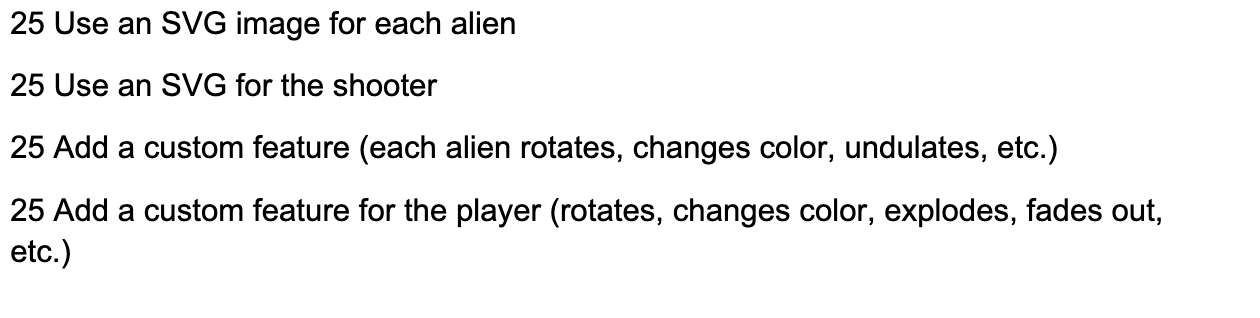
Question: Modify this space invaders game in the following ways. 2 5 Use an SVG image for each alien 2 5 Use an SVG for the
Modify this space invaders game in the following ways. Use an SVG image for each alien
Use an SVG for the shooter
Add a custom feature each alien rotates, changes color, undulates, etc.
Add a custom feature for the player rotates changes color, explodes, fades out,
etc. Code to modify included here. import pygame, random
#Initialize pygame
pygame.init
#Set display surface
WINDOWWIDTH
WINDOWHEIGHT
displaysurface pygame.display.setmodeWINDOWWIDTH, WINDOWHEIGHT
pygame.display.setcaptionSpace Invaders"
#Set FPS and clock
FPS
clock pygame.time.Clock
#Define Classes
class Game:
A class to help control and update gameplay"""
def initself player, aliengroup, playerbulletgroup, alienbulletgroup:
Initialze the game"""
#Set game values
self.roundnumber
self.score
self.player player
self.aliengroup aliengroup
self.playerbulletgroup playerbulletgroup
self.alienbulletgroup alienbulletgroup
#Set sounds and music
self.newroundsound pygame.mixer.Soundnewround.wav"
self.breachsound pygame.mixer.Soundbreachwav"
self.alienhitsound pygame.mixer.Soundalienhit.wav"
self.playerhitsound pygame.mixer.Soundplayerhit.wav"
#Set font
self.font pygame.font.FontFaconttf
def updateself:
Update the game"""
self.shiftaliens
self.checkcollisions
self.checkroundcompletion
def drawself:
Draw the HUD and other information to display"""
#Set colors
WHITE
#Set text
scoretext self.font.renderScore: strselfscore True, WHITE
scorerect scoretext.getrect
scorerect.centerx WINDOWWIDTH
scorerect.top
roundtext self.font.renderRound: strselfroundnumber True, WHITE
roundrect roundtext.getrect
roundrect.topleft
livestext self.font.renderLives: strselfplayer.lives True, WHITE
livesrect livestext.getrect
livesrect.topright WINDOWWIDTH
#Blit the HUD to the display
displaysurface.blitscoretext, scorerect
displaysurface.blitroundtext, roundrect
displaysurface.blitlivestext, livesrect
pygame.draw.linedisplaysurface, WHITE, WINDOWWIDTH,
pygame.draw.linedisplaysurface, WHITE, WINDOWHEIGHT WINDOWWIDTH, WINDOWHEIGHT
def shiftaliensself:
Shift a wave of aliens down the screen and reverse direction"""
#Determine if alien group has hit an edge
shift False
for alien in selfaliengroup.sprites:
if alien.rect.left or alien.rect.right WINDOWWIDTH:
shift True
#Shift every alien down, change direction, and check for a breach
if shift:
breach False
for alien in selfaliengroup.sprites:
#Shift down
alien.rect.y selfroundnumber
#Reverse the direction and move the alien off the edge so 'shift' doesn't trigger
alien.direction aliendirection
alien.rect.x alien.directionalienvelocity
#Check if an alien reached the ship
if alien.rect.bottom WINDOWHEIGHT :
breach True
#Aliens breached the line
if breach:
self.breachsound.play
self.player.lives
self.checkgamestatusAliens breached the line!", "Press 'Enter' to continue"
def checkcollisionsself:
Check for collisions"""
#See if any bullet in the player bullet group hit an alien in the alien group
if pygame.sprite.groupcollideselfplayerbulletgroup, self.aliengroup, True, True:
self.alienhitsound.play
self.score
#See if the player has collided with any bullet in the alien bullet group
if pygame.sprite.spritecollideselfplayer, self.alienbulletgroup, True:
self.playerhitsound.play
self.player.lives
self.checkgamestatusYouve been hit!", "Press 'Enter' to continue"
def checkroundcompletionself:
Check to see if a player has completed a single round"""
#If the alien group is empty, you've completed the round
if not selfaliengroup:
self.score selfroundnumber
self.roundnumber
self.startnewround
def startnewroundself:
Step by Step Solution
There are 3 Steps involved in it
1 Expert Approved Answer
Step: 1 Unlock

Question Has Been Solved by an Expert!
Get step-by-step solutions from verified subject matter experts
Step: 2 Unlock
Step: 3 Unlock
 Study Help