







Question: MS OUTLOOK. How can you create a new folder in Outlook? * 1 point a ) Use the New Folder command in the Home tab
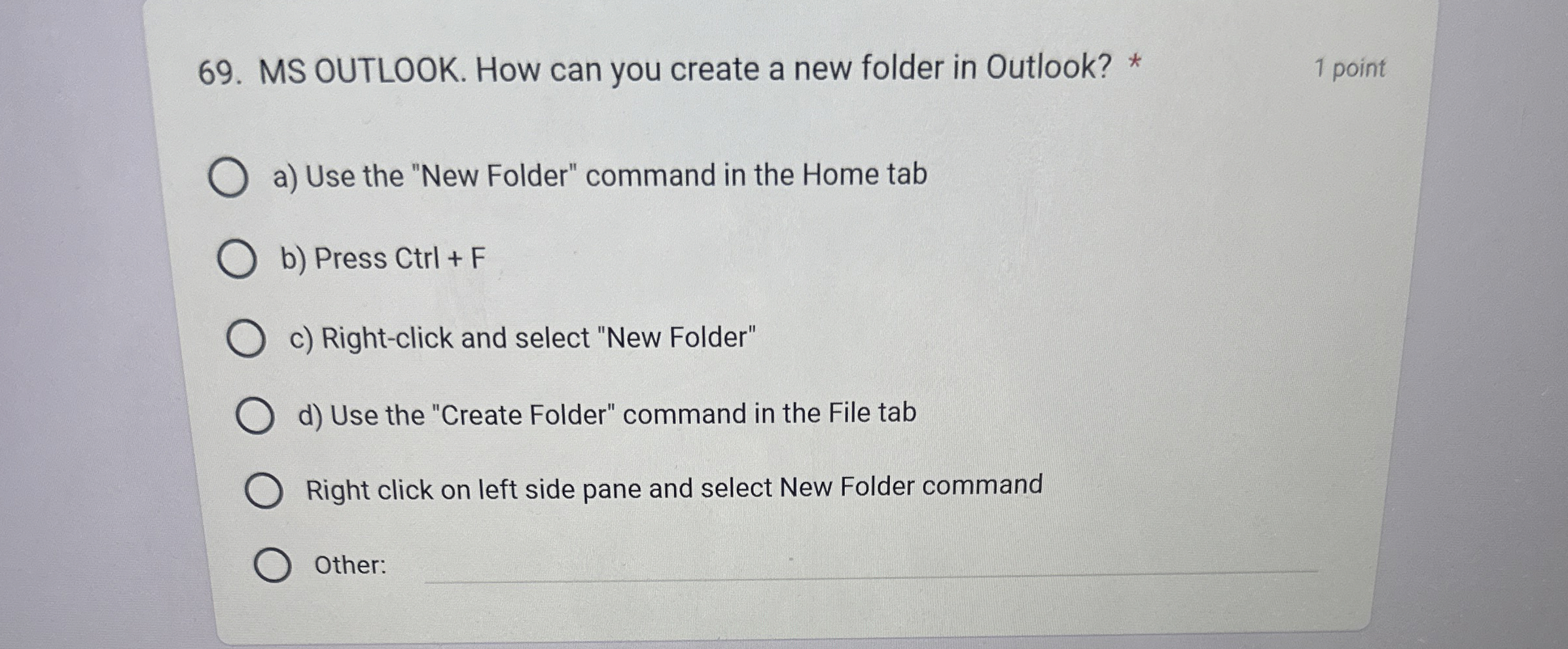
MS OUTLOOK. How can you create a new folder in Outlook?
point
a Use the "New Folder" command in the Home tab
b Press Ctrl
c Rightclick and select "New Folder"
d Use the "Create Folder" command in the File tab
Right click on left side pane and select New Folder command
Other
Step by Step Solution
There are 3 Steps involved in it
1 Expert Approved Answer
Step: 1 Unlock

Question Has Been Solved by an Expert!
Get step-by-step solutions from verified subject matter experts
Step: 2 Unlock
Step: 3 Unlock
 Study Help