







Question: MS Server - security - Configure Default Domain Password Policy by changing the 5 default settings. - Configure 5 of the user rights settings to
MS Server - security 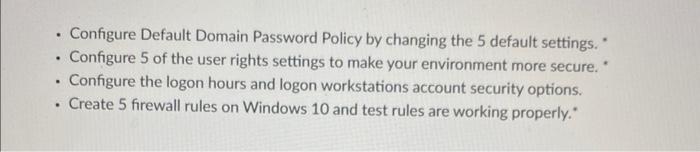
- Configure Default Domain Password Policy by changing the 5 default settings. - Configure 5 of the user rights settings to make your environment more secure. - Configure the logon hours and logon workstations account security options. - Create 5 firewall rules on Windows 10 and test rules are working properly
Step by Step Solution
There are 3 Steps involved in it
1 Expert Approved Answer
Step: 1 Unlock

Question Has Been Solved by an Expert!
Get step-by-step solutions from verified subject matter experts
Step: 2 Unlock
Step: 3 Unlock
 Study Help