







Question: Multadd.tcl script: # cd ~/cnt-seq # dc_shell # enter each uncommented command listed below # or to run all of these do the following at
 Multadd.tcl script:
# cd ~/cnt-seq # dc_shell # enter each uncommented command listed below # or to run all of these do the following at teh dc_shell prompt # source cnt-seq.scr #********************************************************************** # # # First, set up the path to the libraries. To use a different # technology library, these variables may be changed. # # (no need as these are already set in .synopsys_dc.setup ) #**********/************************************************************ #search_path = { ., synopsys_root + /libraries/syn} #search_path = { ., /opt/ECE_Lib/SAED90nm_EDK_10072017/SAED90_EDK/SAED_EDK90nm_ccs_models_svt #target_library = {saed90nm_typ_ccs.db} #symbol_library = {saed90nm_typ_ccs.db} #link_path = {class.db} #********************************************************************** # # The read command is used to read in the Verilog source file. # # The read command is described in the Design Compiler Command # Reference Manual. # #******************************************************************* read_verilog mult.v read_verilog add.v read_verilog multadd.v #read_verilog file1.v #read_verilog file2.v #read_verilog file3.v.v current_design multadd link list_designs -show_file printvar current_design report_lib # now set create clock spec # There are many clock properties that could be set eg # set_clock_latency # set_propagated_clock # set_clock_uncertainty # set_clock_transition create_clock -period 20 [get_ports clk] set_clock_uncertainty 1 [get_ports clk] # set opererating condition worst cse, typical or best case # set_operating_conditions WCCOM # set drive strength on signals connected to inputs set_drive 1 [all_inputs] # set drive strength on signals connected to outputs set_load 2 [all_outputs] # set max allowable delays
set_input_delay -max 1.35 -clock clk [all_inputs ] set_output_delay -max 2.4 -clock clk [all_outputs] set auto_wire_load_selection true # set max area allowed max_area 200 # report on the constraints report_design check_design # this compiles (synthesizes) the verilog file compile # if compile procedes with no errors then create reports check_design report -area > multadd_area_report.txt report -timing > multadd_timing_report.txt # write netlist files for simulation and for layout change_names -rules verilog -hierarchy write_file -format verilog -hierarchy -output "multadd_net.v" write_file -format ddc -hierarchy -output "multadd_net.ddc" write_file -format ddc -hierarchy -output "multadd_net.sdf" #to get out of dc_shell #exit
mult.v:
module mult ( input clk, rst_n, input [15:0] data_in1, data_in2, output reg [15:0] data_out);
always @(posedge clk or negedge rst_n) if (!rst_n) data_out = 0; else data_out = data_in1 * data_in2;
endmodule
add.v:
module add ( input clk, rst_n, input [15:0] data_in1, data_in2, output reg [15:0] data_out);
always @(posedge clk or negedge rst_n) if (!rst_n) data_out = 0; else data_out = data_in1 + data_in2;
endmodule
multadd.v:
module multadd ( input clk, rst_n, input [15:0] data_in1, data_in2, data_in3, output wire [15:0] data_out);
wire [15:0] data3;
mult mult1( .clk(clk), .rst_n(rst_n), .data_in1(data_in1), .data_in2(data_in2), .data_out(data3));
add add1( .clk(clk), .rst_n(rst_n), .data_in1(data3), .data_in2(data_in3), .data_out(data_out));
endmodule
Please help with this, I am really struggling with this course. Thank you in advance, I will give thumbs up!
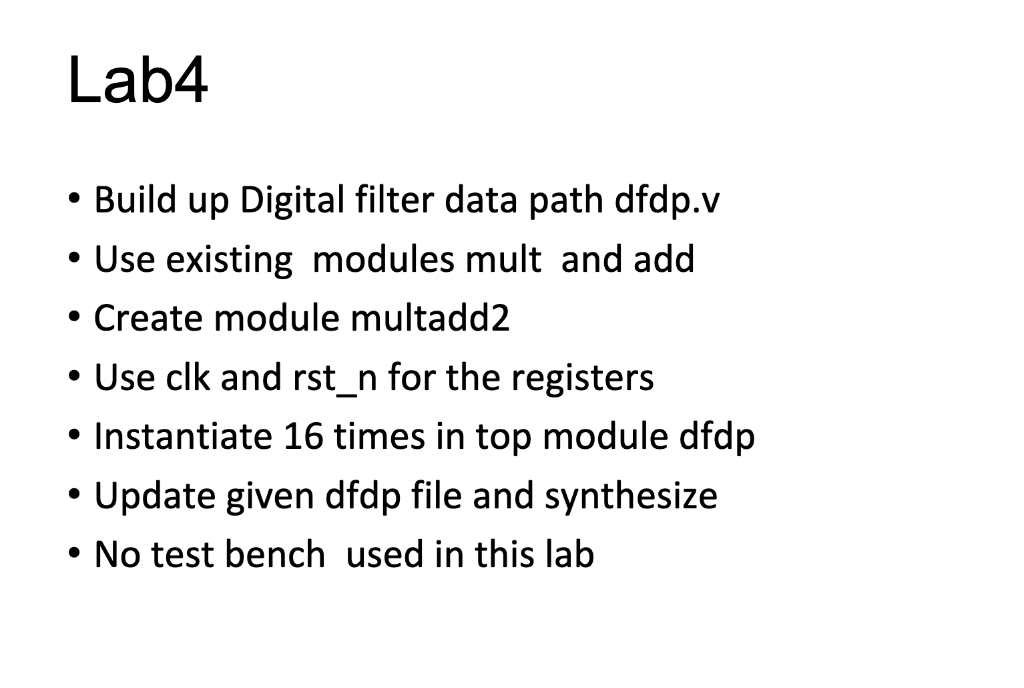
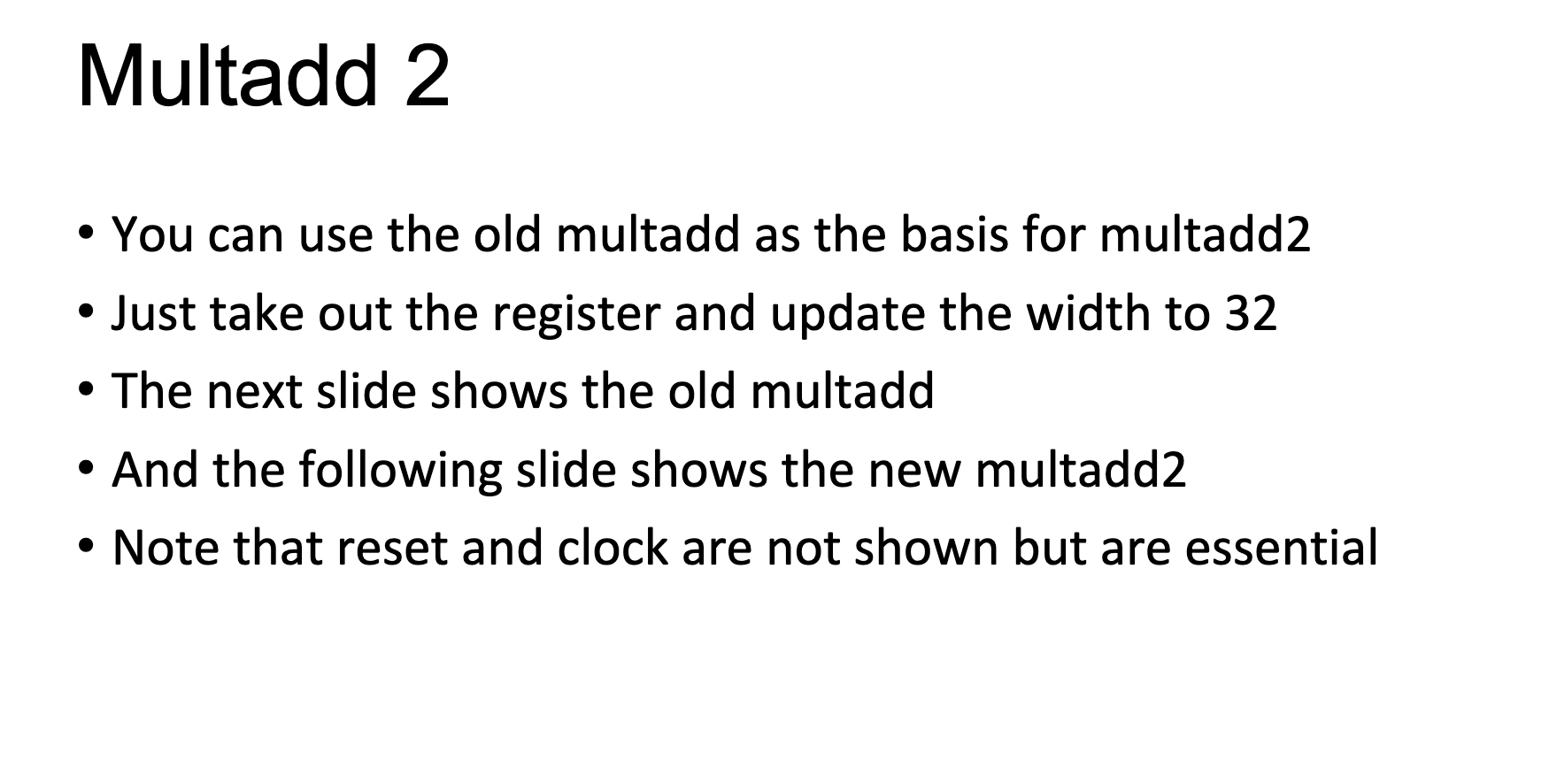
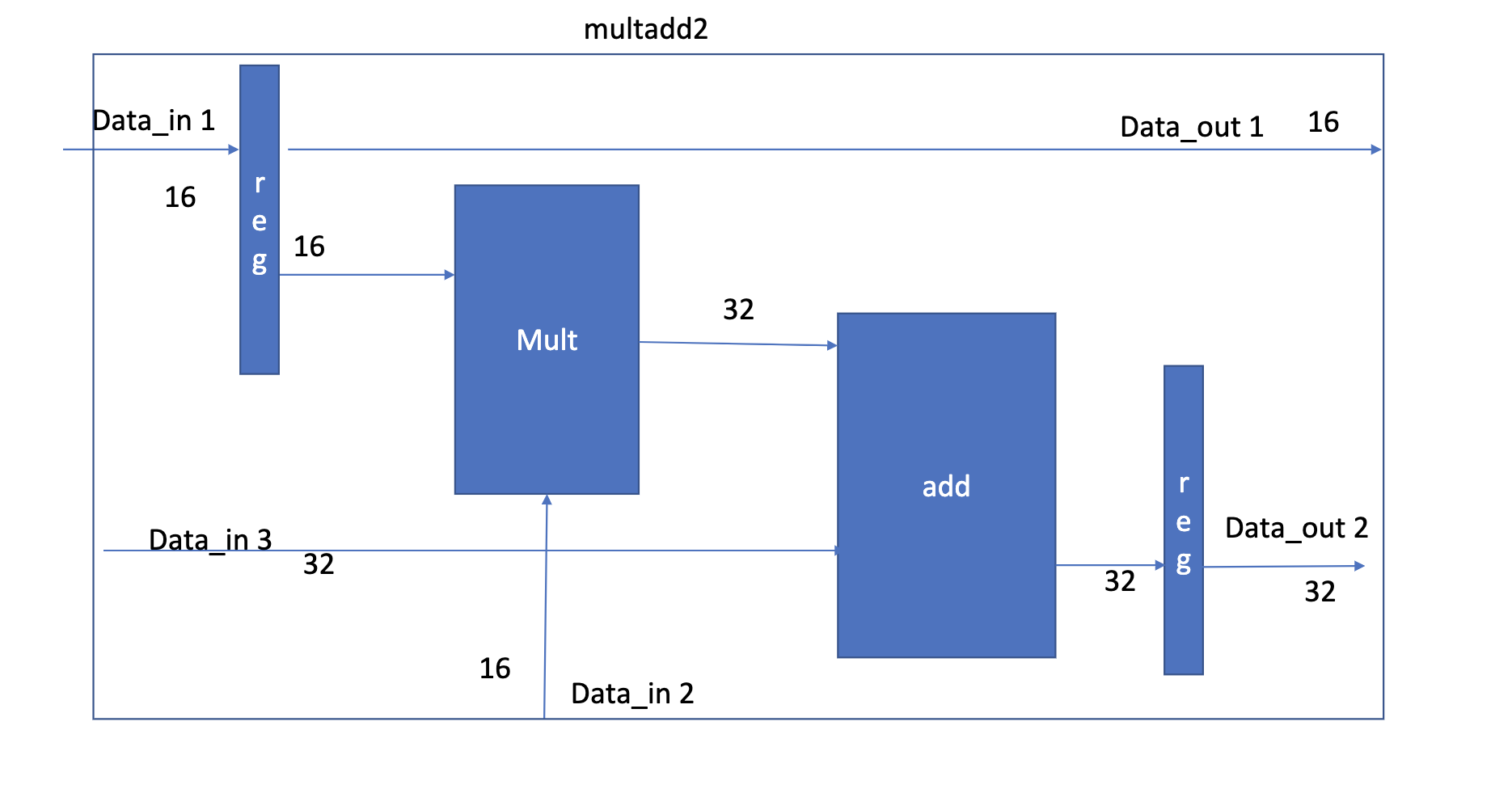
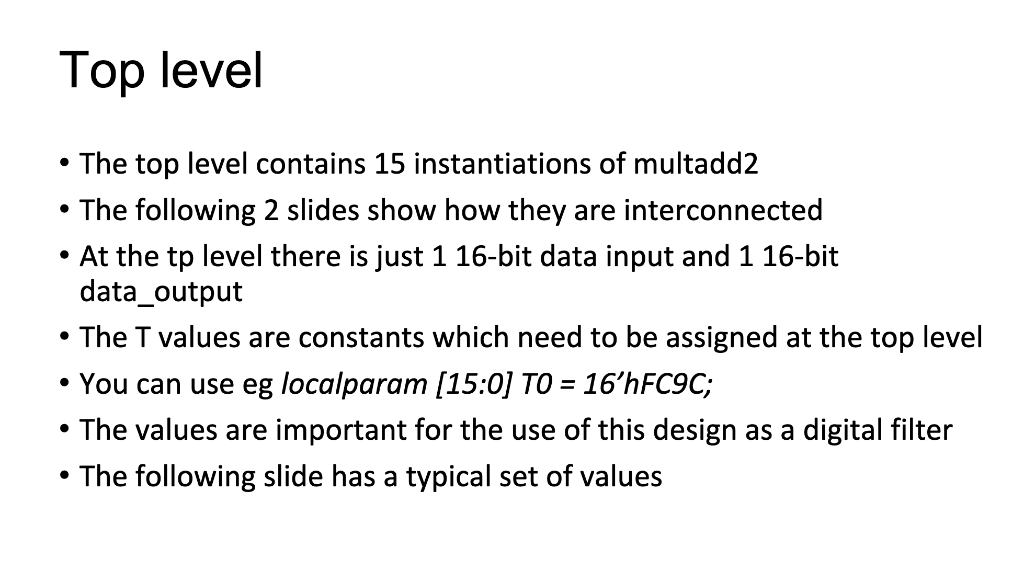
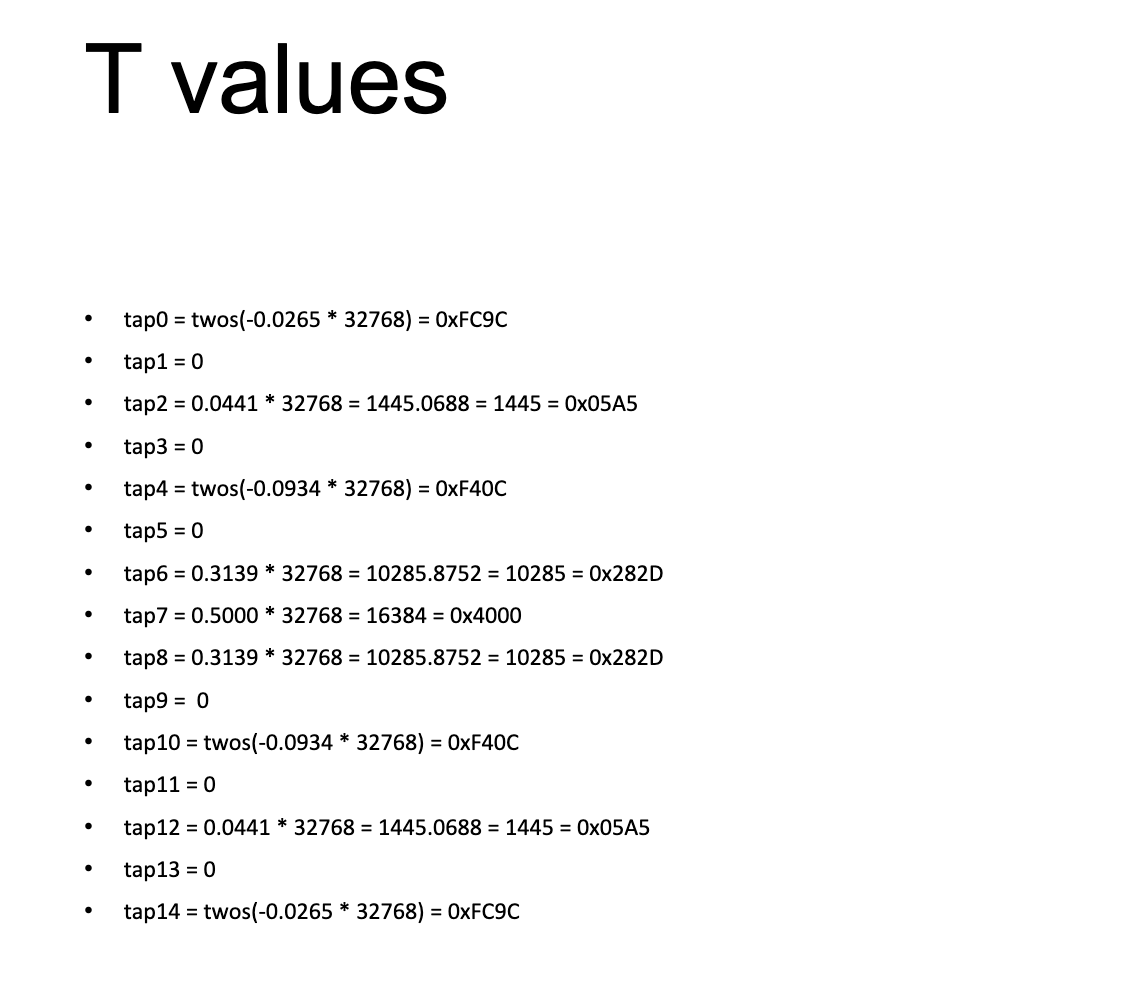
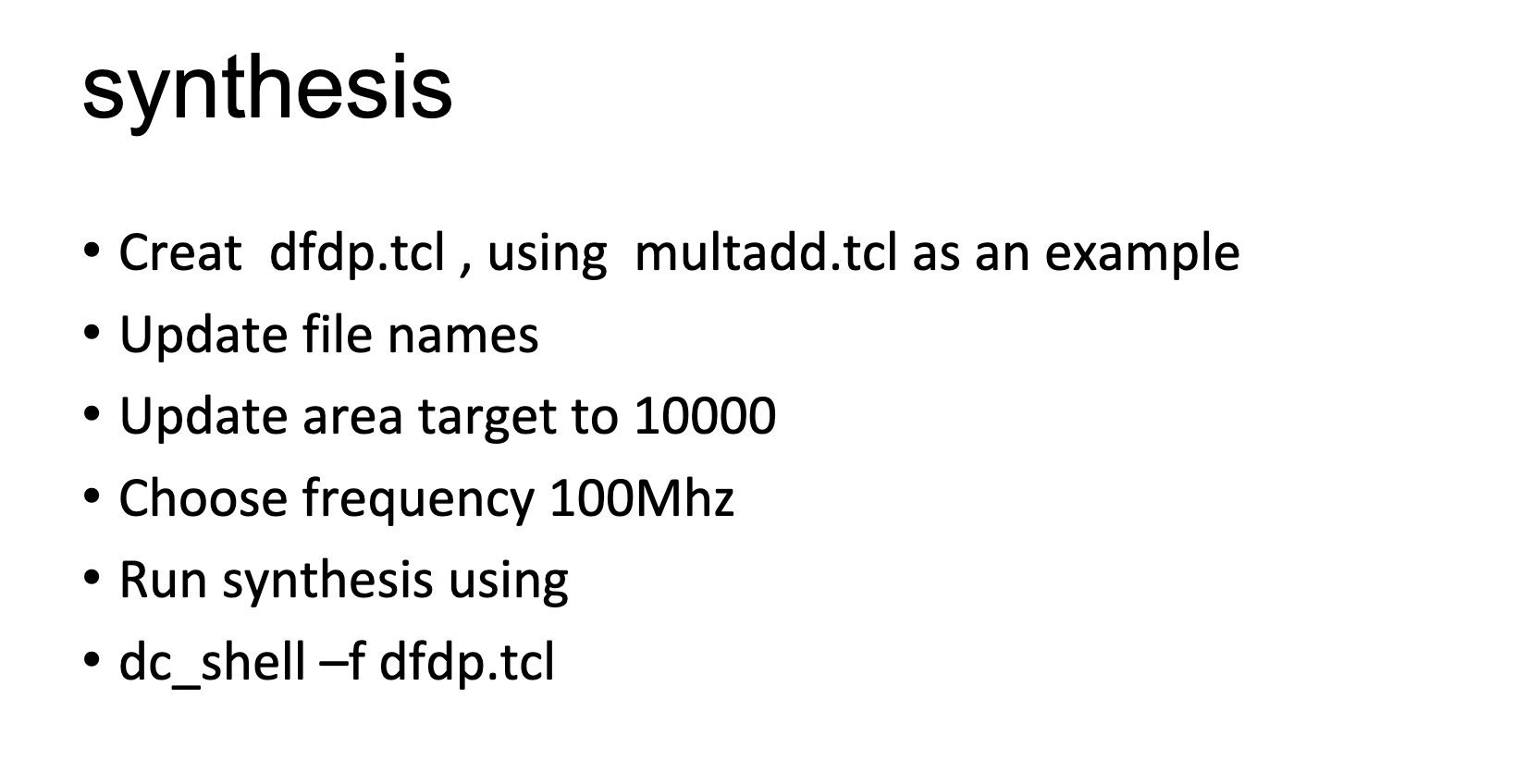
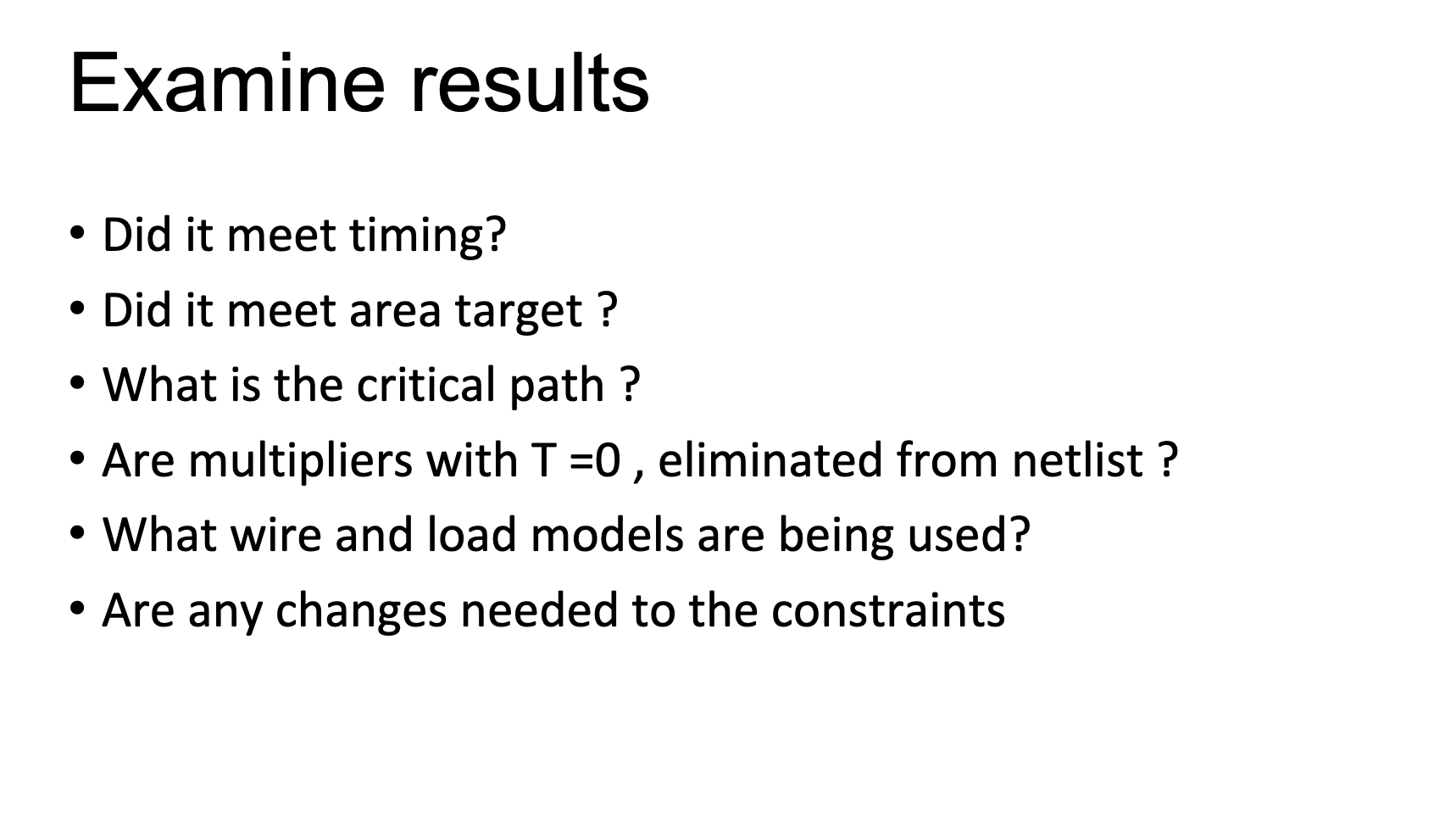
- Build up Digital filter data path dfdp.v - Use existing modules mult and add - Create module multadd2 - Use clk and rst_n for the registers - Instantiate 16 times in top module dfdp - Update given dfdp file and synthesize - No test bench used in this lab - You can use the old multadd as the basis for multadd2 - Just take out the register and update the width to 32 - The next slide shows the old multadd - And the following slide shows the new multadd2 - Note that reset and clock are not shown but are essential multadd2 \( \underset{\text { Data_in } 1}{\longrightarrow} \) - The top level contains 15 instantiations of multadd2 - The following 2 slides show how they are interconnected - At the tp level there is just 1 16-bit data input and 116 -bit data_output - The T values are constants which need to be assigned at the top level - You can use eg localparam [15:0] T0 = 16'hFC9C; - The values are important for the use of this design as a digital filter - The following slide has a typical set of values velues - tap0=twos(0.026532768)=0xFC9C - tap1=0 - tap2=0.044132768=1445.0688=1445=005A5 - tap3=0 - tap4=twos(0.093432768)=0xF40C tap5=0 - tap6=0.313932768=10285.8752=10285=0282D - tap7=0.500032768=16384=04000 - tap8=0.313932768=10285.8752=10285=0282D - tap9=0 - tap10=twos(0.093432768)=0xF40C - tap11=0 - tap12=0.044132768=1445.0688=1445=005A5 - tap13=0 - tap14=twos(0.026532768)=0xFC9C synthesis - Creat dfdp.tcl, using multadd.tcl as an example - Update file names - Update area target to 10000 - Choose frequency 100Mhz - Run synthesis using - dc_shell-f dfdp.tcl Examine results - Did it meet timing? - Did it meet area target? - What is the critical path ? - Are multipliers with T=0, eliminated from netlist ? -What wire and load models are being used? - Are any changes needed to the constraints
Step by Step Solution
There are 3 Steps involved in it

Get step-by-step solutions from verified subject matter experts
 Study Help