







Question: MY CURRENT CODE THAT NEEDS TO BE MODIFIED -------------------------------------------------------------------------------------------------------------------------------------------------------------- index.html Pacific Trails Resort :: Yurts Pacific Trails Resort Home Yurts Activites Reservations Enjoy Nature in


MY CURRENT CODE THAT NEEDS TO BE MODIFIED
--------------------------------------------------------------------------------------------------------------------------------------------------------------
index.html
Pacific Trails Resort
--------------------------------------------------------------------------------------------------------------------------------------------------------------
yurts.html
Pacific Trails Resort
--------------------------------------------------------------------------------------------------------------------------------------------------------------
pacific.css
body { font-family: verdana, arial, sans-serif; background-color: #FFFFFF; color: #666666; }
header { font-family: Georgia, serif; background-color: #000033; color: #FFFFFF; }
h1 { line-height: 200%; }
nav { font-weight: bold; background-color: #90C7E3; }
h2 { font-family: Georgia, serif; color: #3399CC; }
dt { color: #000033; font-weight: bold; } .resort { color: #000033; font-size: 1.2em; }
footer { font-size: .70em; font-style: italic; text-align: center; } #wrapper{ width: 80%; margin-right: auto; margin-left: auto; }
--------------------------------------------------------------------------------------------------------------------------------------------------------------
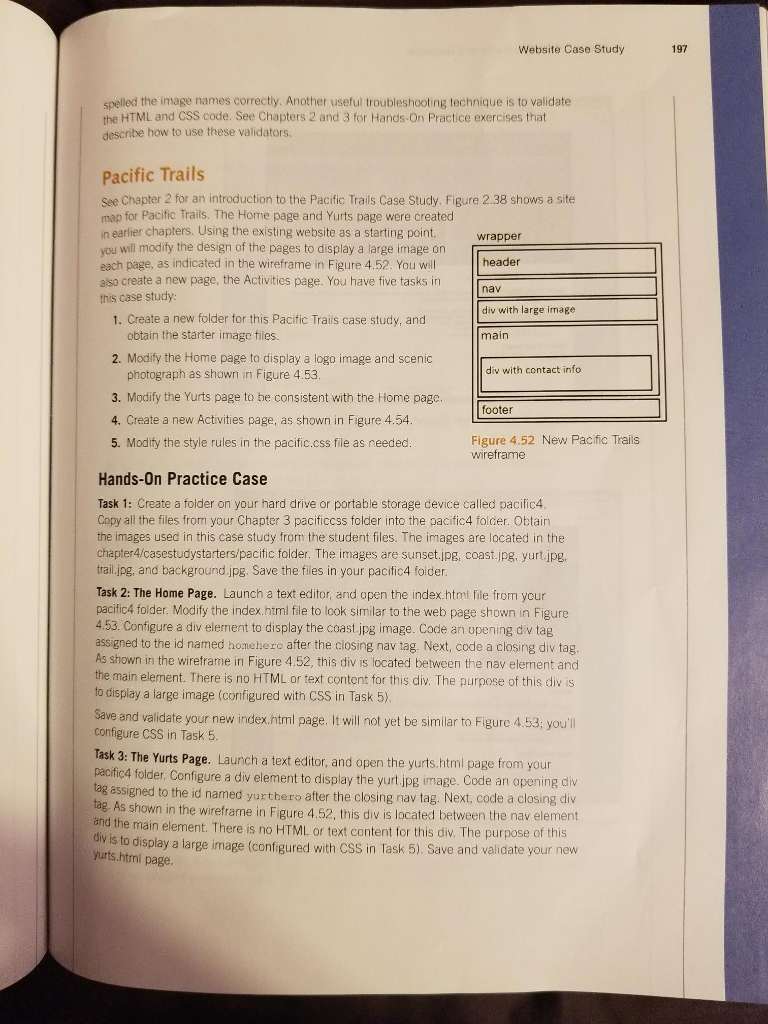
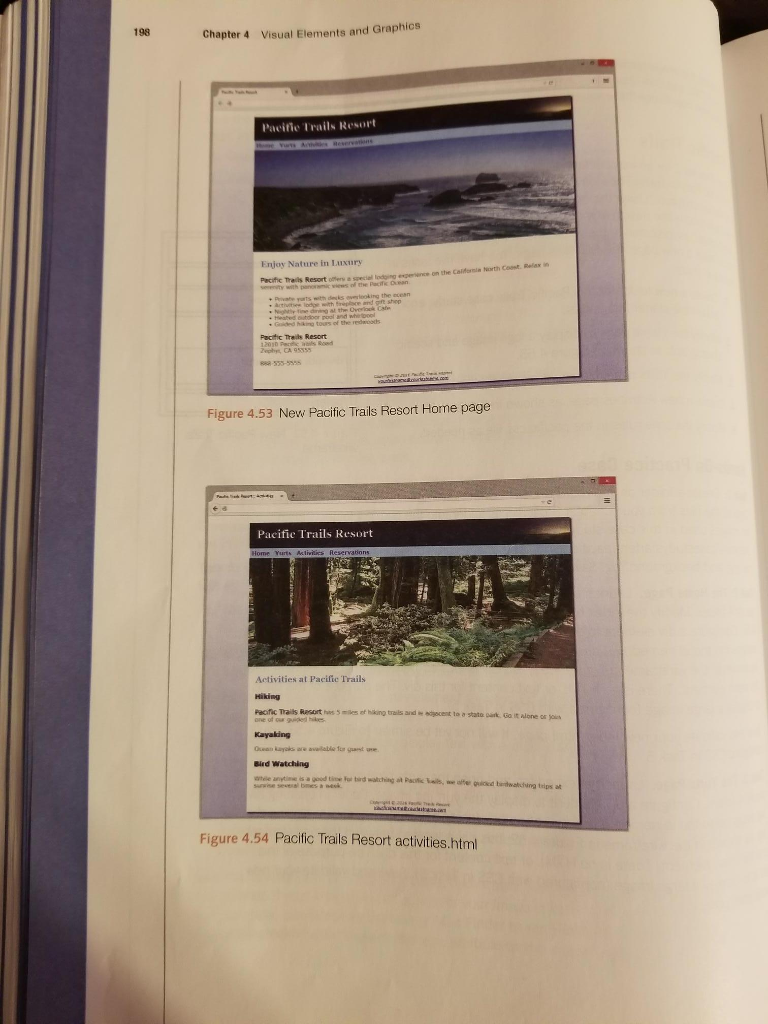
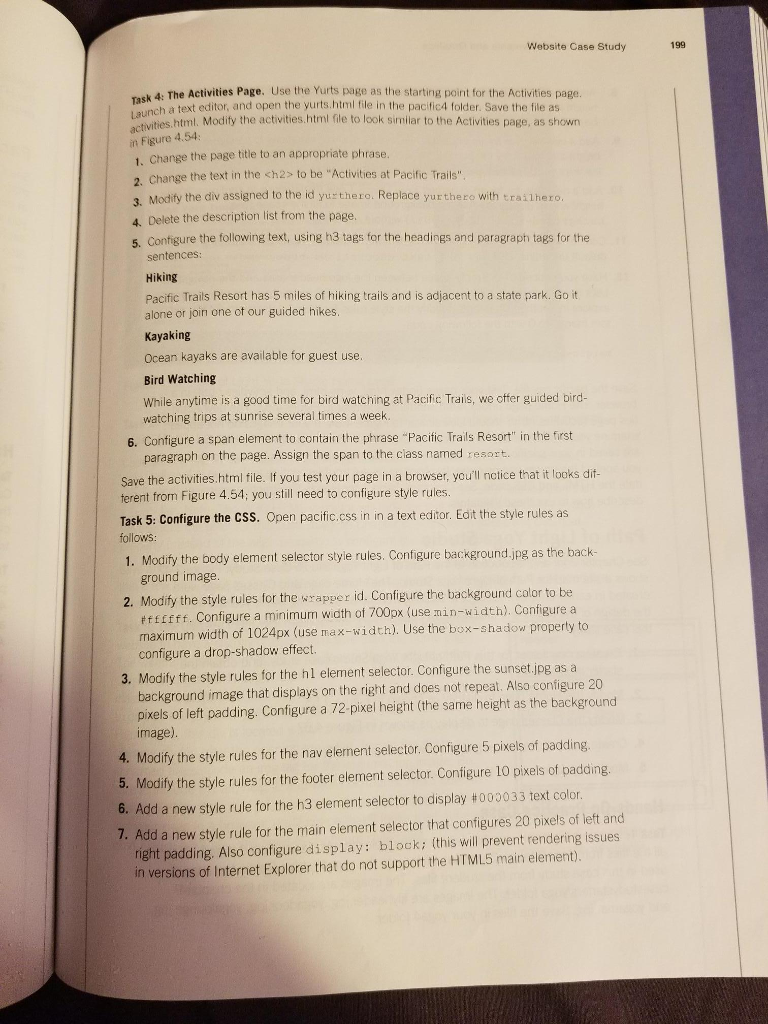
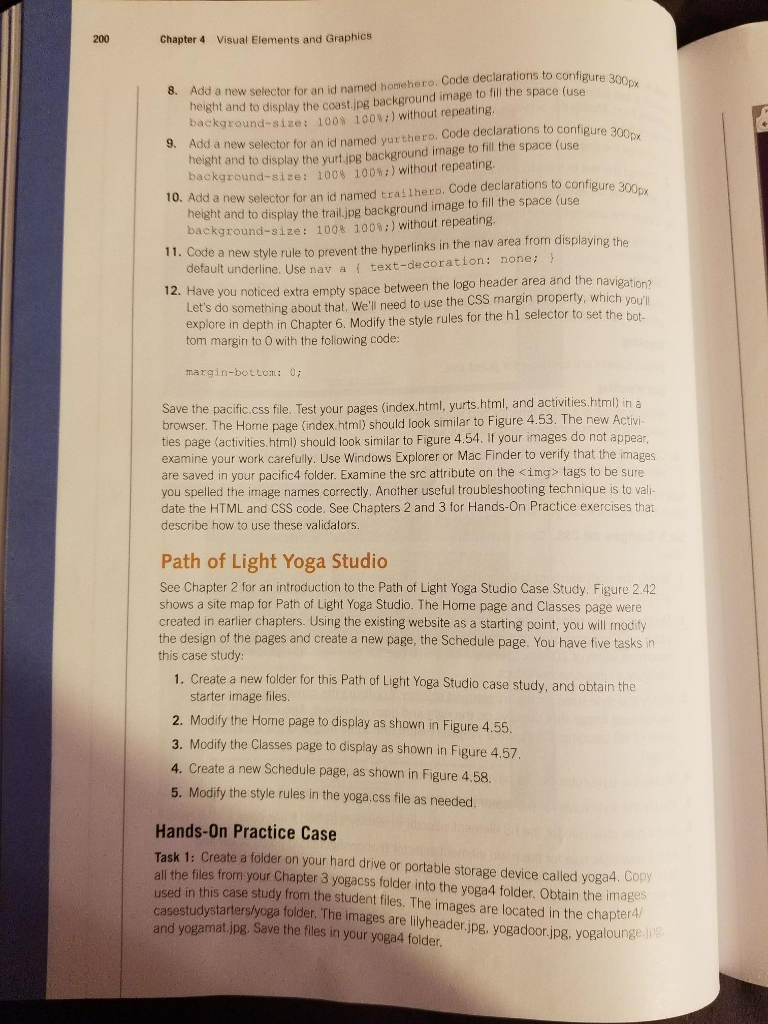
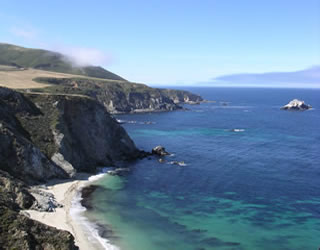
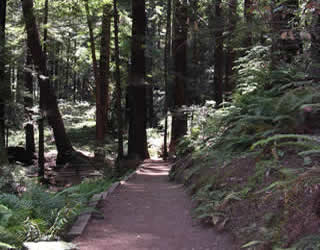
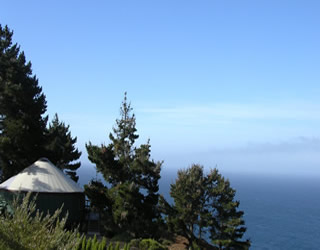
Website Case Study 197 spelled the image names correctly. Another useful troubleshooting technique is to validate the HTML and CSS code. See Chapters 2 and 3 for Hands-On Practice exercises that describe how to use these validators. Pacific Trails See Chapter 2 for an introduction to the Pacific Trails Case Study. Figure 2.38 shows a site map for Pacific Trails. The Home page and Yurts page were created in earlier chapters. Using the existing website as a starting point, wrapper you will modity the design of the pages to display a large image or each page, as indicated in the wireframe in Figure 4.52. You will also create a new page, the Activities page. You have five tasks in this case study header nav div with large image 1. Create a new folder for this Pacific Trails case study, and obtain the starter image files. main 2. Modify the Home page to display a logo image and scenic div with contact info photograph as shown in Figure 4.53. 3. Modify the Yurts page to be consistent with the Home page. footer 4. Create a new Activities page, as shown in Figure 4.54 Figure 4.52 New Pacific Trails wireframe 5. Modify the style rules in the pacific.css file as needed Hands-On Practice Case Task 1: Create a folder on your hard drive or portable storage cevice called pacific4. Copy all the files from your Chapter 3 pacificcss folder into the pacific4 folcer. Obtain the images used in this case study from the student files. The images are located in the chapter4/casestudystarters/pacific folder. The images are sunset.jpg, coast.jpg, yurt.jpg, trail.jpg, and background.jpg. Save the files in your pacific4 folder. Task 2: The Home Page. Launch a text editor, and open the index.html file frorm your pacific4 folder. Modify the index.html file to look similar to the web page shown in Figure 4.53. Configure a div element to display the coast.jpg image. Code an opening div tag assigned to the id named homehero after the closing nav tag. Next, code a closing div tag. As shown in the wireframe in Figure 4.52, this div is located between the nav element and the main element. There is no HTML or text content for this div. The purpose of this div is to display a large image (configured with CSS in Task 5). Save and validate your new index.html page. It will not yet be similar to Figure 4.53; youll configure CSS in Task 5 Task 3: The Yurts Page. Launch a text editor, and open the yurts.html page from your pacific4 folder. Configure a div element to display the yurt jpg image. Code an opening div to the id named yurthero after the closing nav tag. Next, code a closing div tag. A and the div is to s shown in the wireframe in Figure 4.52, this div is located between the nav element e main element. There is no HTMIL or text content for this div. The purpose of this display a large image (configured with CSS in Task 5). Save and validate your new yurts.html page
Step by Step Solution
There are 3 Steps involved in it

Get step-by-step solutions from verified subject matter experts
 Study Help