







Question: Introduction Match Four is a two-player connection board game, consisting in two players taking turns to drop colored discs into a vertically suspended grid.
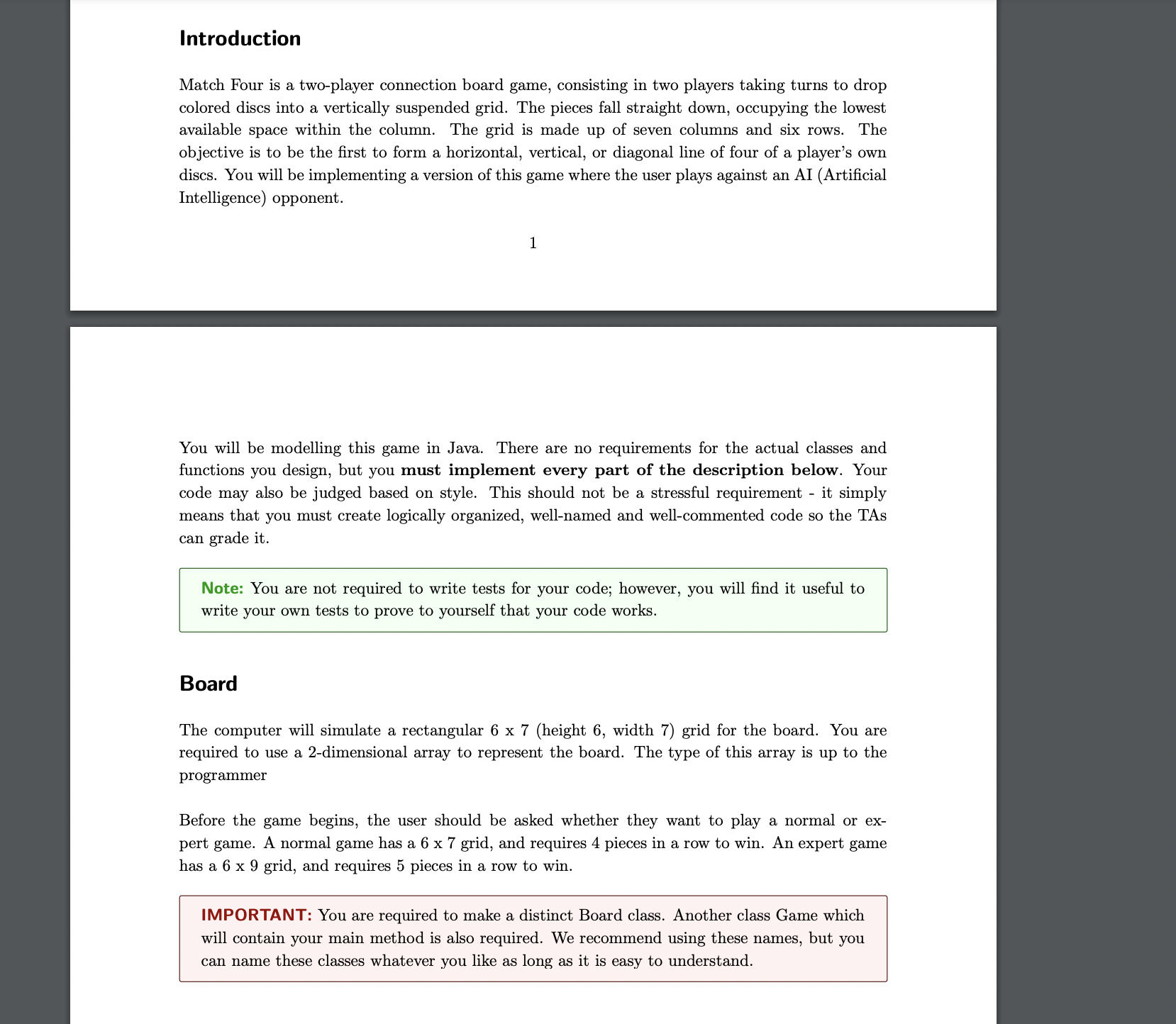
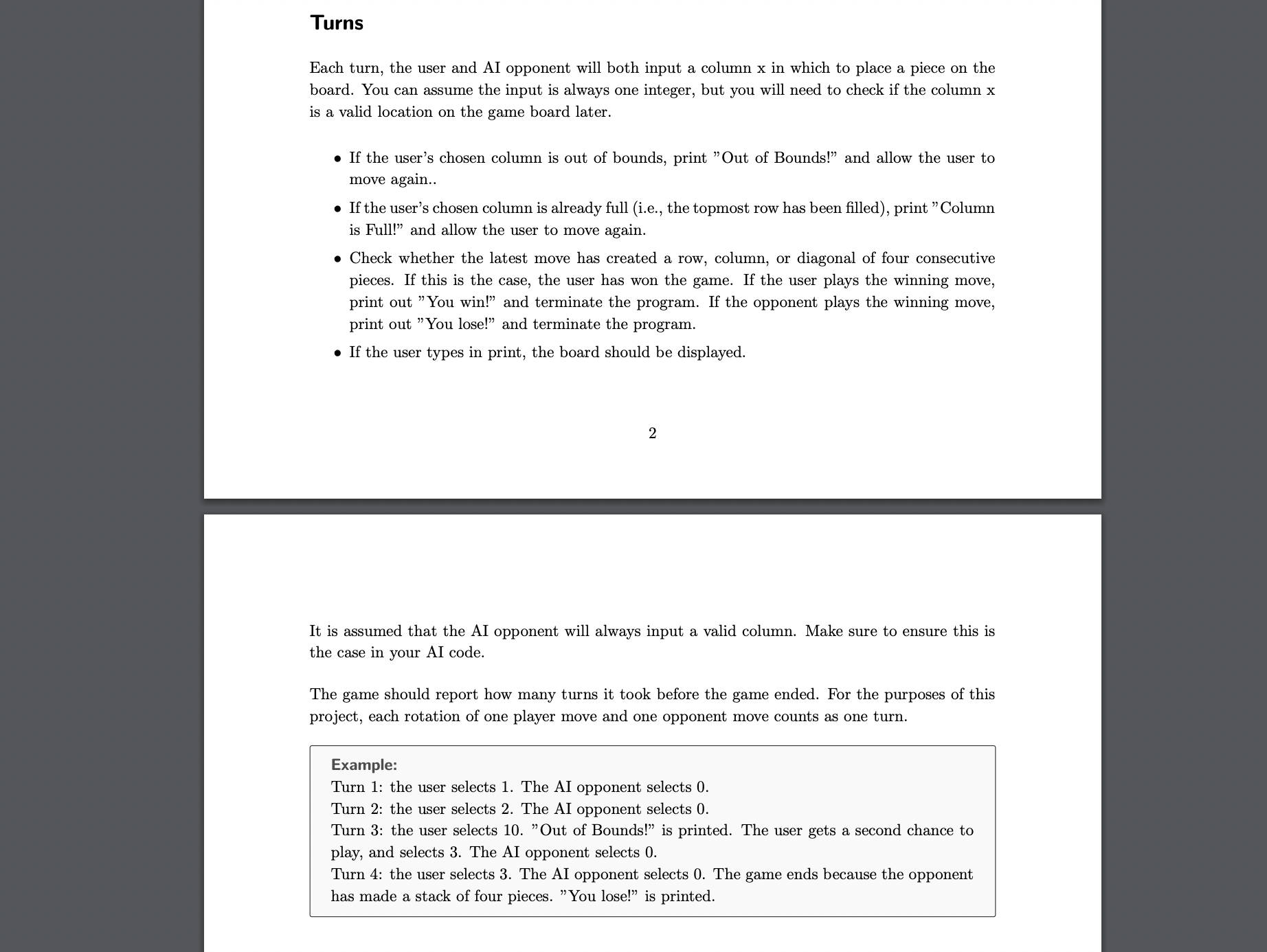
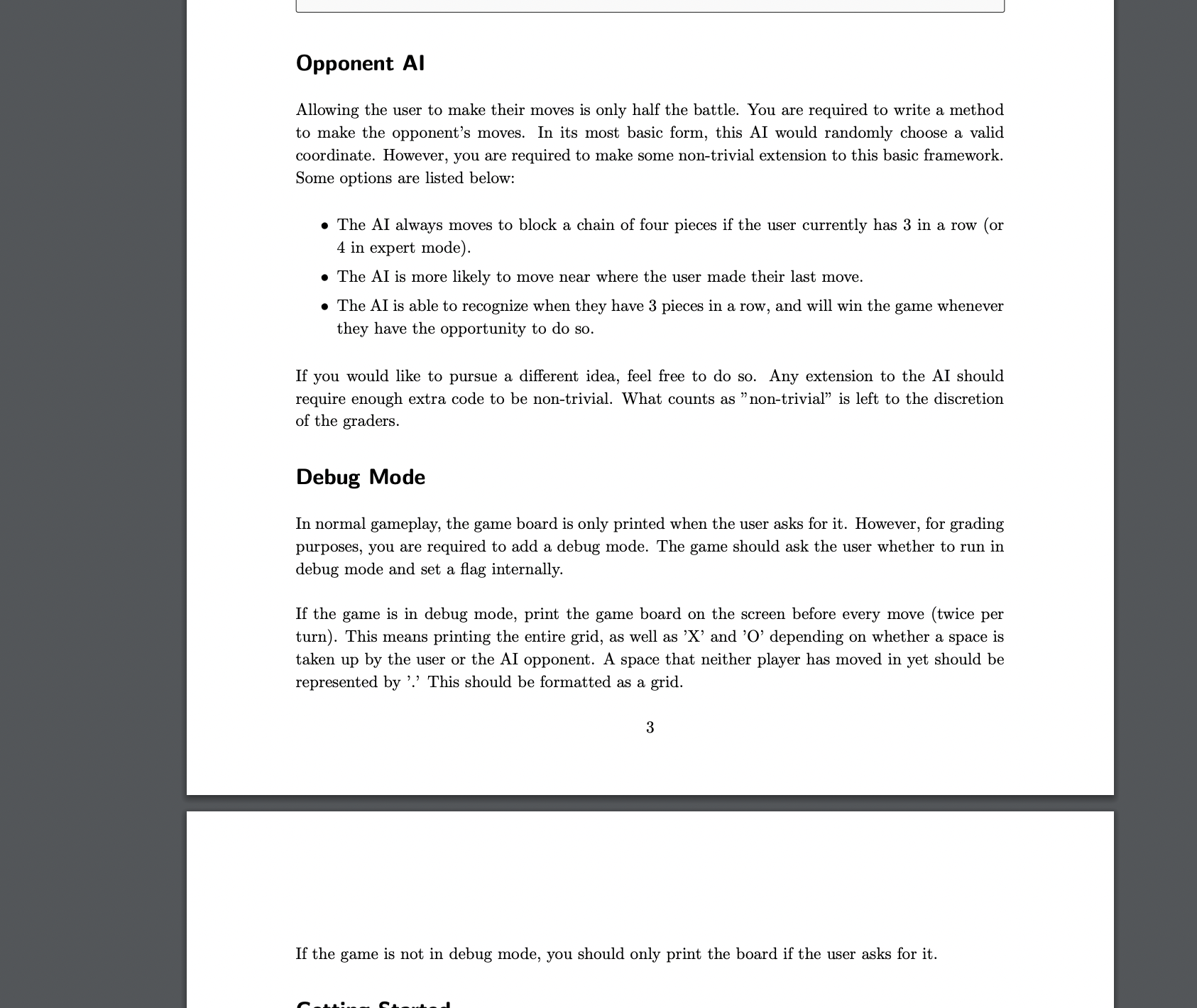
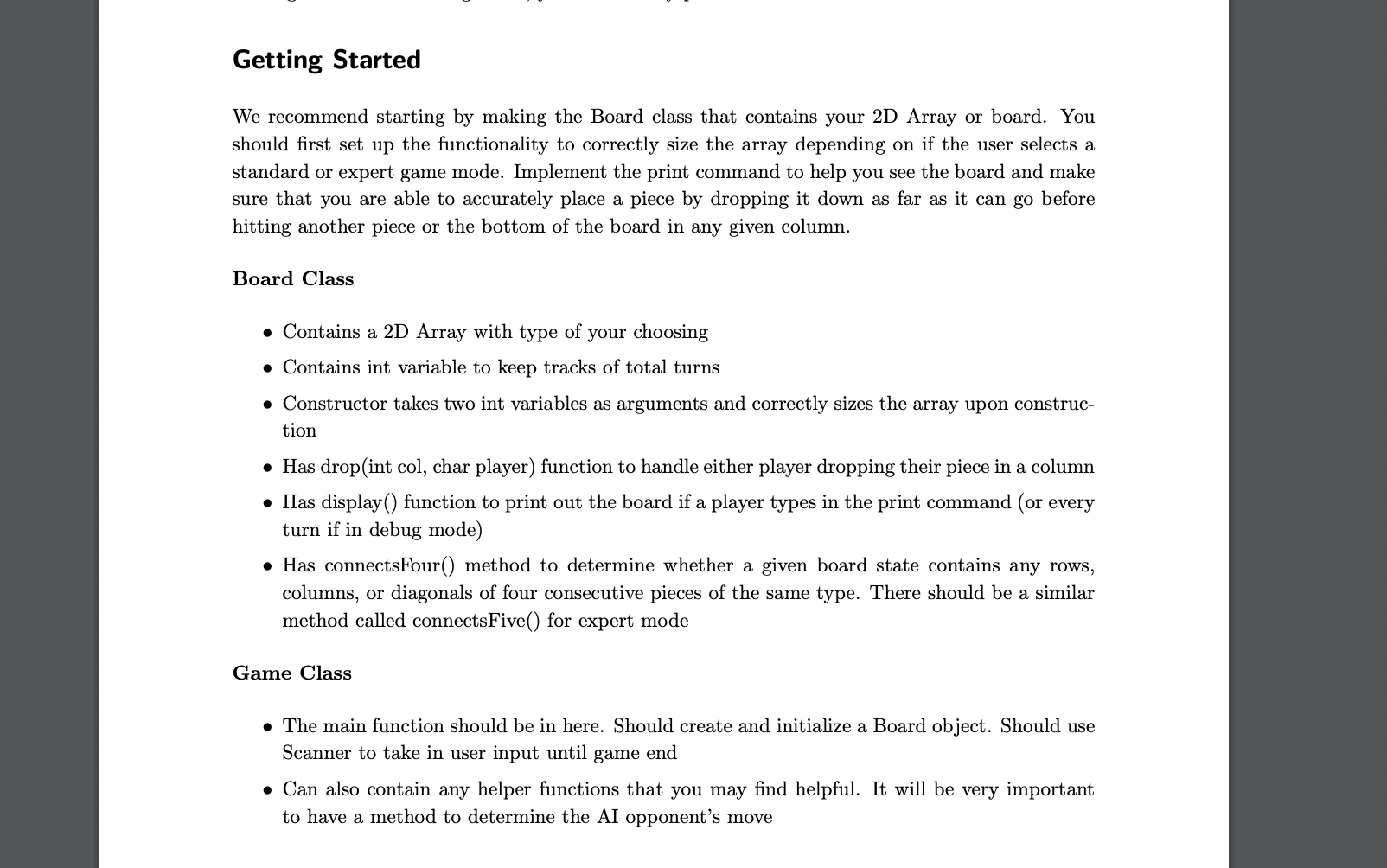
Introduction Match Four is a two-player connection board game, consisting in two players taking turns to drop colored discs into a vertically suspended grid. The pieces fall straight down, occupying the lowest available space within the column. The grid is made up of seven columns and six rows. The objective is to be the first to form a horizontal, vertical, or diagonal line of four of a player's own discs. You will be implementing a version of this game where the user plays against an AI (Artificial Intelligence) opponent. 1 You will be modelling this game in Java. There are no requirements for the actual classes and functions you design, but you must implement every part of the description below. Your code may also be judged based on style. This should not be a stressful requirement - it simply means that you must create logically organized, well-named and well-commented code so the TAs can grade it. Note: You are not required to write tests for your code; however, you will find it useful to write your own tests to prove to yourself that your code works. Board The computer will simulate a rectangular 6 x 7 (height 6, width 7) grid for the board. You are required to use a 2-dimensional array to represent the board. The type of this array is up to the programmer Before the game begins, the user should be asked whether they want to play a normal or ex- pert game. A normal game has a 6 x 7 grid, and requires 4 pieces in a row to win. An expert game has a 6 x 9 grid, and requires 5 pieces in a row to win. IMPORTANT: You are required to make a distinct Board class. Another class Game which will contain your main method is also required. We recommend using these names, but you can name these classes whatever you like as long as it is easy to understand. Turns Each turn, the user and AI opponent will both input a column x in which to place a piece on the board. You can assume the input is always one integer, but you will need to check if the column x is a valid location on the game board later. If the user's chosen column is out of bounds, print "Out of Bounds!" and allow the user to move again.. If the user's chosen column is already full (i.e., the topmost row has been filled), print "Column is Full!" and allow the user to move again. Check whether the latest move has created a row, column, or diagonal of four consecutive pieces. If this is the case, the user has won the game. If the user plays the winning move, print out "You win!" and terminate the program. If the opponent plays the winning move, print out "You lose!" and terminate the program. If the user types in print, the board should be displayed. 2 It is assumed that the AI opponent will always input a valid column. Make sure to ensure this is the case in your AI code. The game should report how many turns it took before the game ended. For the purposes of this project, each rotation of one player move and one opponent move counts as one turn. Example: Turn 1: the user selects 1. The AI opponent selects 0. Turn 2: the user selects 2. The AI opponent selects 0. Turn 3: the user selects 10. "Out of Bounds!" is printed. The user gets a second chance to play, and selects 3. The AI opponent selects 0. Turn 4: the user selects 3. The AI opponent selects 0. The game ends because the opponent has made a stack of four pieces. "You lose!" is printed. Opponent Al Allowing the user to make their moves is only half the battle. You are required to write a method to make the opponent's moves. In its most basic form, this AI would randomly choose a valid coordinate. However, you are required to make some non-trivial extension to this basic framework. Some options are listed below: The AI always moves to block a chain of four pieces if the user currently has 3 in a row (or 4 in expert mode). The AI is more likely to move near where the user made their last move. The AI is able to recognize when they have 3 pieces in a row, and will win the game whenever they have the opportunity to do so. If you would like to pursue a different idea, feel free to do so. Any extension to the AI should require enough extra code to be non-trivial. What counts as "non-trivial" is left to the discretion of the graders. Debug Mode In normal gameplay, the game board is only printed when the user asks for it. However, for grading purposes, you are required to add a debug mode. The game should ask the user whether to run in debug mode and set a flag internally. If the game is in debug mode, print the game board on the screen before every move (twice per turn). This means printing the entire grid, as well as 'X' and 'O' depending on whether a space is taken up by the user or the AI opponent. A space that neither player has moved in yet should be represented by '.' This should be formatted as a grid. 3 If the game is not in debug mode, you should only print the board if the user asks for it. Getting Started We recommend starting by making the Board class that contains your 2D Array or board. You should first set up the functionality to correctly size the array depending on if the user selects a standard or expert game mode. Implement the print command to help you see the board and make sure that you are able to accurately place a piece by dropping it down as far as it can go before hitting another piece or the bottom of the board in any given column. Board Class Contains a 2D Array with type of your choosing Contains int variable to keep tracks of total turns Constructor takes two int variables as arguments and correctly sizes the array upon construc- tion Has drop(int col, char player) function to handle either player dropping their piece in a column Has display() function to print out the board if a player types in the print command (or every turn if in debug mode) Has connectsFour () method to determine whether a given board state contains any rows, columns, or diagonals of four consecutive pieces of the same type. There should be a similar method called connects Five() for expert mode Game Class The main function should be in here. Should create and initialize a Board object. Should use Scanner to take in user input until game end Can also contain any helper functions that you may find helpful. It will be very important to have a method to determine the AI opponent's move
Step by Step Solution
3.41 Rating (151 Votes )
There are 3 Steps involved in it
Heres a basic implementation of the Board and Game classes in Java according to the requirements java import javautilScanner class Board private char grid private int totalTurns public Boardint height ... View full answer

Get step-by-step solutions from verified subject matter experts
 Study Help