







Question: Need help to configure each router as specified , using packet tracer. [3] 3. Configure each router as specified below: A. Each router should have
Need help to configure each router as specified , using packet tracer. 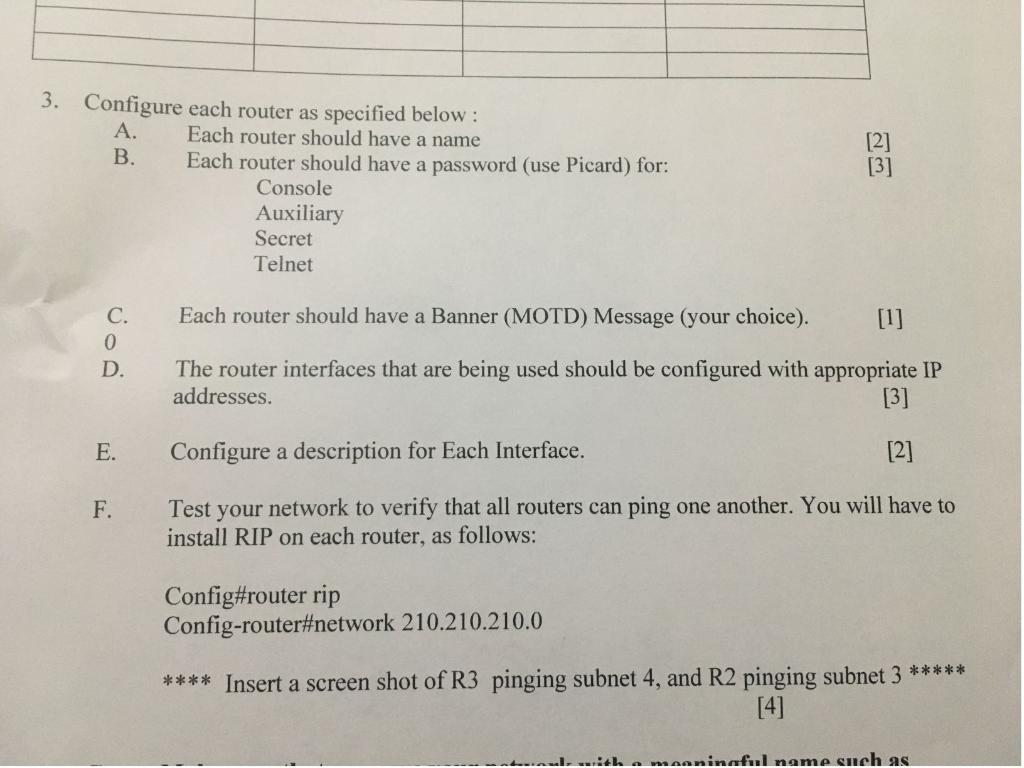
[3] 3. Configure each router as specified below: A. Each router should have a name B. Each router should have a password (use Picard) for: Console Auxiliary Secret Telnet Each router should have a Banner (MOTD) Message (your choice). C. 0 D. The router interfaces that are being used should be configured with appropriate IP addresses. [3] E. Configure a description for Each Interface. [2] F. Test your network to verify that all routers can ping one another. You will have to install RIP on each router, as follows: Config#router rip Config-router#network 210.210.210.0 **** Insert a screen shot of R3 pinging subnet 4, and R2 pinging subnet 3 ***** [4] with a maaninaful name such as [3] 3. Configure each router as specified below: A. Each router should have a name B. Each router should have a password (use Picard) for: Console Auxiliary Secret Telnet Each router should have a Banner (MOTD) Message (your choice). C. 0 D. The router interfaces that are being used should be configured with appropriate IP addresses. [3] E. Configure a description for Each Interface. [2] F. Test your network to verify that all routers can ping one another. You will have to install RIP on each router, as follows: Config#router rip Config-router#network 210.210.210.0 **** Insert a screen shot of R3 pinging subnet 4, and R2 pinging subnet 3 ***** [4] with a maaninaful name such as
Step by Step Solution
There are 3 Steps involved in it

Get step-by-step solutions from verified subject matter experts
 Study Help