







Question: need in visual basic 2015. note properties of objects. Extra exercises 2pdf File Edt View Window Help Adobe Acrobat Reader DC Home Tools Extra exercises
need in visual basic 2015. note properties of objects.
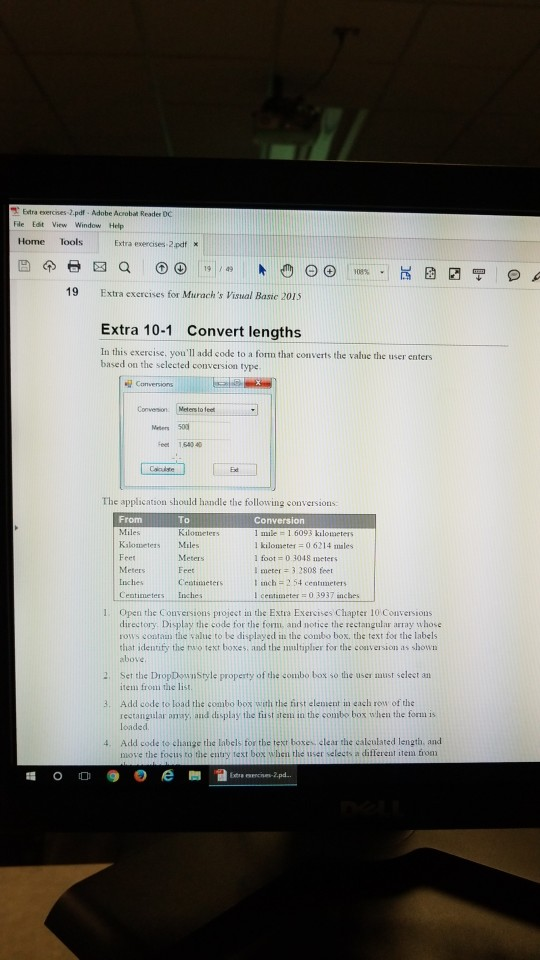
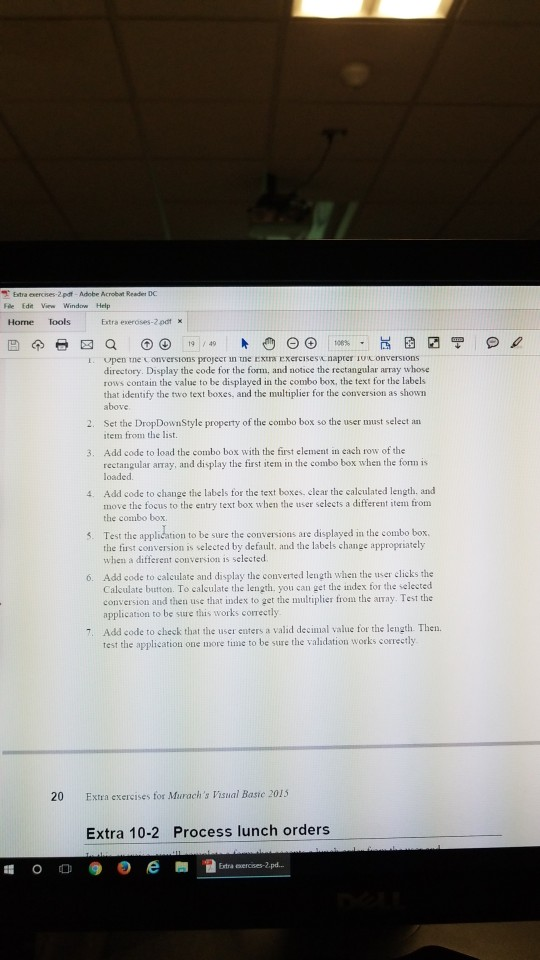
Extra exercises 2pdf File Edt View Window Help Adobe Acrobat Reader DC Home Tools Extra exercises 2.pdf x 19 / a9 19 Extra exercises for Murach's Visual Basic 2015 Extra 10-1 Convert lengths In this exercise, you'll add code to a formn that converts the value the user enters based on the selected conversion type Conversio Meters to feet Meders 50 eet 1,540 40 The applicatson should handle the following conversion From Miles Kalometers Miles Conversion 1 mile = 1 6093 kilometers l kilometer 06214 males 1 foot 0 3048 meters l meter 3 2808 feet t nch 2 54 centuneters l centimeter 03937 inches Meters lnches Centimeters Inches Meters Feet Centinmeters 1. Open the Conversions project in the Extra Exercises Chapter 10 Conversions directory. Display the code for the form, and notice the rectangular array whose rows contan the value to be displayed in the comibo box. the text for the labels that identity the tuvo text boxes and the nultiplber for the couversio as hown above 2. Set the DropDounStyle property of the sombo box so the user nmust selest an 3. Add code to load the combo bos with the first elenient in each row of the 4. Add code to cliange the labels tor the text boxes, clear the caleulated length, and item fromi the list rectangular onay, and display the tiist stem in the combo box when the forn is loaded move the focus to the entry text box when the iser selects a different iteia tromi
Step by Step Solution
There are 3 Steps involved in it

Get step-by-step solutions from verified subject matter experts
 Study Help