







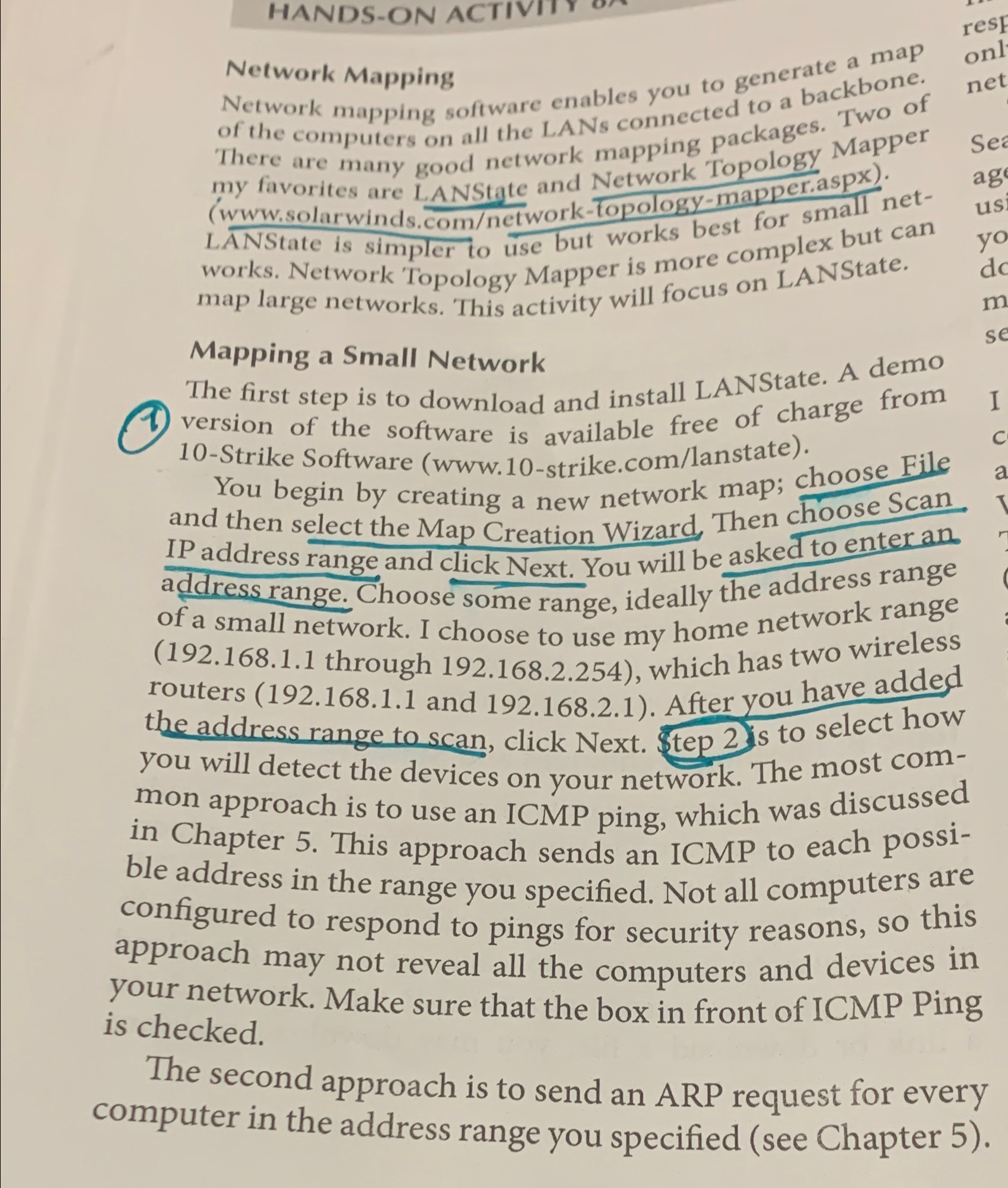
Question: Network Mapping Network mapping software enables you to generate a map of the computers on all the LANs connected to a backbone. There are many
Network Mapping
Network mapping software enables you to generate a map of the computers on all the LANs connected to a backbone. There are many good network mapping packages. Two of my favorites are LANState and Network Topology Mapper
wwwsolarwinds.comnetworktopologymapper.aspx
LANState is simpler to use but works best for small networks. Network Topology Mapper is more complex but can map large networks. This activity will focus on LANState.
Mapping a Small Network
The first step is to download and install LANState. A demo version of the software is available free of charge from Strike Software
wwwstrike.comlanstate
You begin by creating a new network map; choose File and then select the Map Creation Wizard. Then choose Scan. IP address range and click Next. You will be asked to enter an address range. Choose some range, ideally the address range of a small network. I choose to use my home network range through which has two wireless routers and After you have added the address range to scan, click Next. $tep s to select how you will detect the devices on your network. The most common approach is to use an ICMP ping, which was discussed in Chapter This approach sends an ICMP to each possible address in the range you specified. Not all computers are configured to respond to pings for security reasons, so this approach may not reveal all the computers and devices in your network. Make sure that the box in front of ICMP Ping is checked.
The second approach is to send an ARP request for every computer in the address range you specified see Chapter
Step by Step Solution
There are 3 Steps involved in it
1 Expert Approved Answer
Step: 1 Unlock

Question Has Been Solved by an Expert!
Get step-by-step solutions from verified subject matter experts
Step: 2 Unlock
Step: 3 Unlock
 Study Help