







Question: Next, you will need to add module - info.java files for each module. These files contain the module definitions. First, add this one, which defines
Next, you will need to add moduleinfo.java files for
each module. These files contain the module definitions.
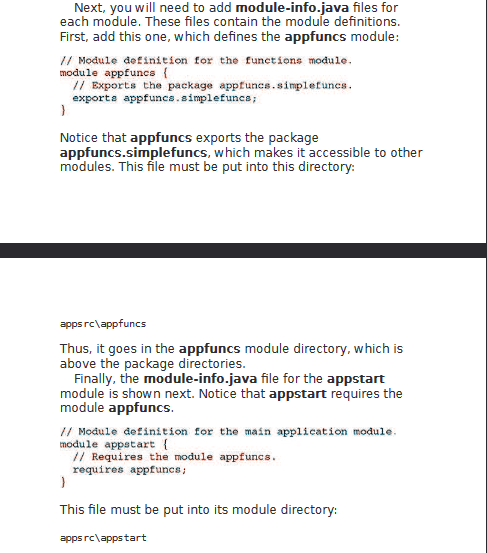
First, add this one, which defines the appfuncs module:
Module definition for the functions module.
module appfuncs
Exports the package appfuncs.simplefuncs.
exports appfuncs.simplefuncs;
Notice that appfuncs exports the package
appfuncs.simplefuncs, which makes it accessible to other
modules. This file must be put into this directory:
apps rc appfuncs
Thus, it goes in the appfuncs module directory, which is
above the package directories.
Finally, the moduleinfo.java file for the appstart
module is shown next. Notice that appstart requires the
module appfuncs.
Module definition for the main application module.
module appstart
Requires the module appfuncs.
requires appfuncs ;
This file must be put into its module directory:
apps rc appstart
Step by Step Solution
There are 3 Steps involved in it
1 Expert Approved Answer
Step: 1 Unlock

Question Has Been Solved by an Expert!
Get step-by-step solutions from verified subject matter experts
Step: 2 Unlock
Step: 3 Unlock
 Study Help