







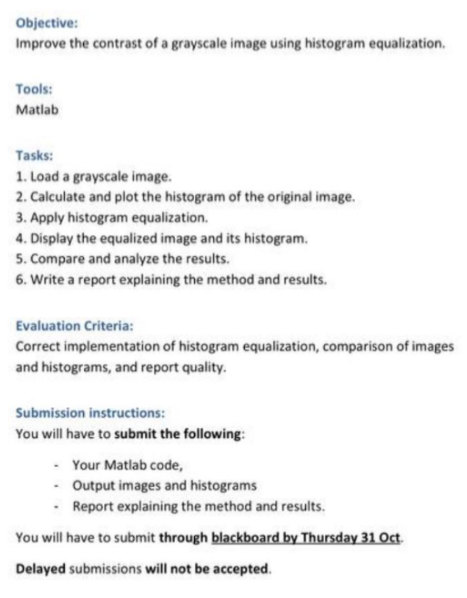
Question: Objective: Improve the contrast of a grayscale image using histogram equalization. Tools: Matlab Tasks: 1 . Load a grayscale image. 2 . Calculate and plot
Objective:
Improve the contrast of a grayscale image using histogram equalization.
Tools:
Matlab
Tasks:
Load a grayscale image.
Calculate and plot the histogram of the original image.
Apply histogram equalization.
Display the equalized image and its histogram.
Compare and analyze the results.
Write a report explaining the method and results.
Evaluation Criteria:
Correct implementation of histogram equalization, comparison of images and histograms, and report quality.
Submission instructions:
You will have to submit the following:
Your Matlab code,
Output images and histograms
Report explaining the method and results.
You will have to submit through blackboard by Thursday Oct.
Delayed submissions will not be accepted.
Step by Step Solution
There are 3 Steps involved in it
1 Expert Approved Answer
Step: 1 Unlock

Question Has Been Solved by an Expert!
Get step-by-step solutions from verified subject matter experts
Step: 2 Unlock
Step: 3 Unlock
 Study Help