







Question: Objective: To write and run a python program that reads in some numbers from a data file, counts them, performs some computations involving the numbers,
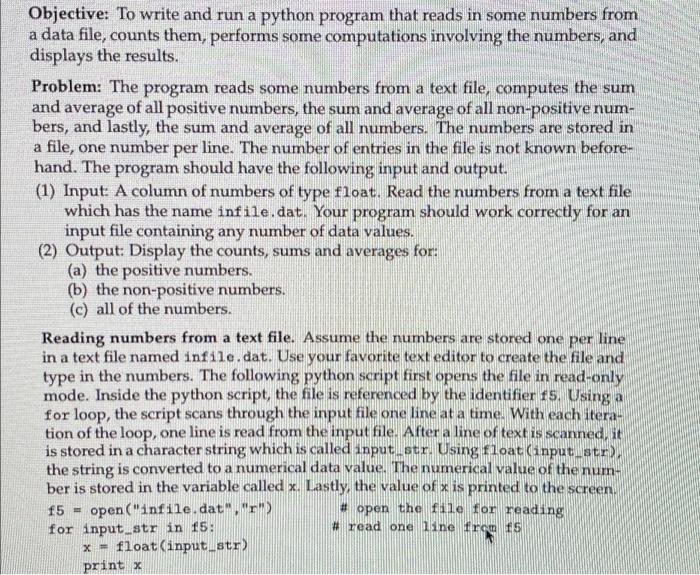
Objective: To write and run a python program that reads in some numbers from a data file, counts them, performs some computations involving the numbers, and displays the results. Problem: The program reads some numbers from a text file, computes the sum and average of all positive numbers, the sum and average of all non-positive num- bers, and lastly, the sum and average of all numbers. The numbers are stored in a file, one number per line. The number of entries in the file is not known before- hand. The program should have the following input and output. (1) Input A column of numbers of type float. Read the numbers from a text file which has the name infile.dat. Your program should work correctly for an input file containing any number of data values. (2) Output: Display the counts, sums and averages for: (a) the positive numbers. (b) the non-positive numbers. (c) all of the numbers. Reading numbers from a text file. Assume the numbers are stored one per line in a text file named infile.dat. Use your favorite text editor to create the file and type in the numbers. The following python script first opens the file in read-only mode. Inside the python script, the file is referenced by the identifier is. Using a for loop, the script scans through the input file one line at a time. With each itera- tion of the loop, one line is read from the input file. After a line of text is scanned, it is stored in a character string which is called anput.str. Using float(input str), the string is converted to a numerical data value. The numerical value of the num- ber is stored in the variable called x. Lastly, the value of x is printed to the screen. f5 = open("infile.dat", "r") #open the file for reading for input str in 15: # read one line from fS x - float(input_str) print x
Step by Step Solution
There are 3 Steps involved in it

Get step-by-step solutions from verified subject matter experts
 Study Help