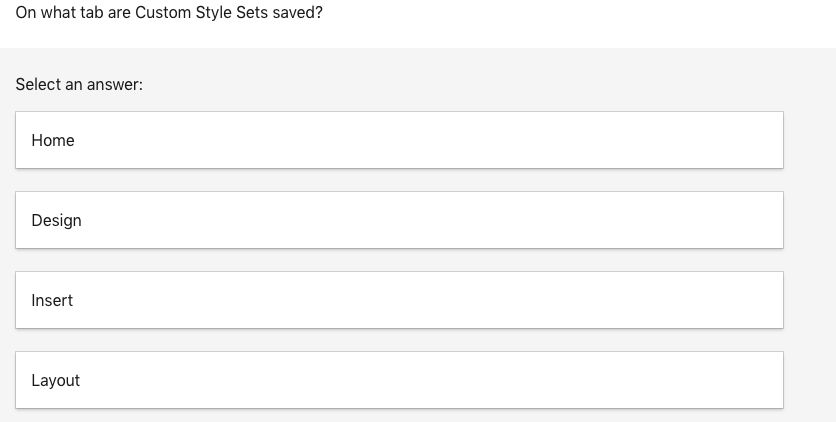
Question: On what tab are Custom Style Sets saved? Select an answer: Home Design Insert Layout If the Automatically Update option of Modify Style is enabled,
On what tab are Custom Style Sets saved? SelectOn what tab are Custom Style Sets saved? SelectOn what tab are Custom Style Sets saved? SelectOn what tab are Custom Style Sets saved? Select

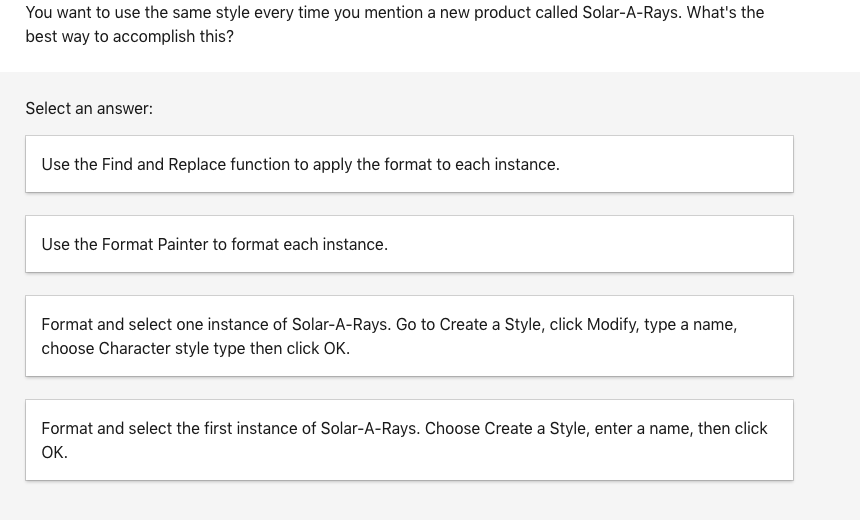
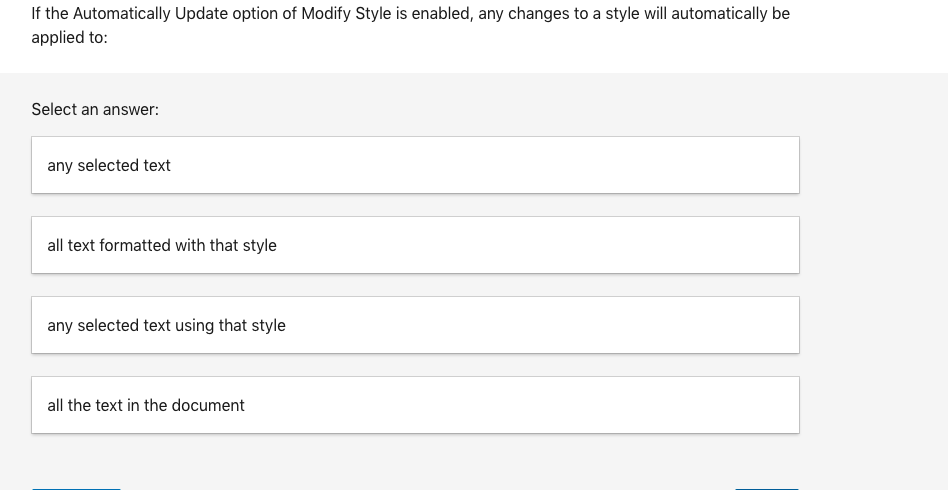
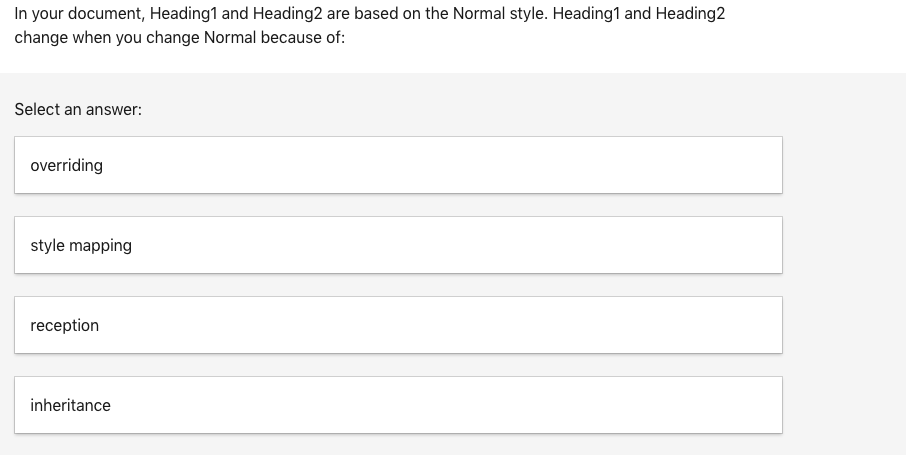
On what tab are Custom Style Sets saved? Select an answer: Home Design Insert Layout If the Automatically Update option of Modify Style is enabled, any changes to a style will automatically be applied to: Select an answer: any selected text all text formatted with that style any selected text using that style all the text in the document In your document, Heading1 and Heading2 are based on the Normal style. Heading1 and Heading2 change when you change Normal because of: Select an answer: overriding style mapping reception inheritance You want to use the same style every time you mention a new product called Solar-A-Rays. What's the best way to accomplish this? Select an answer: Use the Find and Replace function to apply the format to each instance. Use the Format Painter to format each instance. Format and select one instance of Solar-A-Rays. Go to Create a Style, click Modify, type a name, choose Character style type then click OK. Format and select the first instance of Solar-A-Rays. Choose Create a Style, enter a name, then click
Step by Step Solution

There are 3 Steps involved in it

1 Expert Approved Answer
Step: 1 Unlock blur-text-image

Question Has Been Solved by an Expert!

Get step-by-step solutions from verified subject matter experts

Step: 2 Unlock
Step: 3 Unlock

Students Have Also Explored These Related General Management Questions!