







Question: only need the code for calculate button For this assignment, you will create a Windows from application based on the following criteria: 1. Create an
only need the code for calculate button
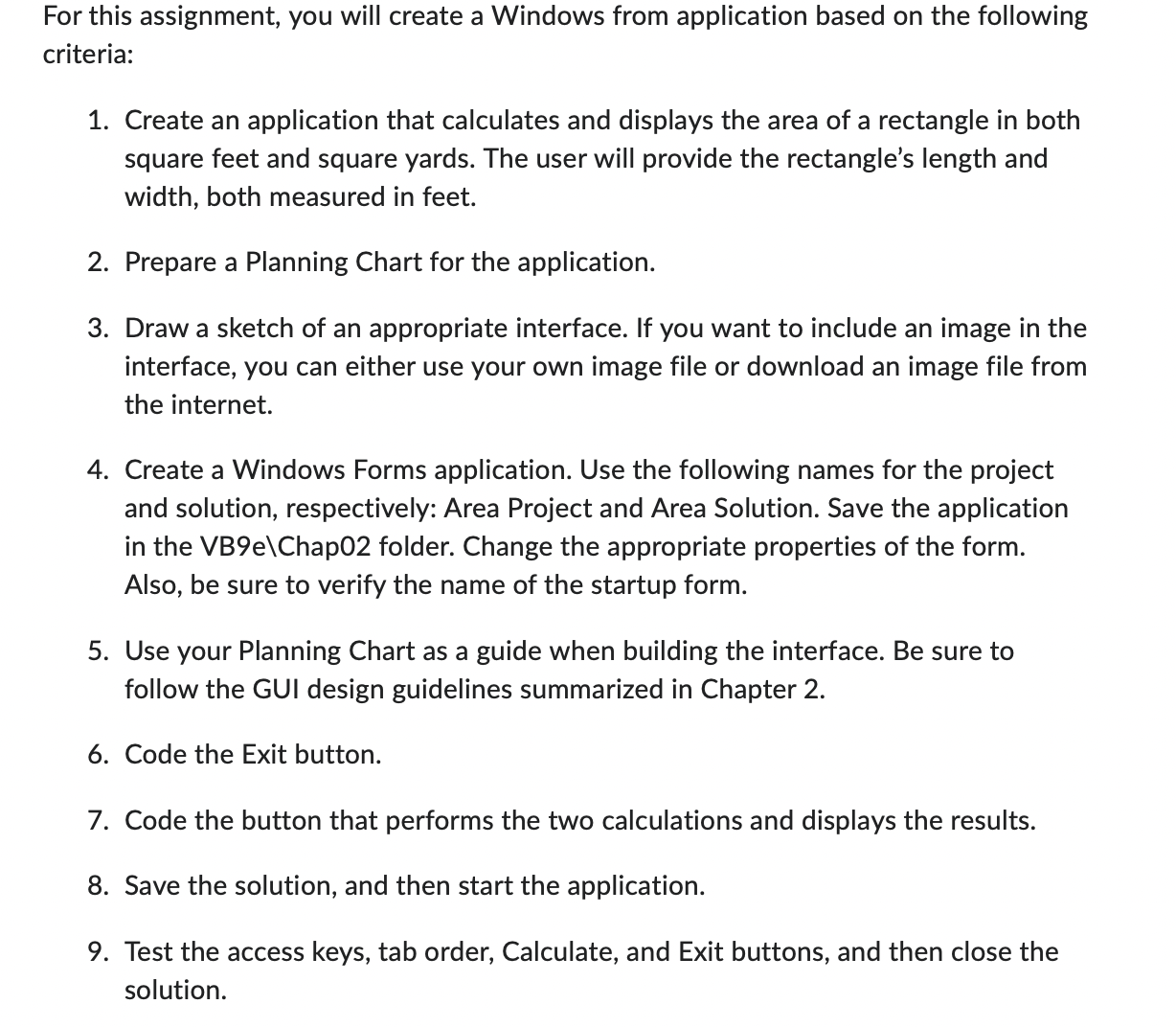
For this assignment, you will create a Windows from application based on the following criteria: 1. Create an application that calculates and displays the area of a rectangle in both square feet and square yards. The user will provide the rectangle's length and width, both measured in feet. 2. Prepare a Planning Chart for the application. 3. Draw a sketch of an appropriate interface. If you want to include an image in the interface, you can either use your own image file or download an image file from the internet. 4. Create a Windows Forms application. Use the following names for the project and solution, respectively: Area Project and Area Solution. Save the application in the VB9e\Chap02 folder. Change the appropriate properties of the form. Also, be sure to verify the name of the startup form. 5. Use your Planning Chart as a guide when building the interface. Be sure to follow the GUI design guidelines summarized in Chapter 2. 6. Code the Exit button. 7. Code the button that performs the two calculations and displays the results. 8. Save the solution, and then start the application. 9. Test the access keys, tab order, Calculate, and Exit buttons, and then close the solution
Step by Step Solution
There are 3 Steps involved in it

Get step-by-step solutions from verified subject matter experts
 Study Help