







Question: Open the followign Workspace and, using git commands, complete the following tasks: - Set your local user name and email in the git configuration. You
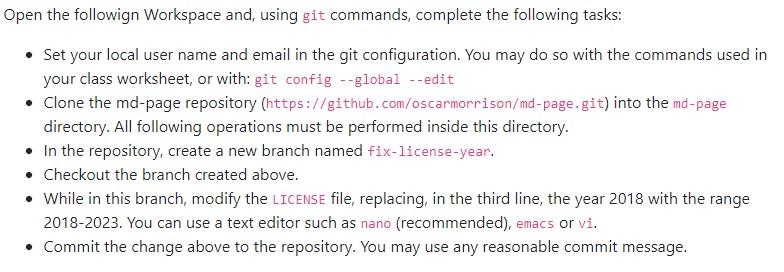
Open the followign Workspace and, using git commands, complete the following tasks: - Set your local user name and email in the git configuration. You may do so with the commands used in your class worksheet, or with: git config --global --edit - Clone the md-page repository (https://github.com/oscarmorrison/md-page. git) into the md-page directory. All following operations must be performed inside this directory. - In the repository, create a new branch named fix-license-year. - Checkout the branch created above. - While in this branch, modify the LICENSE file, replacing, in the third line, the year 2018 with the range 2018-2023. You can use a text editor such as nano (recommended), emacs or vi. - Commit the change above to the repository. You may use any reasonable commit message
Step by Step Solution
There are 3 Steps involved in it

Get step-by-step solutions from verified subject matter experts
 Study Help