







Question: Open the Instruments Worksheet In cell H 2 , create a function to add the text Gold Customer if the Rental Period is 9 ,
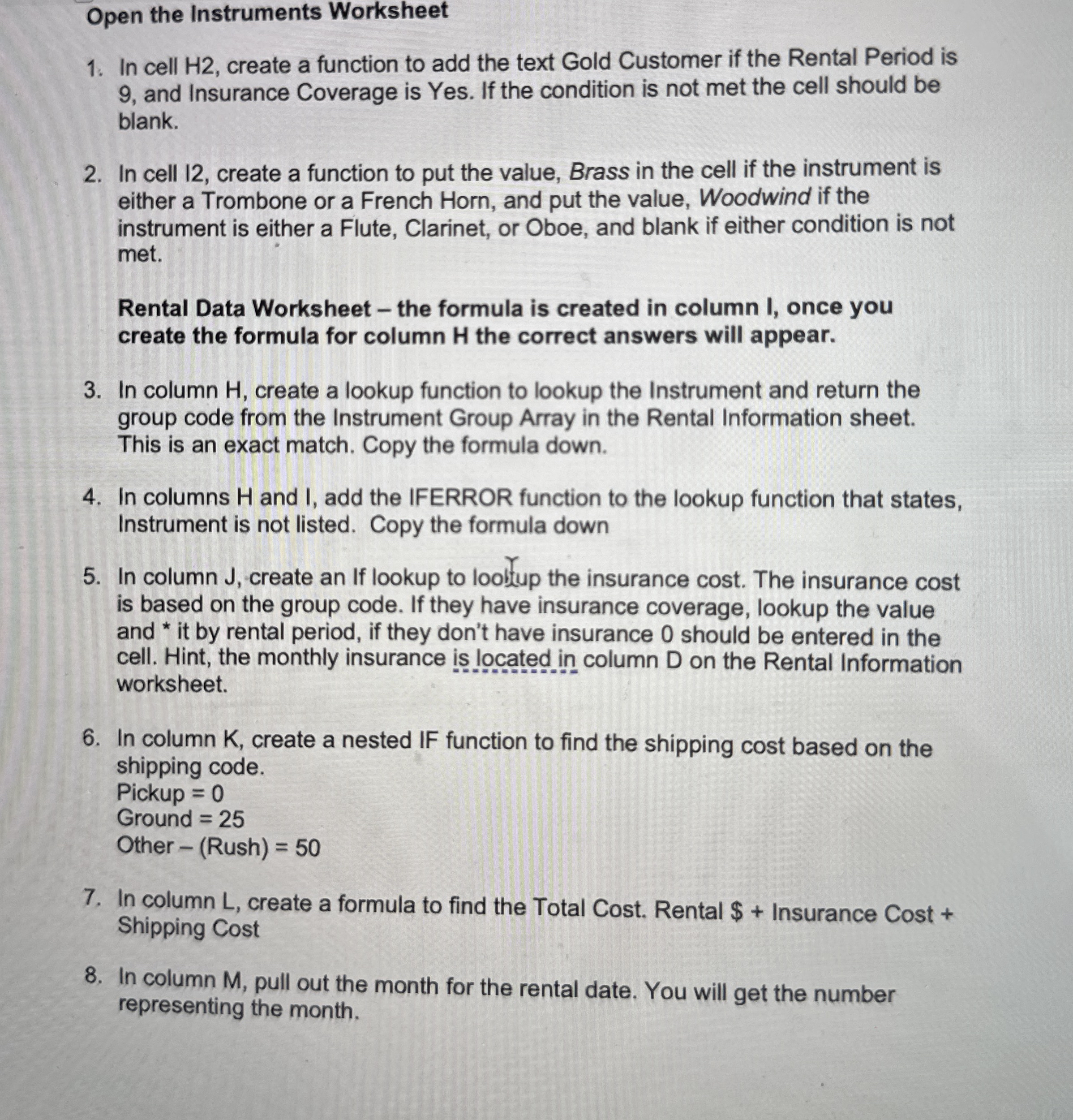
Open the Instruments Worksheet
In cell H create a function to add the text Gold Customer if the Rental Period is and Insurance Coverage is Yes. If the condition is not met the cell should be blank.
In cell create a function to put the value, Brass in the cell if the instrument is either a Trombone or a French Horn, and put the value, Woodwind if the instrument is either a Flute, Clarinet, or Oboe, and blank if either condition is not met.
Rental Data Worksheet the formula is created in column I, once you create the formula for column H the correct answers will appear.
In column H create a lookup function to lookup the Instrument and return the group code from the Instrument Group Array in the Rental Information sheet. This is an exact match. Copy the formula down.
In columns H and I add the IFERROR function to the lookup function that states, Instrument is not listed. Copy the formula down
In column J create an If lookup to loolfup the insurance cost. The insurance cost is based on the group code. If they have insurance coverage, lookup the value and it by rental period, if they don't have insurance should be entered in the cell. Hint, the monthly insurance is located in column D on the Rental Information worksheet.
In column K create a nested IF function to find the shipping cost based on the shipping code.
Pickup
Ground
Other Rush
Step by Step Solution
There are 3 Steps involved in it
1 Expert Approved Answer
Step: 1 Unlock

Question Has Been Solved by an Expert!
Get step-by-step solutions from verified subject matter experts
Step: 2 Unlock
Step: 3 Unlock
 Study Help