







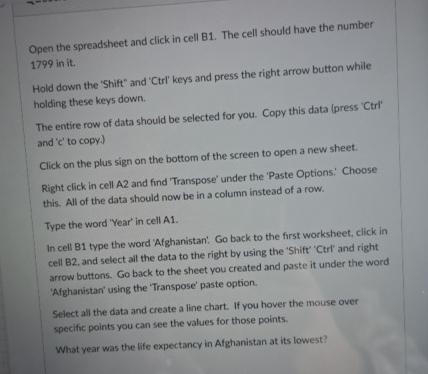
Question: Open the spreadsheet and click in cell B 1 . The cell should have the number 1 7 9 9 in it . Hold down
Open the spreadsheet and click in cell B The cell should have the number in it
Hold down the 'Shift' and Ctrl keys and press the right arrow button while holding these keys down.
The entire row of data should be selected for you. Copy this data press Ctrl and to copy
Click on the plus sign on the bottom of the screen to open a new sheet.
Right click in cell A and find 'Transpose' under the 'Paste Options: Choose this. All of the data should now be in a column instead of a row.
Type the word 'Year' in cell A
In cell B type the word 'Afghanistan'. Go back to the first worksheet, click in cell B and select ail the data to the right by using the 'Shift' Ctr and right arrow buttons. Go back to the sheet you created and paste it under the word 'Afghanistan' using the 'Transpose' paste option.
Select all the data and create a line chart. If you hover the mouse over specific points you can see the values for those points.
What year was the life expectancy in Afghanistan at its lowest?
Step by Step Solution
There are 3 Steps involved in it
1 Expert Approved Answer
Step: 1 Unlock

Question Has Been Solved by an Expert!
Get step-by-step solutions from verified subject matter experts
Step: 2 Unlock
Step: 3 Unlock
 Study Help