







Question: . Open the terminal and using vi/vim create a new script and name it lab8.txt Insert at the top of your file a comment
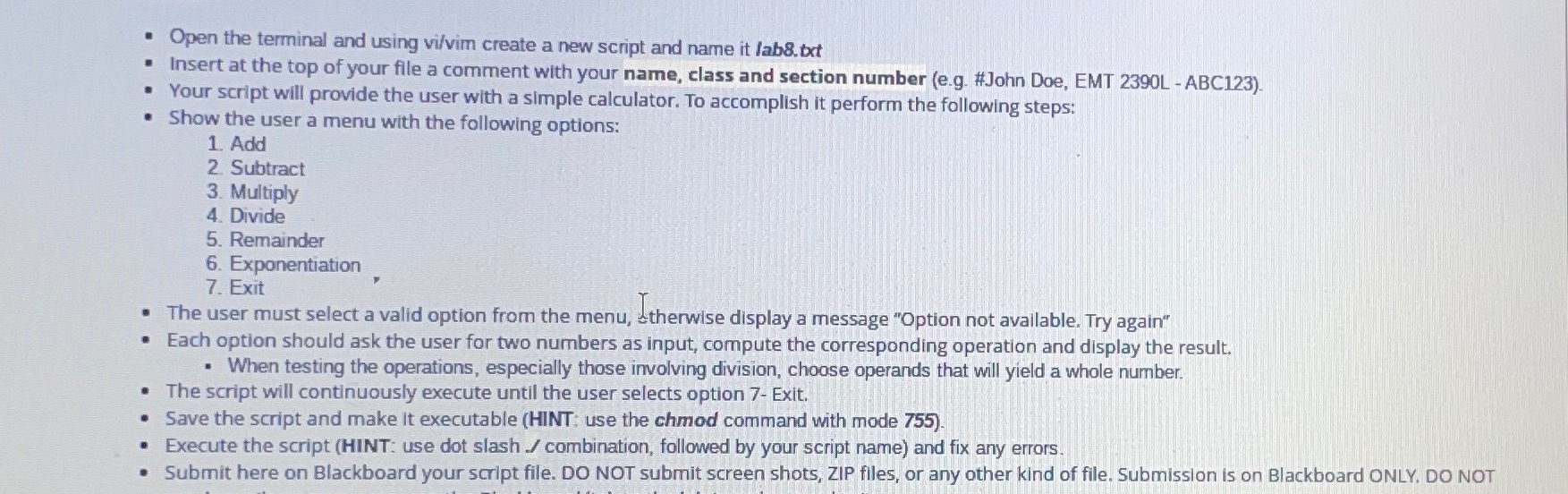
. Open the terminal and using vi/vim create a new script and name it lab8.txt Insert at the top of your file a comment with your name, class and section number (e.g. #John Doe, EMT 2390L-ABC123). Your script will provide the user with a simple calculator. To accomplish it perform the following steps: Show the user a menu with the following options: 1. Add 2. Subtract 3. Multiply 4. Divide 5. Remainder 6. Exponentiation 7. Exit The user must select a valid option from the menu, therwise display a message "Option not available. Try again" Each option should ask the user for two numbers as input, compute the corresponding operation and display the result. When testing the operations, especially those involving division, choose operands that will yield a whole number. The script will continuously execute until the user selects option 7- Exit. Save the script and make it executable (HINT: use the chmod command with mode 755). .Execute the script (HINT: use dot slash / combination, followed by your script name) and fix any errors. Submit here on Blackboard your script file. DO NOT submit screen shots, ZIP files, or any other kind of file. Submission is on Blackboard ONLY. DO NOT
Step by Step Solution
There are 3 Steps involved in it

Get step-by-step solutions from verified subject matter experts
 Study Help