







Question: Paint images on a JPanel Dynamically update the images Continue your practice of event handling Use checkboxes Practice composition Create a gui application that provides
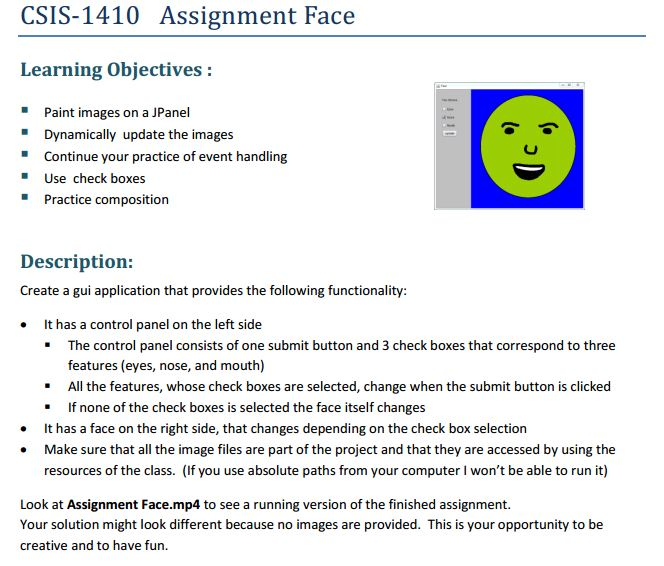
Paint images on a JPanel Dynamically update the images Continue your practice of event handling Use checkboxes Practice composition Create a gui application that provides the following functionality: It has a control panel on the left side The control panel consists of one submit button and 3 check boxes that correspond to three features (eyes, nose, and mouth) All the features, whose check boxes are selected, change when the submit button is clicked If none of the check boxes is selected the face itself changes It has a face on the right side, that changes depending on the check box selection Make sure that all the image files are part of the project and that they are accessed by using the resources of the class. (If you use absolute paths from your computer I won't be able to run it) Look at Assignment Face.mp4 to see a running version of the finished assignment. Your solution might look different because no images are provided. This is your opportunity to be creative and to have fun
Step by Step Solution
There are 3 Steps involved in it

Get step-by-step solutions from verified subject matter experts
 Study Help