







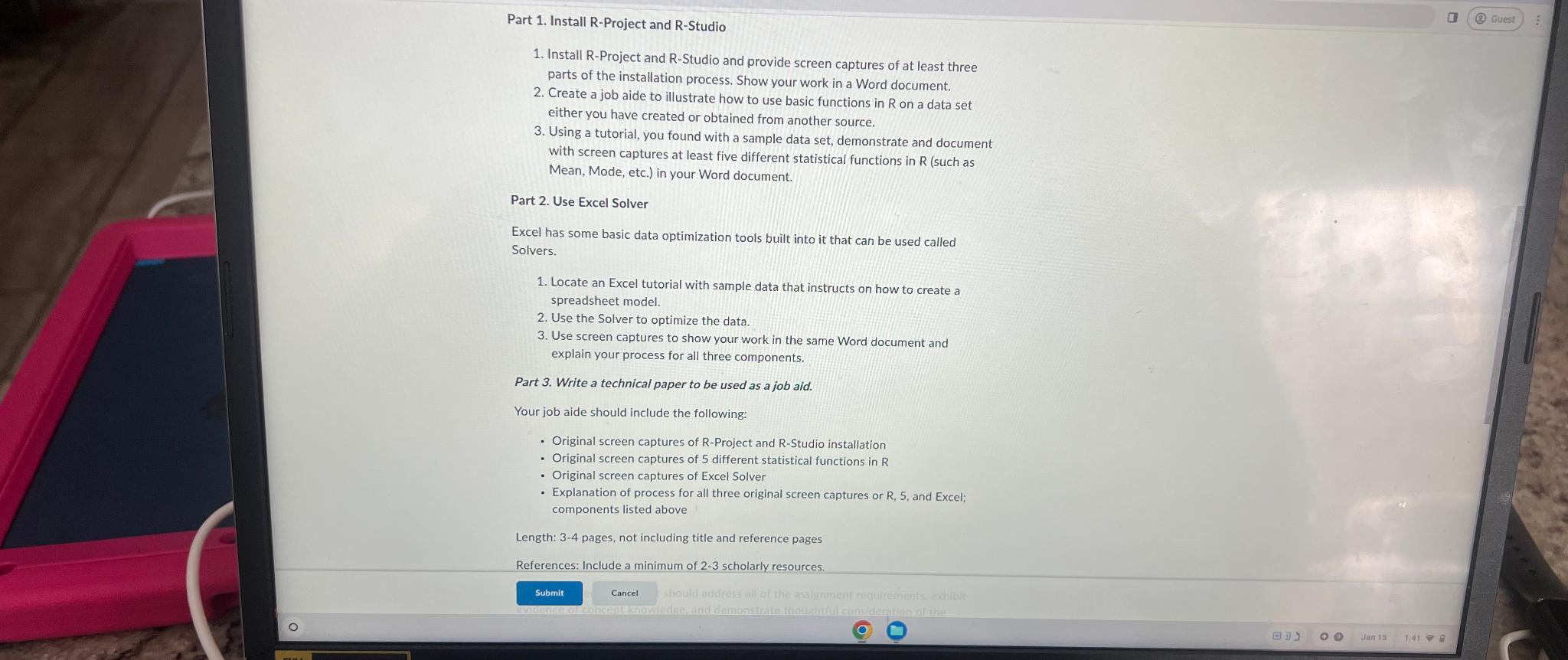
Question: Part 1 . Install R - Project and R - Studio Install R - Project and R - Studio and provide screen captures of at
Part Install RProject and RStudio
Install RProject and RStudio and provide screen captures of at least three parts of the installation process. Show your work in a Word document.
Create a job aide to illustrate how to use basic functions in on a data set either you have created or obtained from another source.
Using a tutorial, you found with a sample data set, demonstrate and document with screen captures at least five different statistical functions in such as Mean, Mode, etc. in your Word document.
Part Use Excel Solver
Excel has some basic data optimization tools built into it that can be used called Solvers.
Locate an Excel tutorial with sample data that instructs on how to create a spreadsheet model.
Use the Solver to optimize the data.
Use screen captures to show your work in the same Word document and explain your process for all three components.
Part Write a technical paper to be used as a job aid.
Your job aide should include the following:
Original screen captures of RProject and RStudio installation
Original screen captures of different statistical functions in R
Original screen captures of Excel Solver
Explanation of process for all three original screen captures or R and Excel; components listed above
Length: pages, not including title and reference pages
References: Include a minimum of scholarly resources.
Step by Step Solution
There are 3 Steps involved in it
1 Expert Approved Answer
Step: 1 Unlock

Question Has Been Solved by an Expert!
Get step-by-step solutions from verified subject matter experts
Step: 2 Unlock
Step: 3 Unlock
 Study Help