







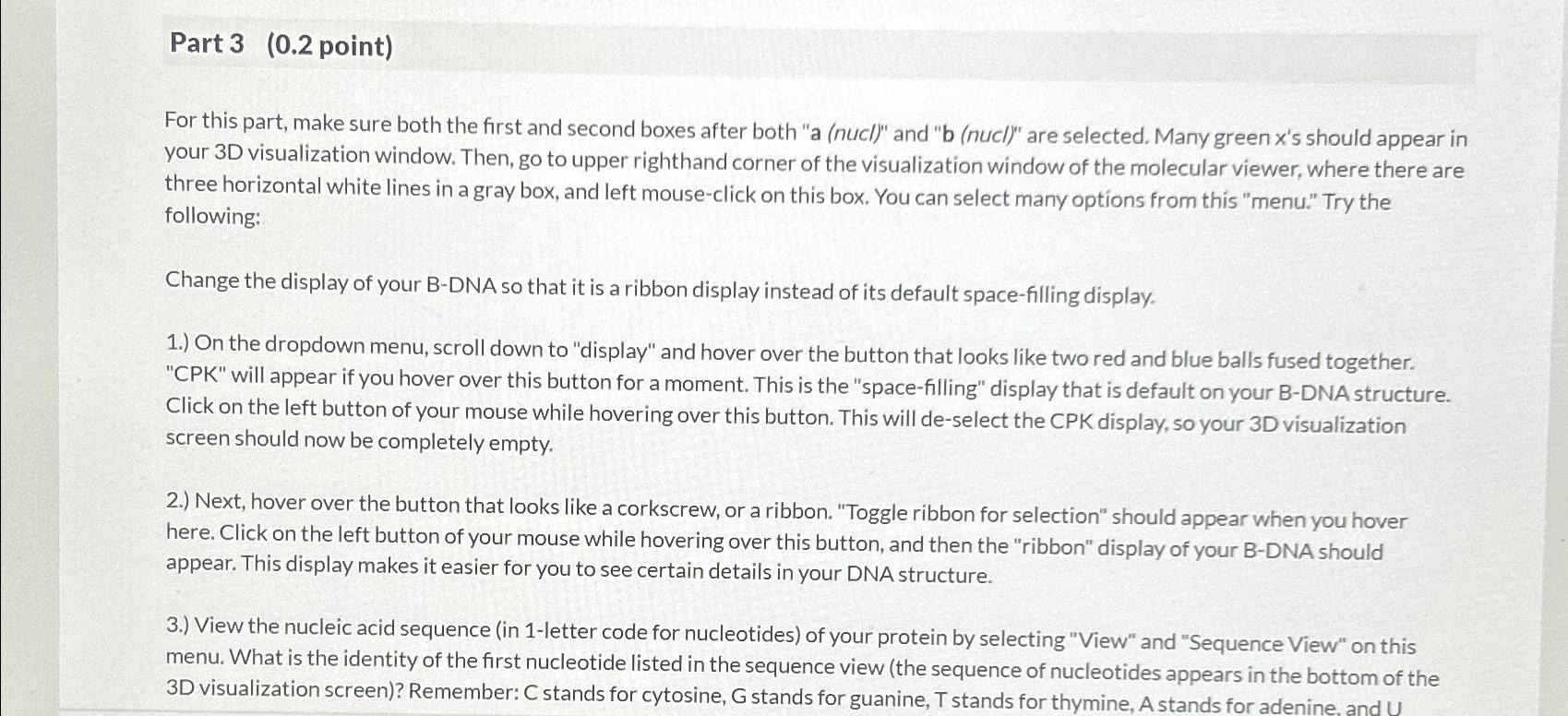
Question: Part 3 ( 0 . 2 point ) For this part, make sure both the first and second boxes after both a ( nucl
Part point
For this part, make sure both the first and second boxes after both a nucl and b nucl are selected. Many green xs should appear in your D visualization window. Then, go to upper righthand corner of the visualization window of the molecular viewer, where there are three horizontal white lines in a gray box, and left mouseclick on this box. You can select many options from this "menu." Try the following:
Change the display of your BDNA so that it is a ribbon display instead of its default spacefilling display.
On the dropdown menu, scroll down to "display" and hover over the button that looks like two red and blue balls fused together. CPK will appear if you hover over this button for a moment. This is the "spacefilling" display that is default on your BDNA structure. Click on the left button of your mouse while hovering over this button. This will deselect the CPK display, so your D visualization screen should now be completely empty.
Next, hover over the button that looks like a corkscrew, or a ribbon. "Toggle ribbon for selection" should appear when you hover here. Click on the left button of your mouse while hovering over this button, and then the "ribbon" display of your BDNA should appear. This display makes it easier for you to see certain details in your DNA structure.
View the nucleic acid sequence in letter code for nucleotides of your protein by selecting "View" and "Sequence View" on this menu. What is the identity of the first nucleotide listed in the sequence view the sequence of nucleotides appears in the bottom of the D visualization screen Remember: stands for cytosine, stands for guanine, stands for thymine, A stands for adenine, and
Step by Step Solution
There are 3 Steps involved in it
1 Expert Approved Answer
Step: 1 Unlock

Question Has Been Solved by an Expert!
Get step-by-step solutions from verified subject matter experts
Step: 2 Unlock
Step: 3 Unlock
 Study Help