







Question: Part III-HBox and BorderPane in JavaFX Control Circle FX:In Eclipse, create a new project named IC07_ControlCircleFX and a single class file named ControlCircle. Be sure
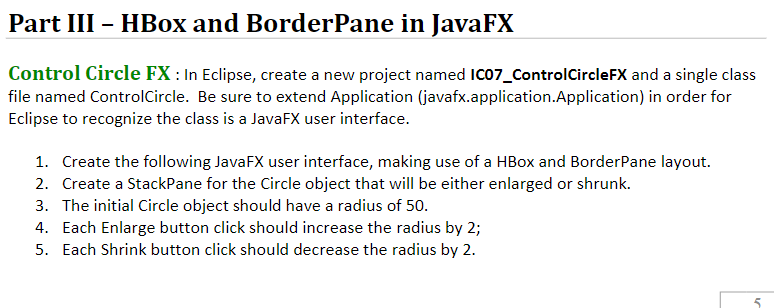
Part III-HBox and BorderPane in JavaFX Control Circle FX:In Eclipse, create a new project named IC07_ControlCircleFX and a single class file named ControlCircle. Be sure to extend Application (javafx.application.Application) in order for Eclipse to recognize the class is a JavaFX user interface. 1. 2. 3. 4. 5. Create the following JavaFX user interface, making use of a HBox and BorderPane layout. Create a StackPane for the Circle object that will be either enlarged or shrunk. The initial Circle object should have a radius of 50. Each Enlarge button click should increase the radius by 2; Each Shrink button click should decrease the radius by 2
Step by Step Solution
There are 3 Steps involved in it

Get step-by-step solutions from verified subject matter experts
 Study Help