







Question: PHET Simulator Exploration: You can check your ideas using a special computer program. Open the Balloons & Static Electricity simulation. Set the simulator Show all
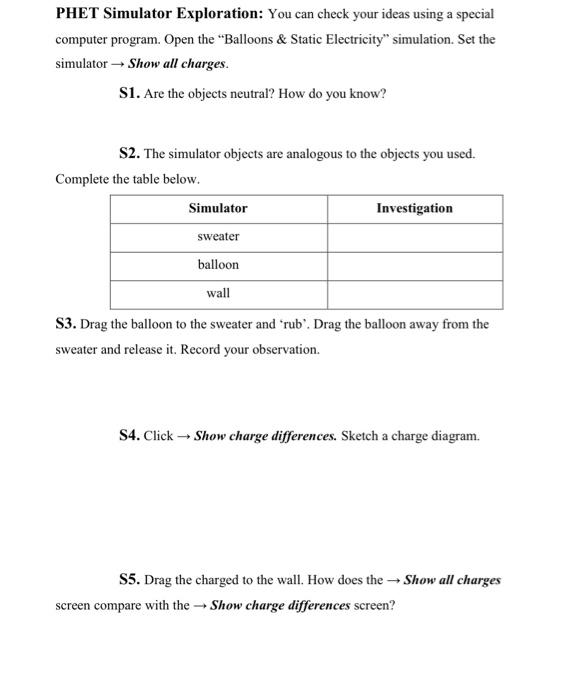
PHET Simulator Exploration: You can check your ideas using a special computer program. Open the "Balloons & Static Electricity" simulation. Set the simulator Show all charges. S1. Are the objects neutral? How do you know? S2. The simulator objects are analogous to the objects you used. Complete the table below. Simulator Investigation sweater balloon wall S3. Drag the balloon to the sweater and rub'. Drag the balloon away from the sweater and release it. Record your observation. S4. Click Show charge differences. Sketch a charge diagram. S5. Drag the charged to the wall. How does the Show all charges screen compare with the - Show charge differences screen
Step by Step Solution
There are 3 Steps involved in it

Get step-by-step solutions from verified subject matter experts
 Study Help