







Question: PHP Exercise 2-2 Create a new html document in your text editor. Be sure to include all the appropriate html tags for a basic document.
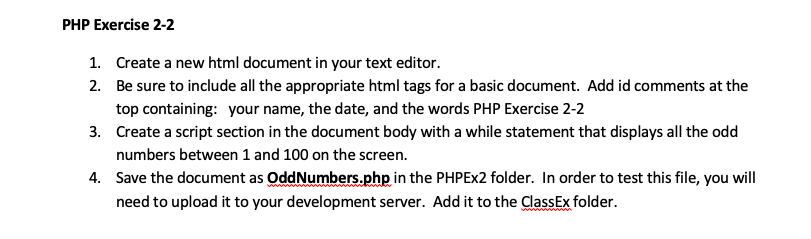
PHP Exercise 2-2
- Create a new html document in your text editor.
- Be sure to include all the appropriate html tags for a basic document. Add id comments at the top containing: your name, the date, and the words PHP Exercise 2-2
- Create a script section in the document body with a while statement that displays all the odd numbers between 1 and 100 on the screen.
- Save the document as OddNumbers.php in the PHPEx2 folder. In order to test this file, you will need to upload it to your development server. Add it to the ClassEx folder.
PHP Exercise 2-2 1. Create a new html document in your text editor. 2. Be sure to include all the appropriate html tags for a basic document. Add id comments at the top containing: your name, the date, and the words PHP Exercise 2-2 3. Create a script section in the document body with a while statement that displays all the odd numbers between 1 and 100 on the screen. 4. Save the document as OddNumbers.php in the PHPEx2 folder. In order to test this file, you will need to upload it to your development server. Add it to the ClassEx folder
Step by Step Solution
There are 3 Steps involved in it
1 Expert Approved Answer
Step: 1 Unlock

Question Has Been Solved by an Expert!
Get step-by-step solutions from verified subject matter experts
Step: 2 Unlock
Step: 3 Unlock
 Study Help